Add to LakeOps
Storefront
Put what you have for sale on a page in your logo and colors, or on your own website. Buyers ask about a unit or ask for the price, and it lands in your inbox.
$19 a month
Start with LakeOps, then switch Storefront on yourself in Settings › Products. It is added to your LakeOps bill.
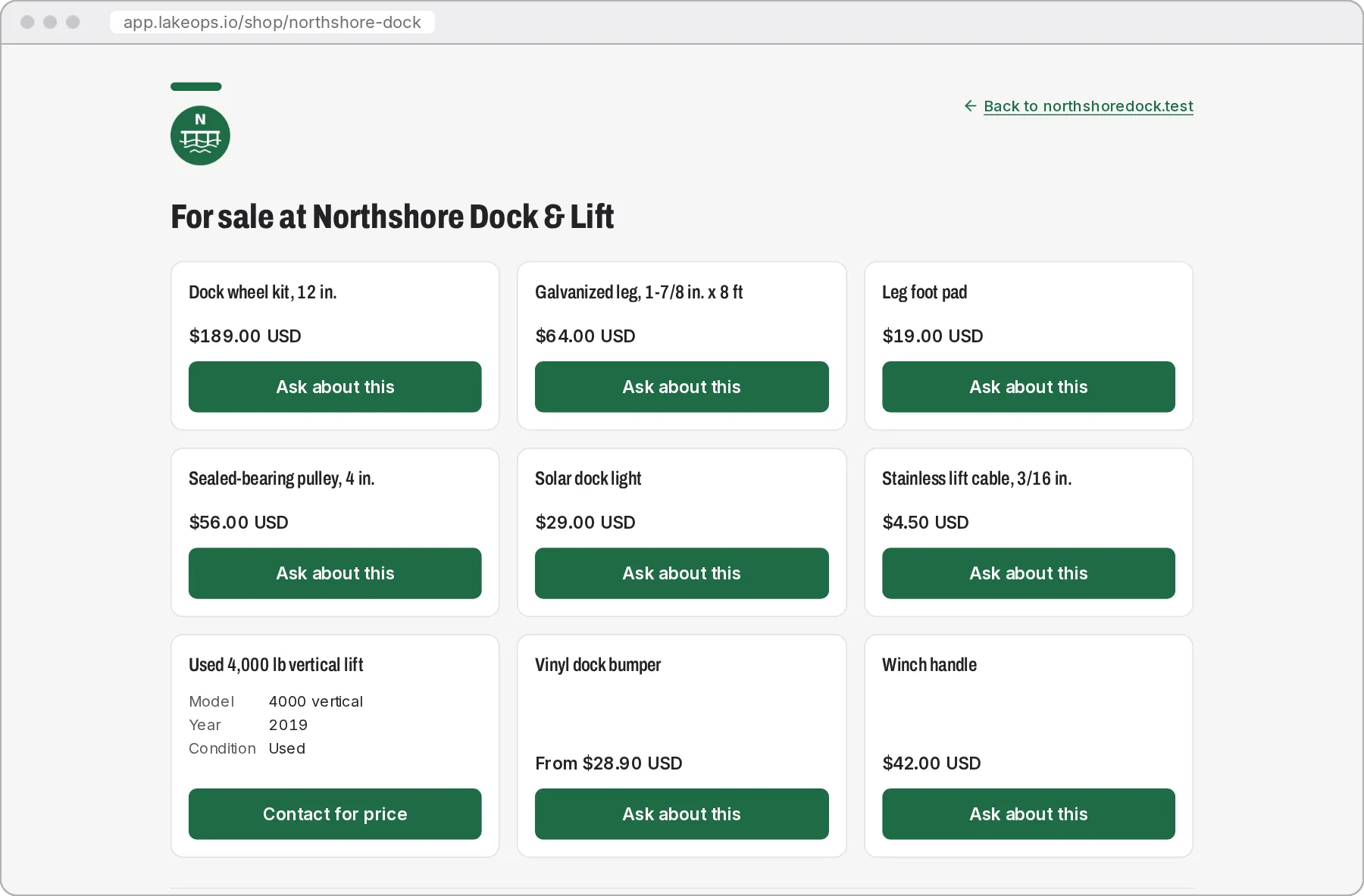
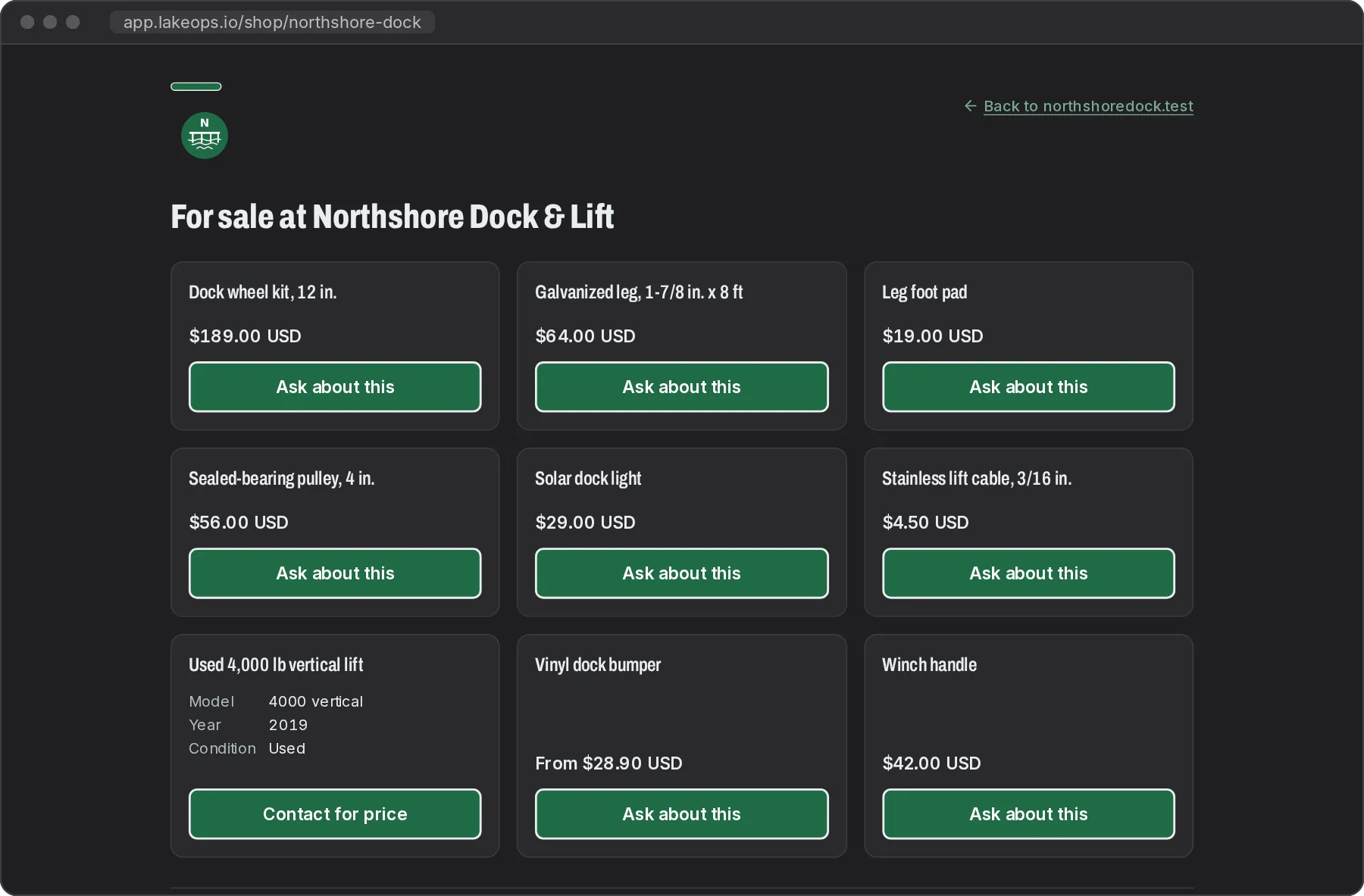
LakeOps is the core. Storefront is added to your LakeOps account and works from its customers, its catalog and its branding.
LakeOpsWho it is for
- Shops that sell lifts, docks, boats and parts and want customers to see what is on the floor without a phone call.
- Shops that already have a website and want the listing on it.
What it does
Show what you have
You choose what goes on the page.
-
A hosted page in your branding
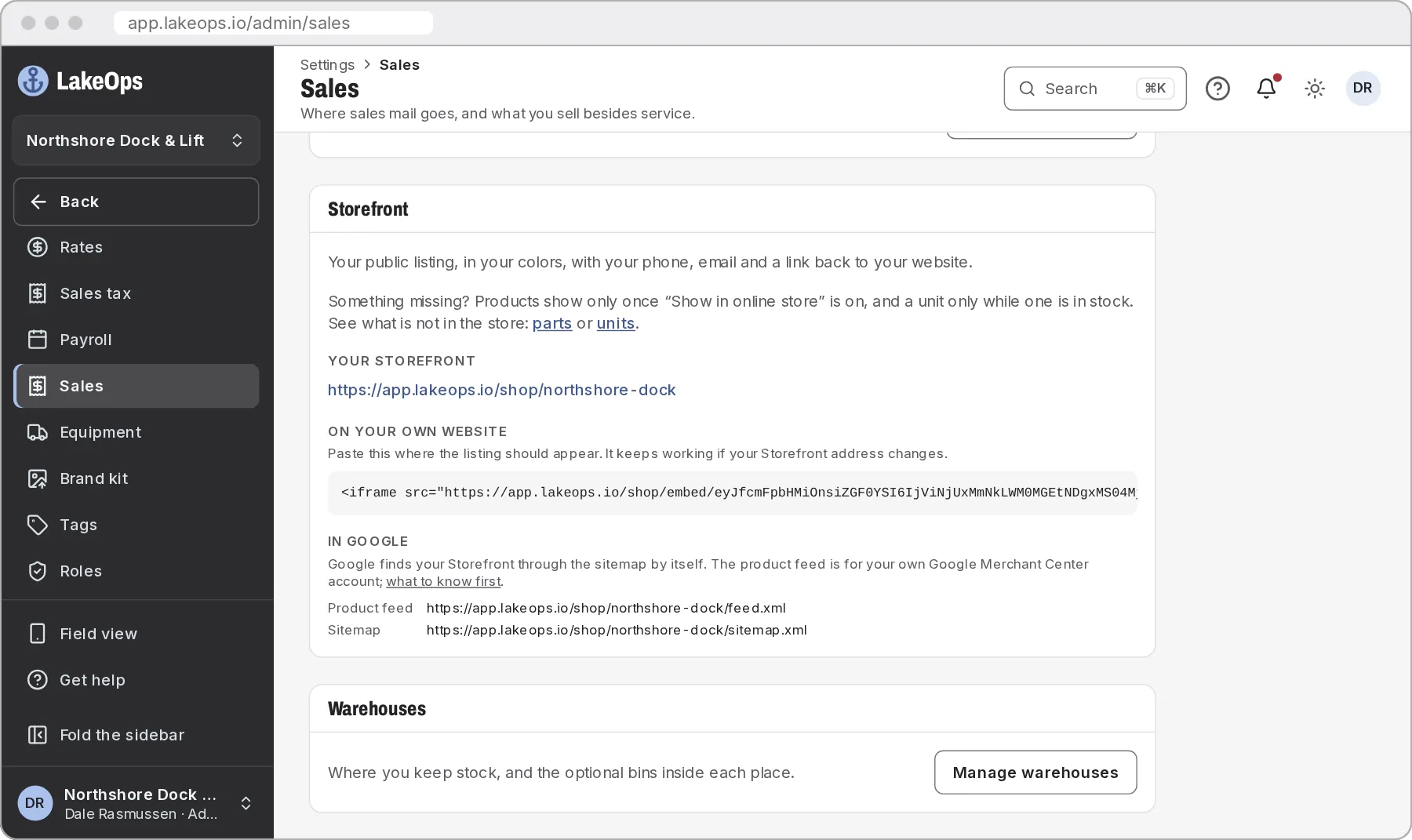
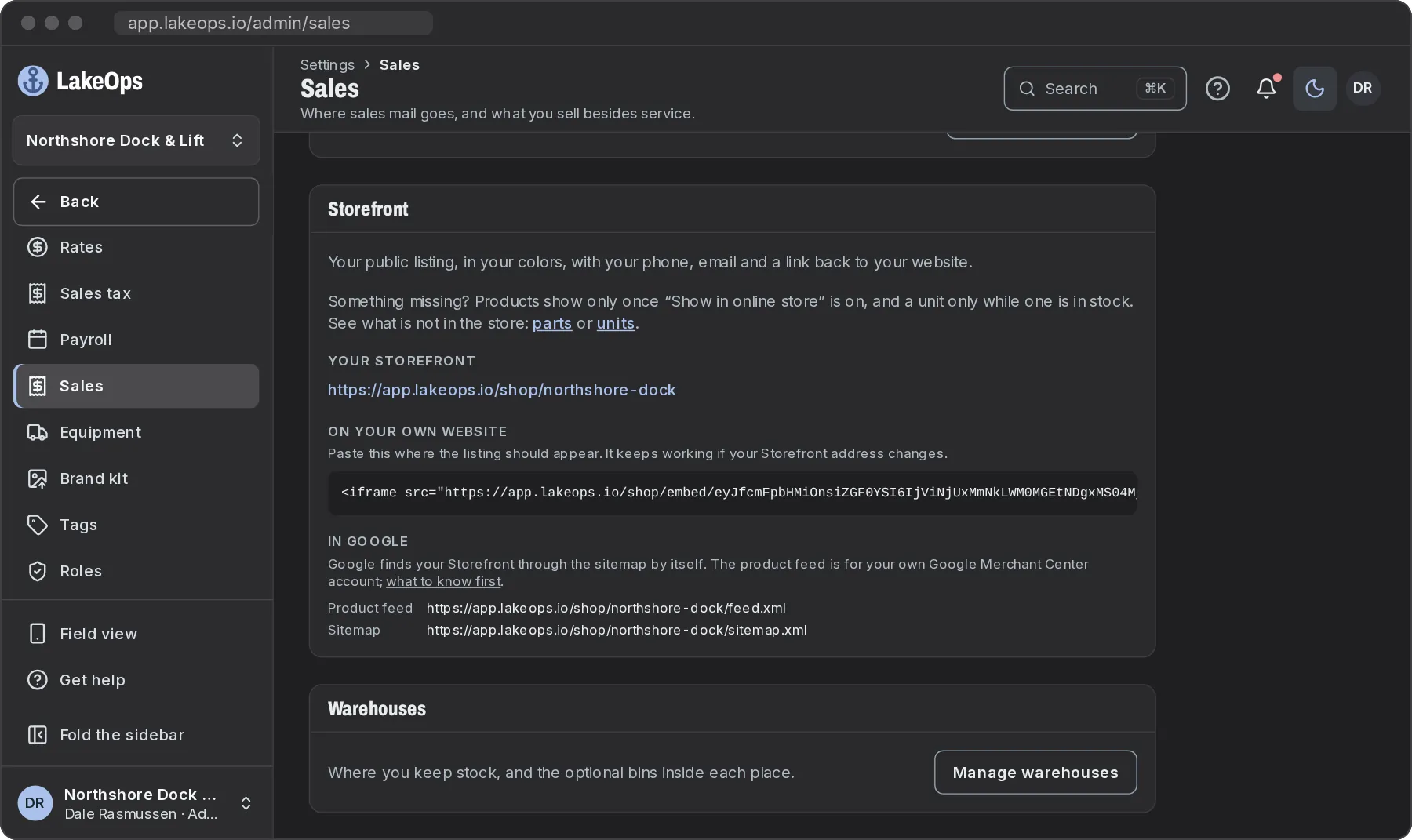
Your listing lives on a page of its own address, with your logo and brand color, and links back to your website, phone and email. Your Storefront: a public listing of what you sell
-
Choose what is shown
Publish the products you want, with listing-only text, photos and, for a unit, its make, model, year and condition. Your Storefront: a public listing of what you sell
-
Prices that follow promotions
While a promotion is on, your listing shows the promotion price. Promotions: putting products on sale
-
On your own website
Paste one embed snippet into your site and the listing shows there, in an iframe. Your Storefront: a public listing of what you sell
Let buyers ask, and buy
Interest turns into a customer you can reach.
-
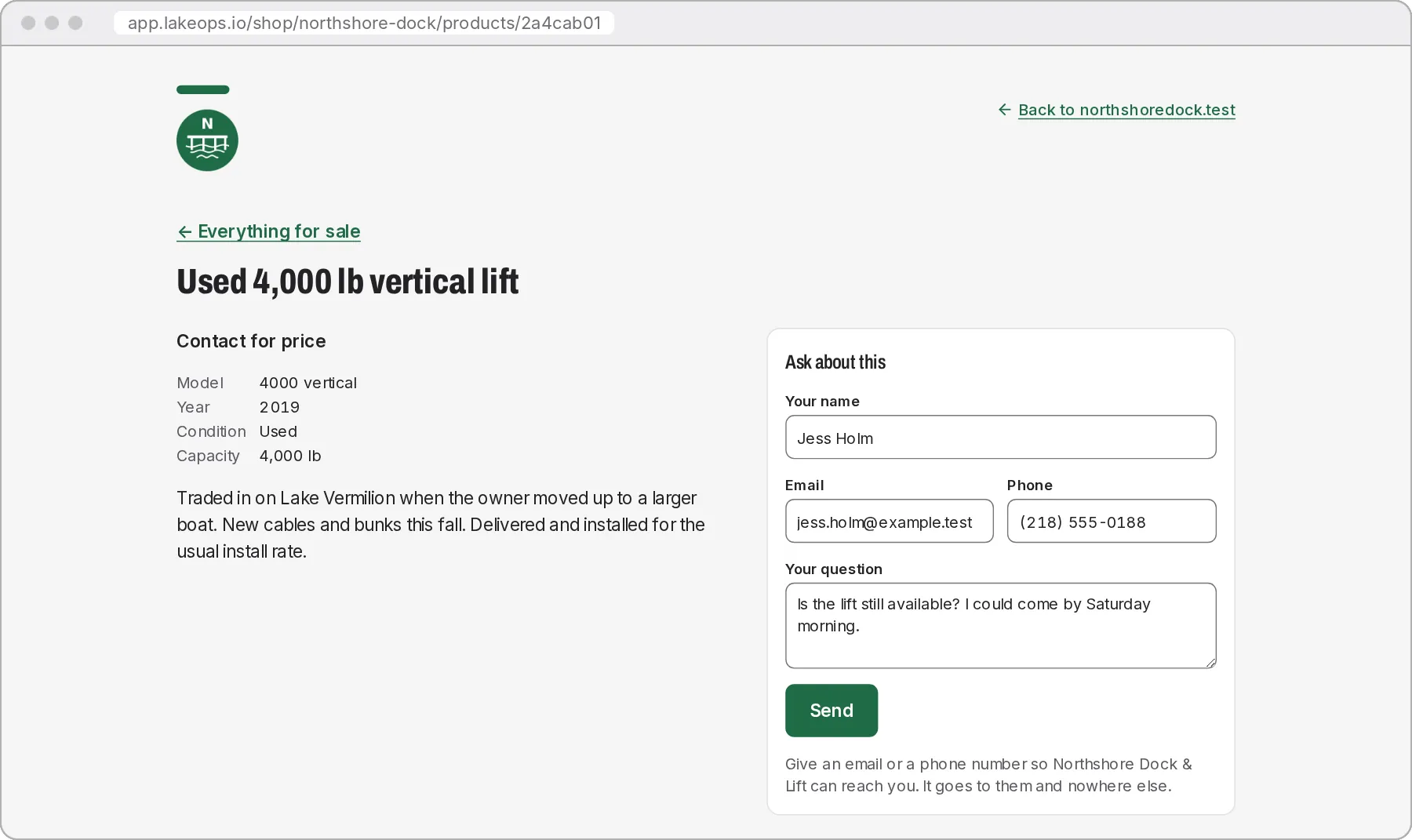
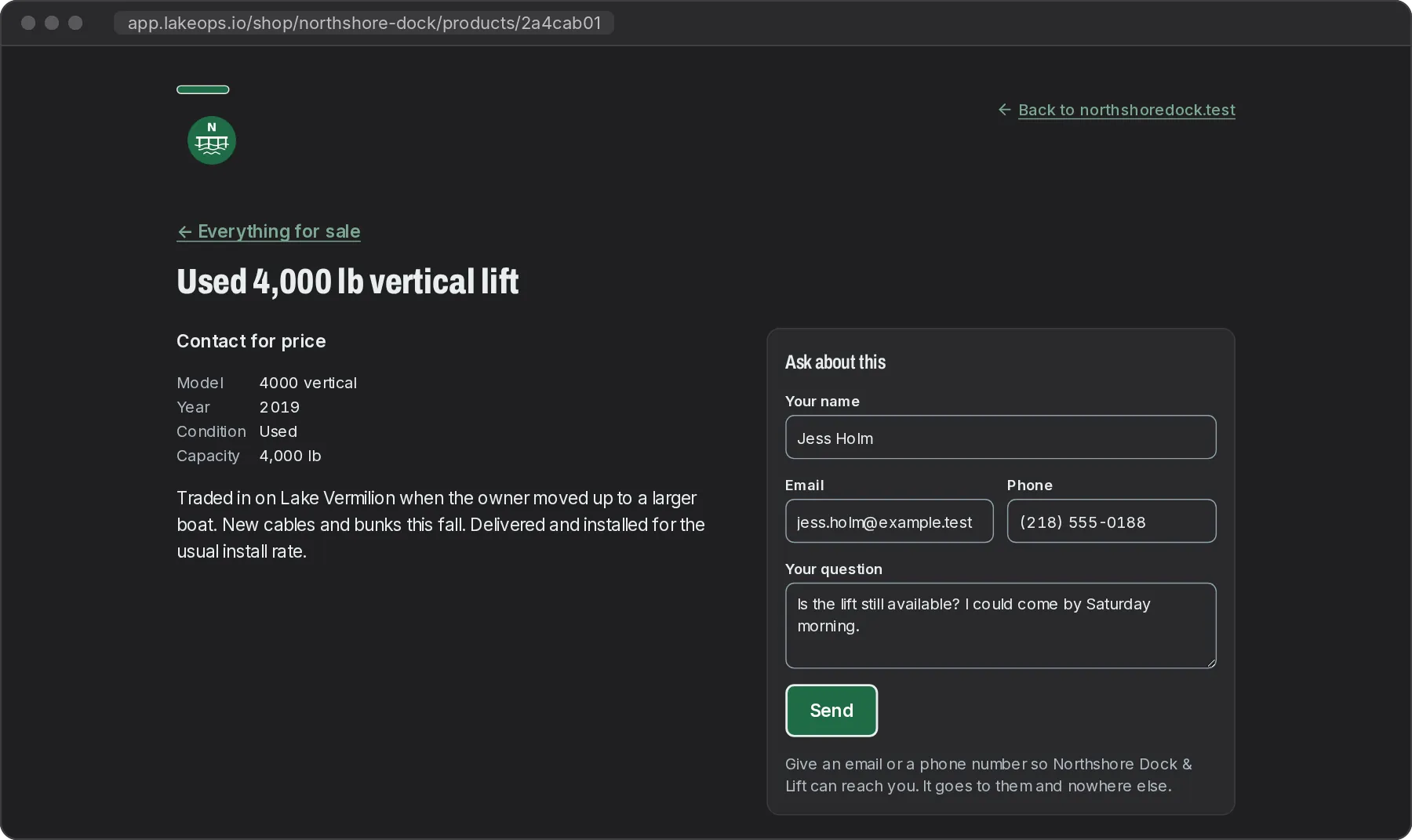
Contact for price
Hide a price and a buyer asks for it instead. The question becomes a request in your inbox and goes to your sales email. Your Storefront: a public listing of what you sell
-
A Buy button
Turn on online orders and a product in stock with a price gets a Buy button. Buy shows only while a product is in stock and priced, and not set to Contact for price, so nobody pays for something you cannot hand over. The buyer pays by card through LakeOps Payments, the stock is held while they pay, and the order waits for you on its job. Online orders: the Buy button on your Storefront
Be found
The page is built for search, not just for people who have the link.
-
In Google
Your Storefront has a sitemap and descriptions Google reads without any setup, and a product feed for your own Google Merchant Center account. Your Storefront in Google
-
Your own web address
Put your Storefront on your own subdomain, such as shop.yourcompany.com: LakeOps shows the records to add at your DNS host and the address goes live once they are found. The pay links in your completion, statement and quote emails use it too. Your Storefront on your own web address
Works with the rest of LakeOps
LakeOps
Storefront is added to LakeOps and uses your logo, brand color and website from your account, so it looks like the quotes and emails your customers already get. A buyer who asks becomes a customer in the same book.
Inventory
Add Inventory and your listing shows availability, and an item that sells comes off for the next buyer.
POS
Add POS and the units you list are the ones you ring up at the counter, from one catalog.
LakeOps Payments
The Buy button takes payment through LakeOps Payments.
What it costs
$19 a month
Added to your LakeOps plan, per account. Storefront is also in the Sales Suite at $69 a month with POS and Inventory. Online orders paid by card go through LakeOps Payments at its usual 1%.
Already in every LakeOps account
At no extra charge: your product list with prices, multi-line quotes with parts and units on them, a deposit when the customer accepts a quote (with LakeOps Payments on), products added to a job, and customer credit kept from an overpayment.
Only the account owner can remove a product, from Settings › Products. It stops at the end of the month you have paid for, and your records are kept.
Questions people ask
- Do I need LakeOps to have a Storefront?
- Yes. Storefront is added to a LakeOps account and lists products from its catalog, in the branding of its account.
- Will it look like my company?
- Yes. The page uses your logo and brand color, and a Powered by LakeOps line stays in the footer.
- Can I put it on my own website?
- Yes. Paste the embed snippet into your site and the listing shows there.
- Where do questions go?
- Into your requests in LakeOps and by email to your sales email.
Read more in the help center
More from LakeOps
The core
LakeOps
Starts at $199 a month
The season, the map, the crew’s phone and the bill, for a company that installs and removes docks and lifts. The core that every other product is added to.
See LakeOps
Add to LakeOps
POS
$39 a month
Ring up counter sales for parts, lifts and units from your catalog, and take cash, check, a card or put it on account. Added to LakeOps.
See POS
Add to LakeOps
Inventory
$29 a month
Know what you have on the shelf and in each warehouse, what it cost, and every movement in and out. Added to LakeOps.
See Inventory