On the water
The crew app works where there’s no signal
The LakeOps crew app works with no cell service. The day’s properties, pieces, pins and access notes load onto the phone before the crew leaves the landing, and every completion, note and clock they record on the water goes up when the phone is back in range. For dock work that isn’t a nice extra — it’s the difference between a real record and a decorative one, because the first time a tap fails for want of bars, the crew stops tapping.
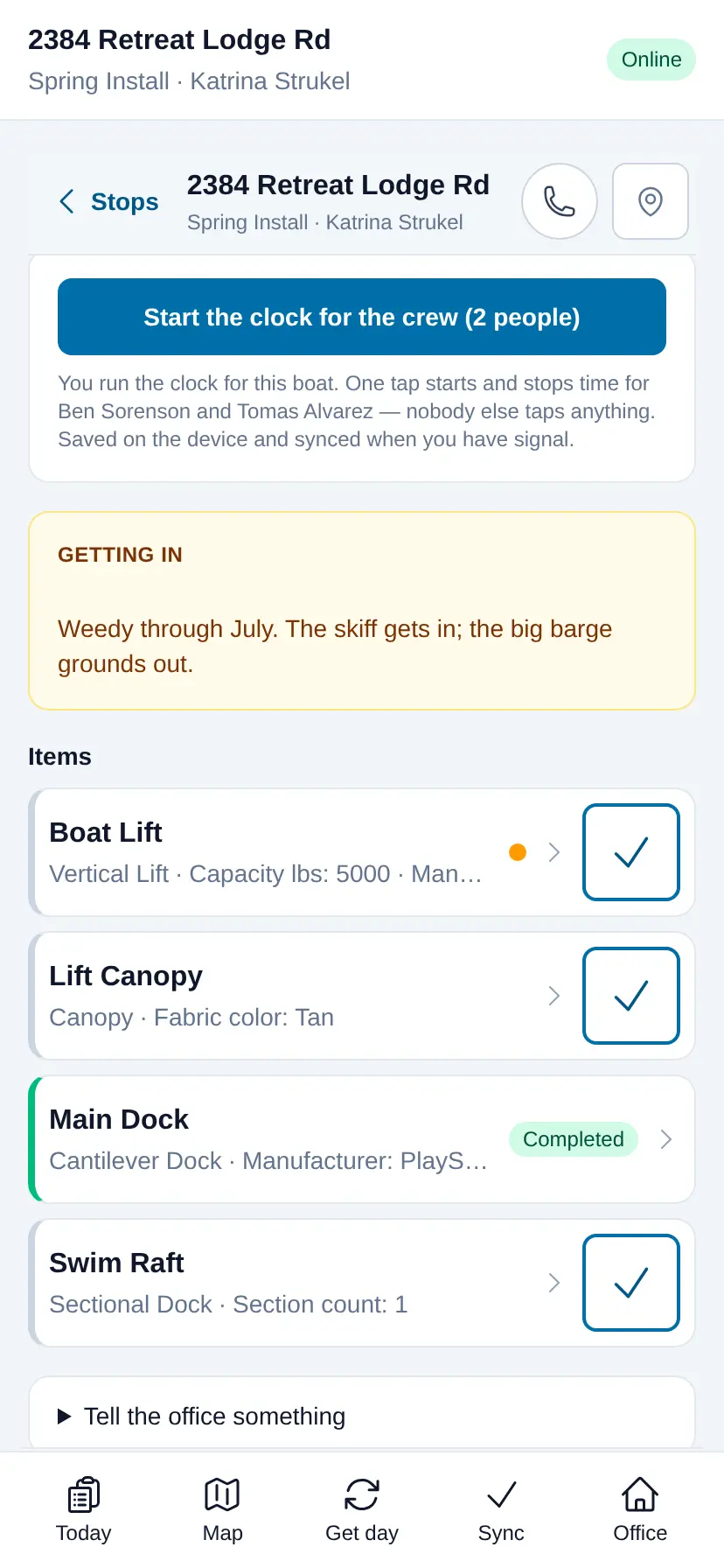
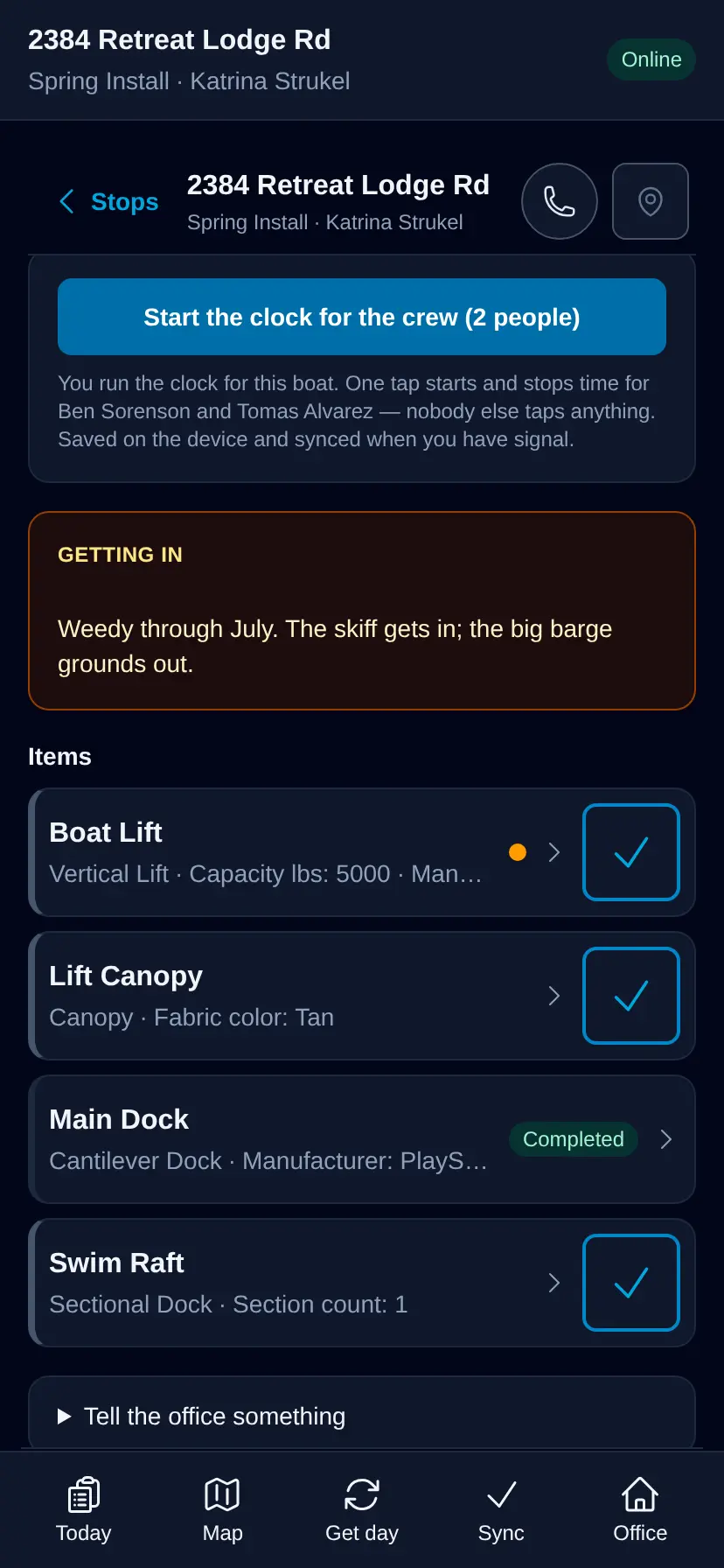
Pieces get ticked off one at a time, not in a lump at the end of the day
Nobody is asking a deckhand to work a phone with wet gloves over open water. Whoever has the device marks each piece as it’s finished — usually the operator, sometimes a crew member once they’re back aboard and pulling away. What matters is that it happens at the property and not from memory in the truck on Friday, because by Friday the record is fiction. That’s the record your handoff, your bill and your minutes-per-piece all come out of, so it has to be made at the moment the work happens.
- Anybody aboard can mark a piece; closing the job out stays with whoever’s running the boat
- Closing a job prices it and emails the customer, so it’s kept to one person
- Skip a piece and it asks why — that’s the line you’ll want when the bill is questioned
- Photos of the finished work go on the piece and out with the bill
The day’s on the phone before you leave the landing
Everything the crew needs is on the device before they push off: the properties, every piece, the pins, the access notes, the reference photos. After that they can be gone all day with no bars. Nothing they tap is lost, and nothing lands twice — if the boat comes back into range and the phone sends the same thing again, it still counts once.
- Nothing a crew taps is ever lost. Nothing gets recorded twice.
- Photos taken with no signal are kept on the phone and go up when there are bars. Everything else records with none.
- The clock keeps running through a dead zone, because on-site minutes are billable
- Name an operator and one tap runs the clock for everyone aboard — the crew doesn’t babysit timers, and everyone still gets their own hours
- Work that got marked done stays done
- Bearing and distance to the nearest open work, so a boat that finishes early isn’t guessing
Built for a wet glove on a moving boat
Buttons big enough to hit with a glove on, a bar along the bottom you can reach one-handed, and colors that still read in direct sun. It goes on the phone’s home screen like any other icon — there’s nothing to push out to a crew in April and nothing for a new crew member to install on their first morning.
- Sun mode: one tap and every panel goes opaque, every edge goes heavy — for the twenty minutes a day when the water is a mirror
- The access note in front of the crew before they leave the landing
- Reference photos on the way in — where it goes on an install, how it stacks on a removal
- One login for the owner who’s at the desk in the morning and on the boat at noon
- Nothing to approve, nothing to update, nothing to explain to a crew member who started Tuesday
Questions about this
- Does it really work with no cell service?
- Yes. The day loads onto the phone before the crew leaves, and every completion, clock, note and photograph recorded afterward is stored on the device and sent when they’re back in range. One thing needs a connection: the first time anybody opens a lake — pulling the map imagery down once.
- Is there an app to install from the App Store?
- No. It’s a web app that goes on the phone’s home screen when you want it there. Nothing to get approved, nothing to push out to a crew in April, nothing for a seasonal crew member to install on their first morning.
- What if two people mark the same piece?
- The first one stands. Work that got marked done never comes un-done, and a second tap on the same piece doesn’t create a second record or a second charge.
Put your own shoreline on the screen
Create the account yourself, import your customer list, drop a few pins, and you’re looking at your own water this afternoon. No sales call, no setup fee, and nothing charged until your first season generates work.
No card, no sales call, nothing to book — you're in within a minute. Send us a question if you'd rather ask a person first.