Add to LakeOps
POS
Ring up the part, the lift or the unit at the counter, from the same catalog and customer list LakeOps already holds, and take the money any way a customer pays.
$39 a month
Start with LakeOps, then switch POS on yourself in Settings › Products. It is added to your LakeOps bill.
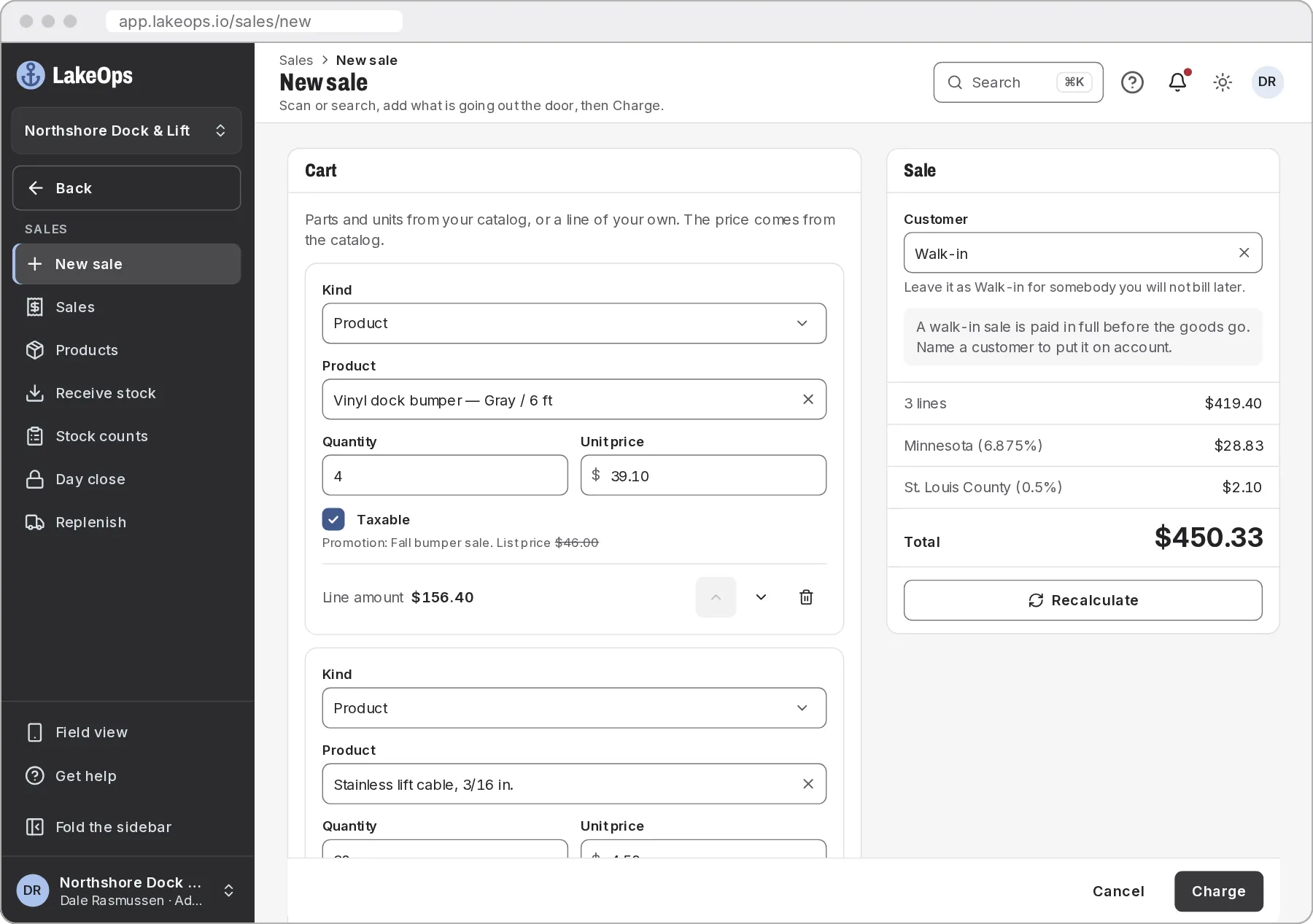
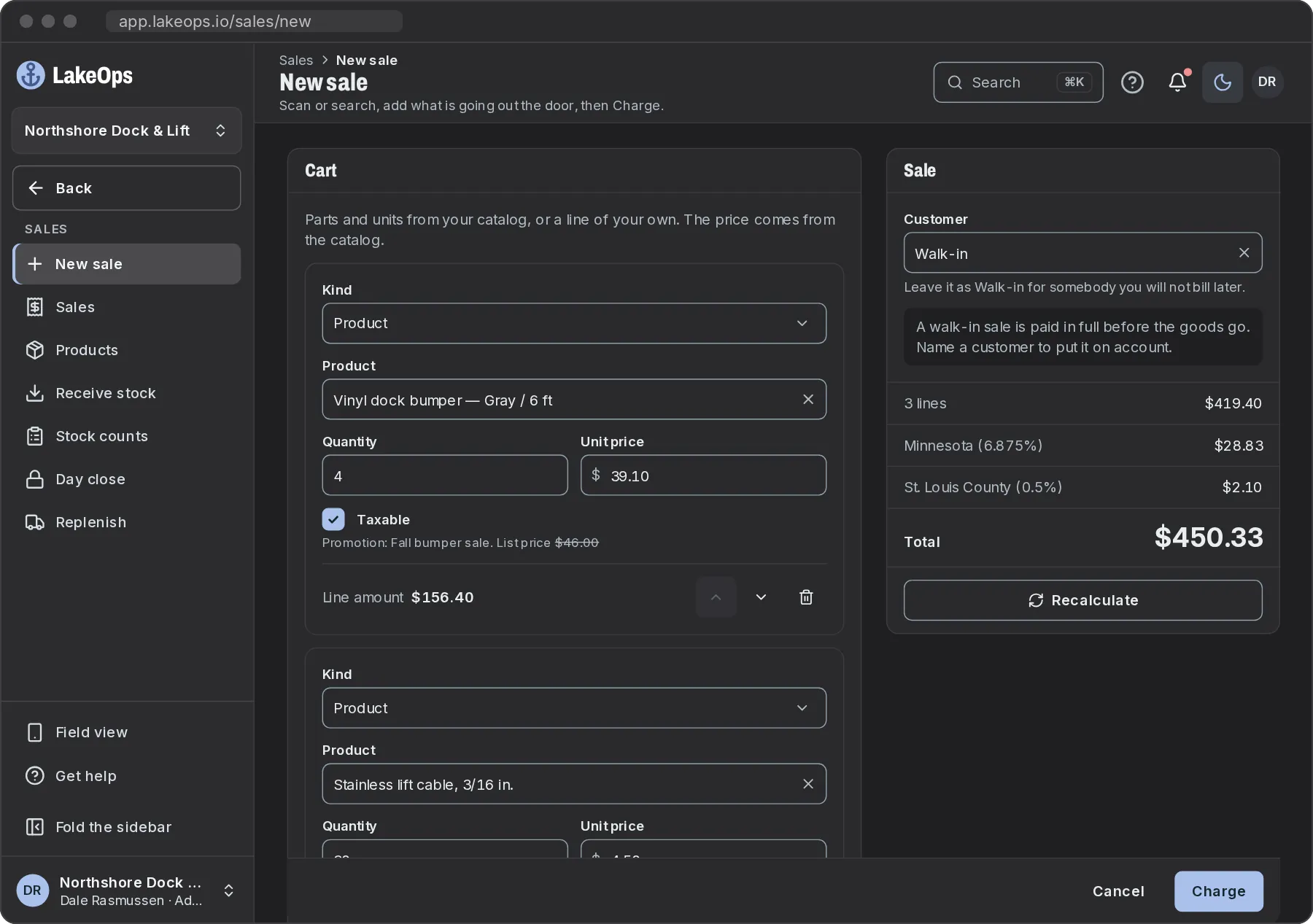
LakeOps is the core. POS is added to your LakeOps account and works from its customers, its catalog and its branding.
LakeOpsWho it is for
- Dock and lift shops that sell parts, accessories, lifts and boats across a counter, to walk-ins and to customers they already service.
- Shops that today write a sale on a pad, or run a second system that does not know who the customer is.
What it does
Ring up a sale
One screen from the first line to the total.
-
One screen to ring it up
Search your catalog, add a line of your own, and see the total with each sales tax worked out before you charge. Selling at the counter: cash, check, card and on account
-
Sales tax for each authority
Tax is worked out for each authority separately, with exemptions and pickup handled, so each line can be filed on its own return. Sales tax: you decide what is taxable, not us
-
Promotions apply at the counter
A promotion running on a product prices it at the counter too, and the receipt shows what it was. Promotions: putting products on sale
Take the money
However the customer pays, the sale ends up paid or on the right account.
-
Cash, check, card or on account
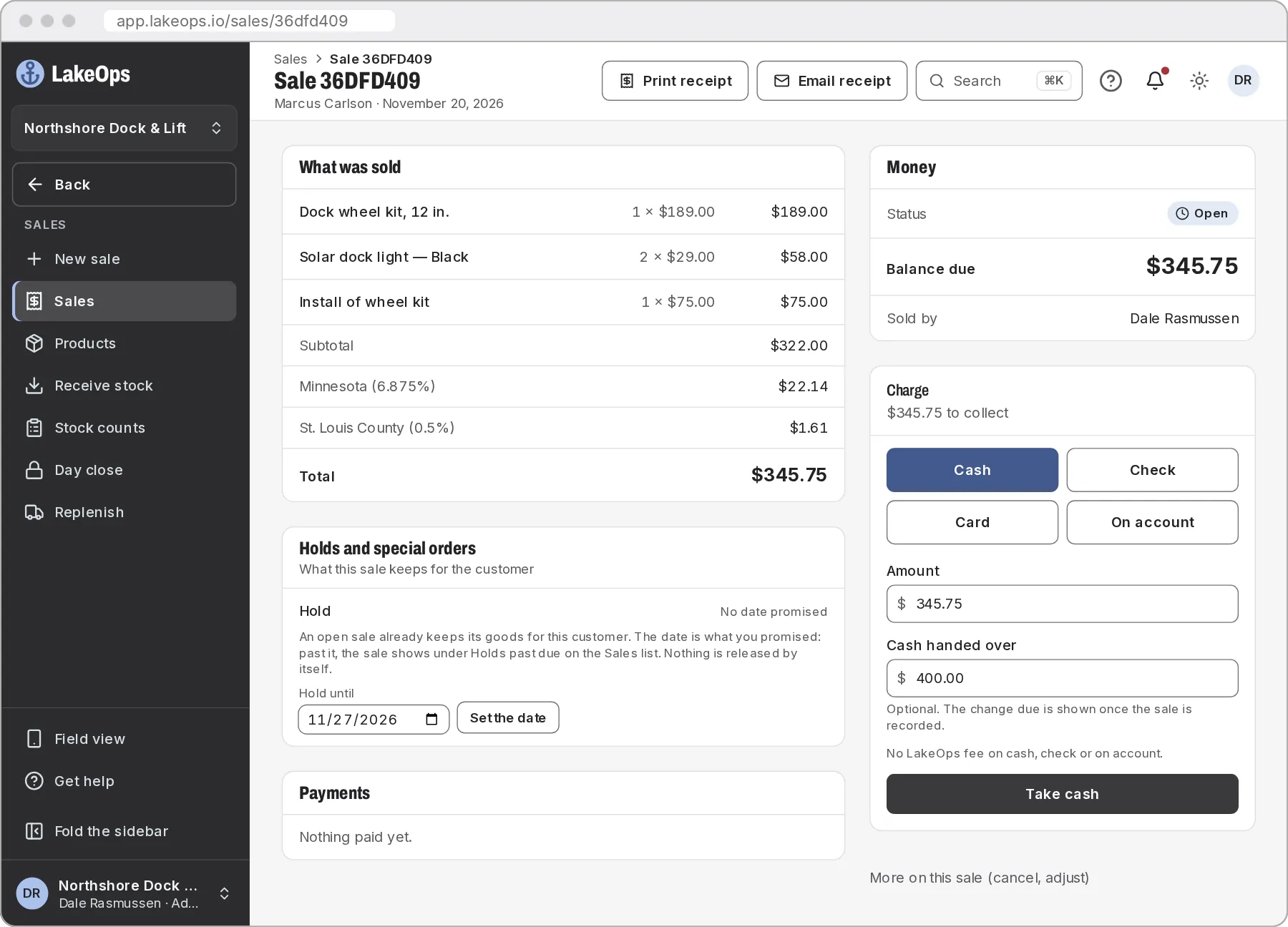
Cash shows the change due, a check keeps its number, a card pays by QR code on the customer’s phone, and on account goes on their statement. Selling at the counter: cash, check, card and on account
-
A card reader on the counter
Pair a Stripe Reader S700 or BBPOS WisePOS E and send the sale to it: the customer taps, inserts or swipes, and the screen shows Paid. Card readers work for US shops. Taking a card on a card reader
-
Walk-ins pay in full
A stranger’s sale is paid before the goods go, so nobody owes you money you cannot chase. Selling at the counter: cash, check, card and on account
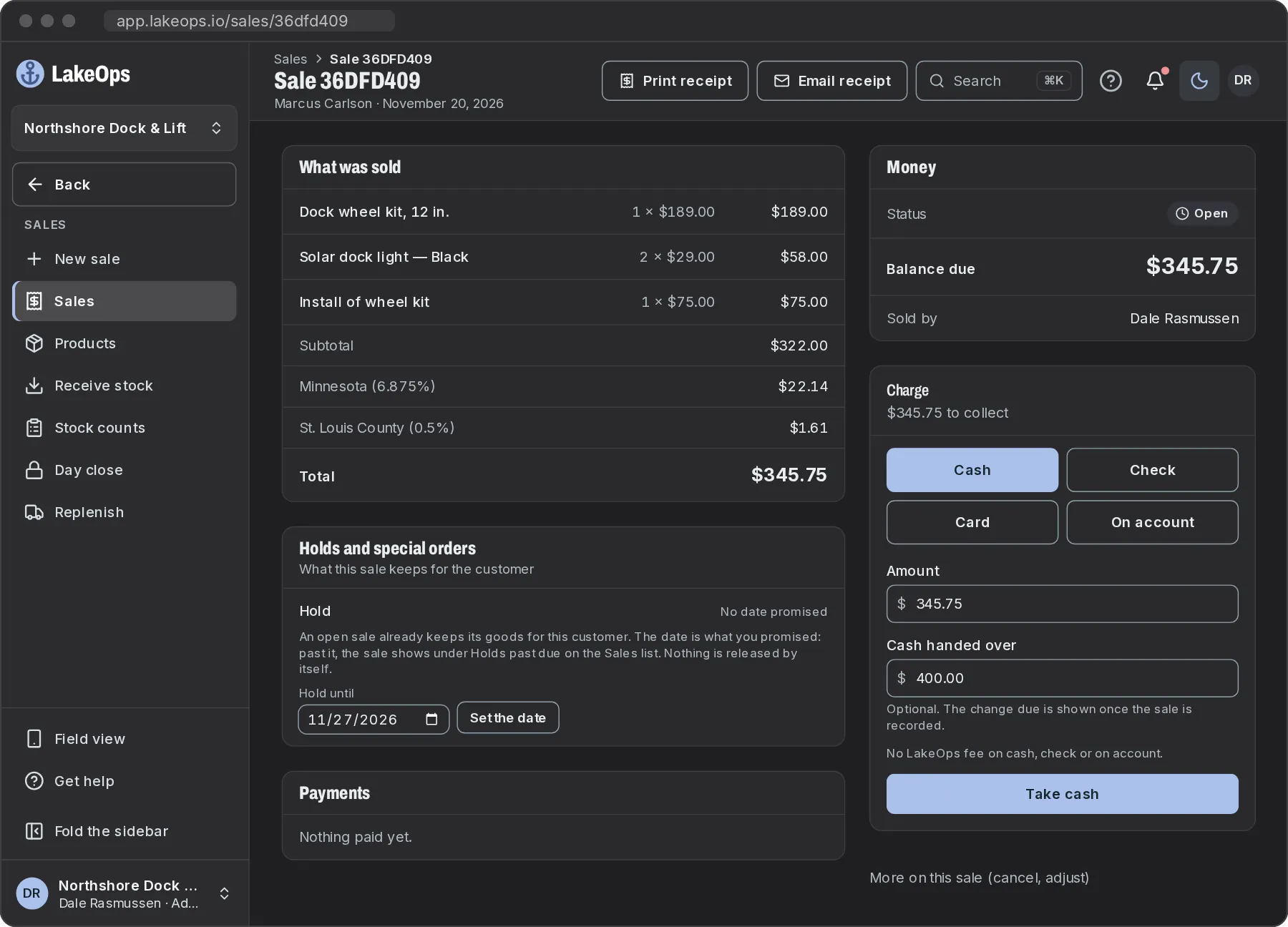
Hand it over, and keep the record
The paper trail is built as you sell.
-
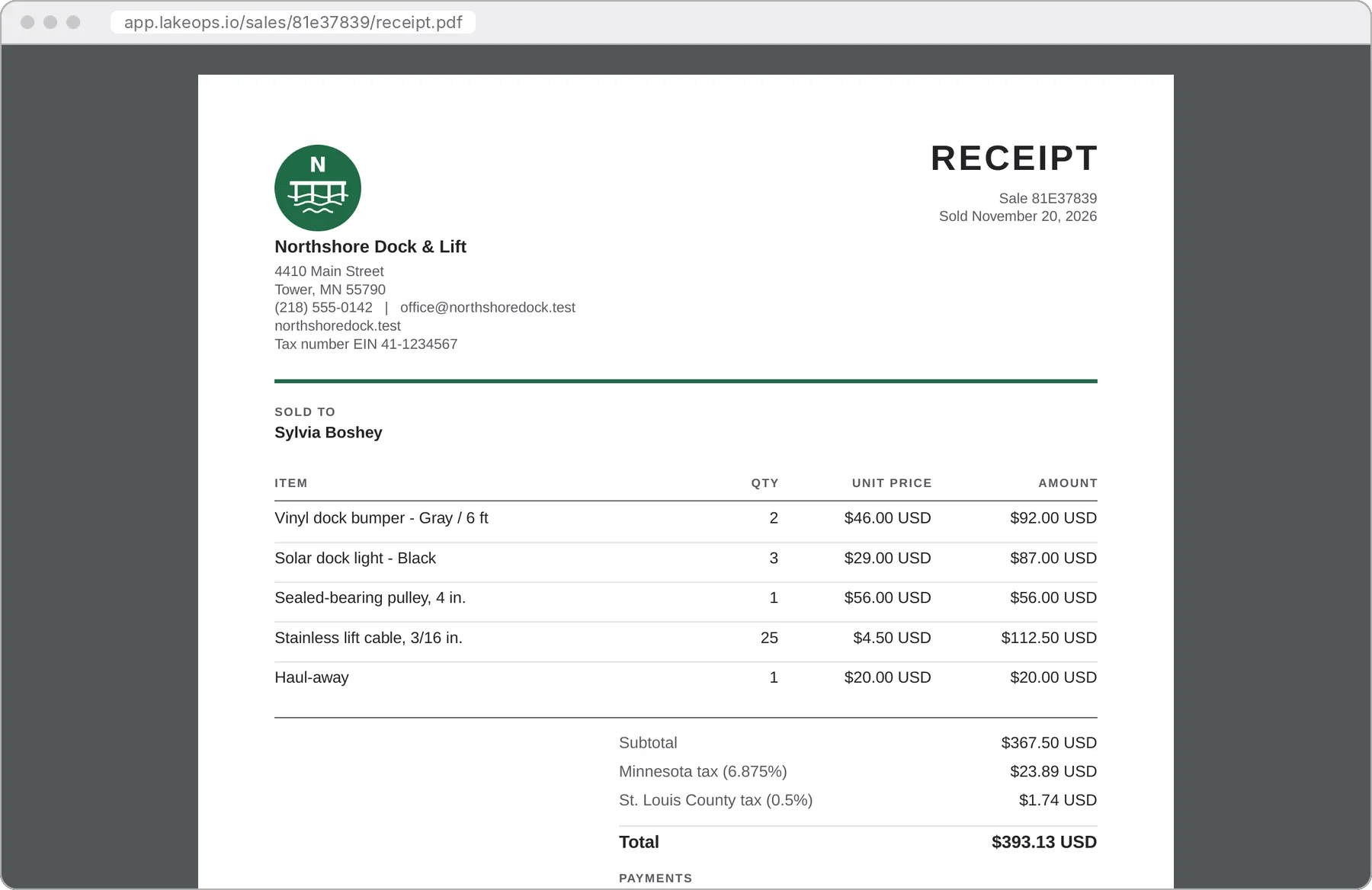
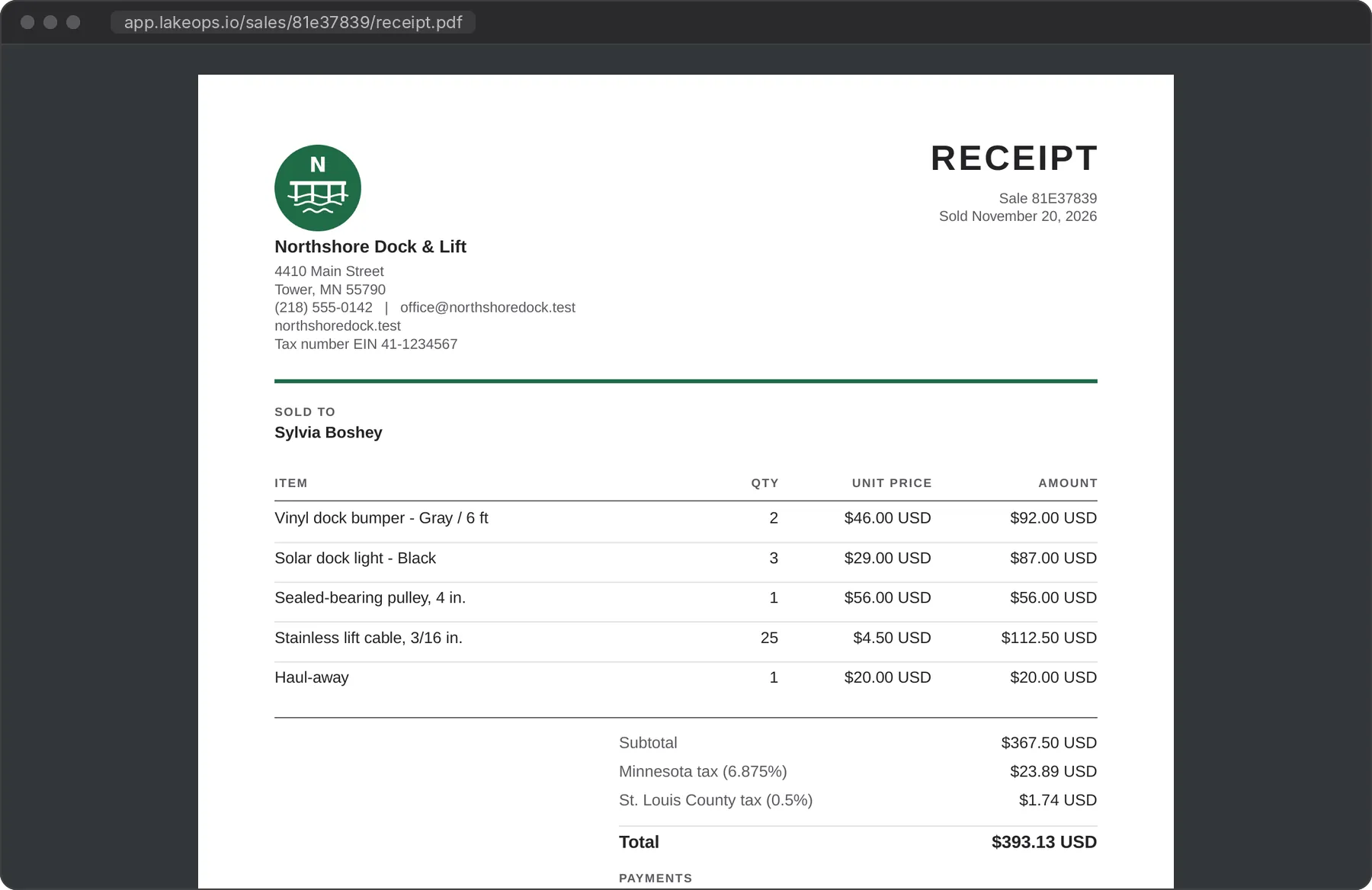
A receipt that itemizes
Every line, the tax for each authority with your registration number, and every payment, emailed or printed on letter or a receipt roll. Finding a receipt and sending it again
-
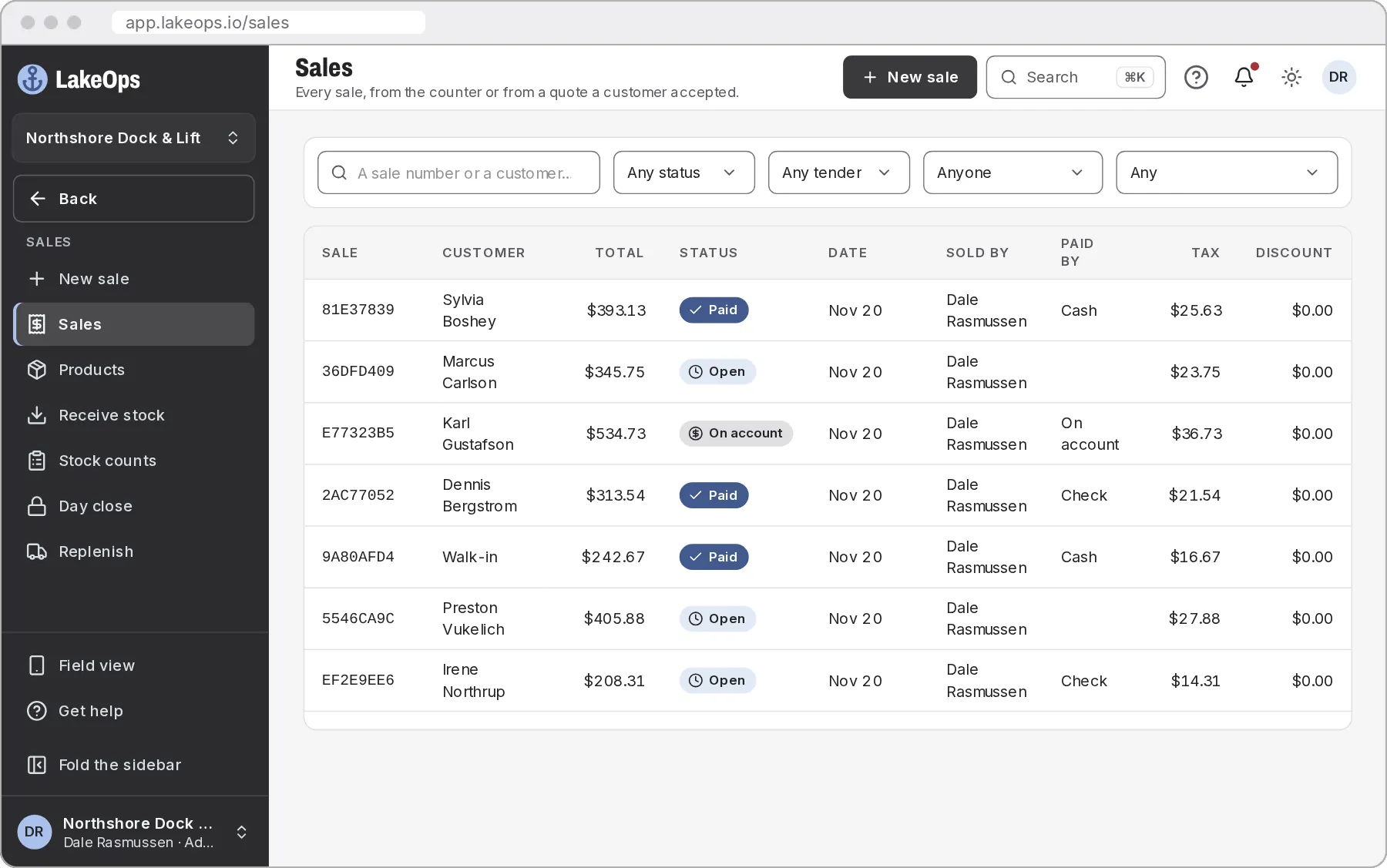
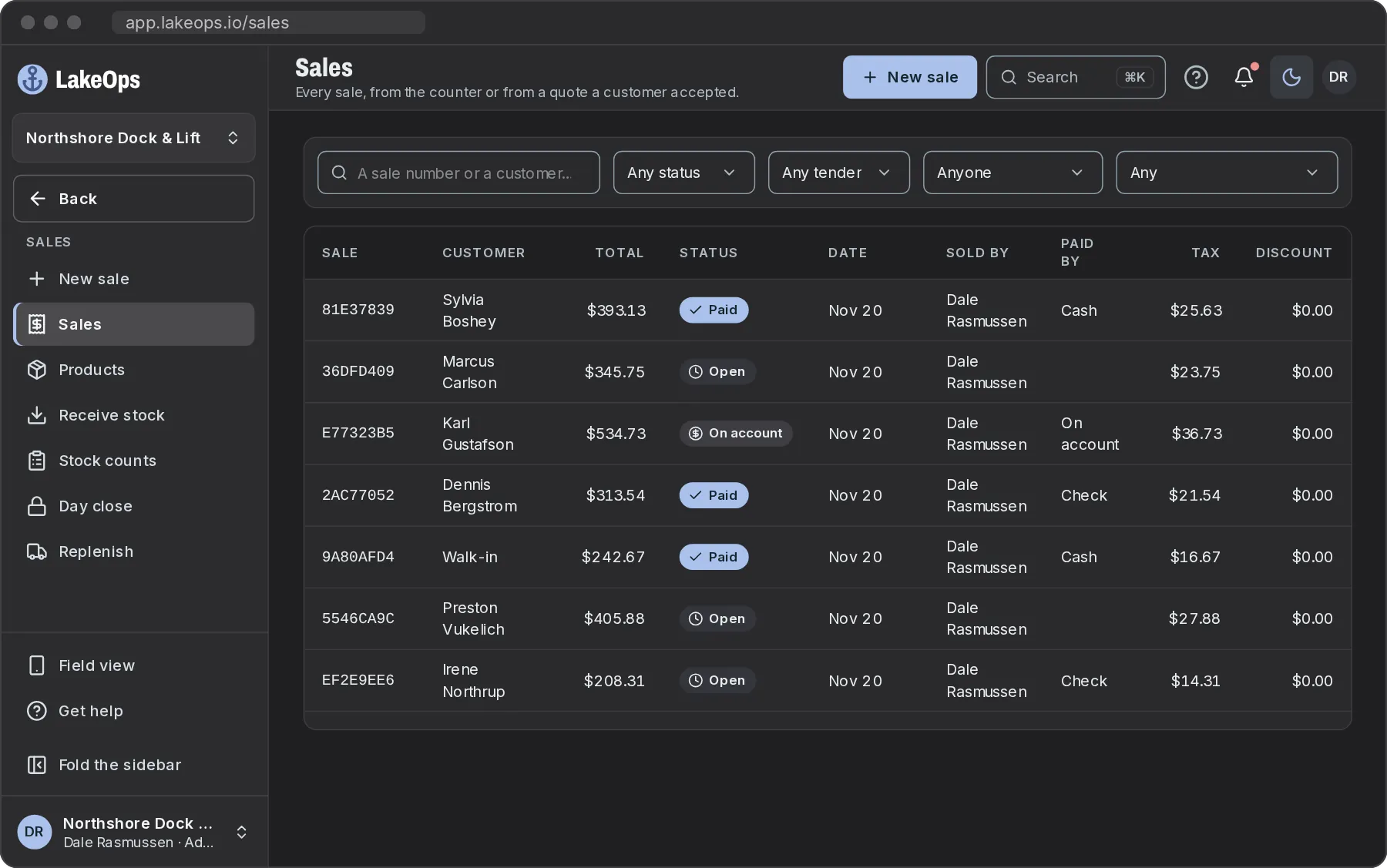
Every sale in one list
Find a sale by number or customer, filter by how it was paid or who sold it, and reprint its receipt. The Sales list and a sale's page
-
Holds and special orders
Hold a sale until a date, or mark a short line On order with the date it is expected. Received stock fills special orders first come, first served, and the shop is emailed when one is ready. A named customer can leave a cash or check deposit on a unit you have on order. Deposits, holds, layaway and special orders
Close the day
Check the drawer against what the day says.
-
Day close
Count the drawer, cash and checks, and close the day. A closed day takes no more cash or check payments or refunds until somebody allowed to reopen it does, with a reason.
-
A sales report
What you sold and what came in, for any stretch of dates, with a CSV to download.
Works with the rest of LakeOps
LakeOps
POS is added to LakeOps, so a sale is on the same customer record as their service plan and their dock, and a customer on account gets one statement for the service work and the parts.
Inventory
Add Inventory too and a counter sale takes the part or unit out of stock as it is sold.
Storefront
Add Storefront and the units you list online are the ones you sell at the counter, from one catalog.
LakeOps Payments
Card payments, QR code and card reader, go through LakeOps Payments. Cash, check and on-account sales carry no LakeOps fee.
What it costs
$39 a month
Added to your LakeOps plan, per account, whatever the number of sales or people. Card payments go through LakeOps Payments at its usual 1%; cash, check and on-account sales carry no LakeOps fee. POS is also in the Sales Suite at $69 a month with Inventory and Storefront.
Already in every LakeOps account
At no extra charge: your product list with prices, multi-line quotes with parts and units on them, a deposit when the customer accepts a quote (with LakeOps Payments on), products added to a job, and customer credit kept from an overpayment.
Only the account owner can remove a product, from Settings › Products. It stops at the end of the month you have paid for, and your records are kept.
Questions people ask
- Do I need LakeOps to use POS?
- Yes. POS is added to a LakeOps account and sells from the catalog and customer list in it.
- What does POS cost?
- $39 a month, added to your LakeOps plan. The Sales Suite with Inventory and Storefront is $69 a month.
- Can I take a card at the counter?
- Yes, by QR code on the customer’s phone, or on a Stripe card reader (a Reader S700 or BBPOS WisePOS E) if your shop is in the US. Card payments go through LakeOps Payments.
- Does the sale take the stock out?
- If you have added Inventory, yes. Without it, the sale is recorded and nothing is counted down.
- Can I remove it later?
- Yes. Only the account owner can, from Settings › Products. It stops at the end of the month you have paid for, its setup is deleted that day, and your sales and records are kept.
More from LakeOps
The core
LakeOps
Starts at $199 a month
The season, the map, the crew’s phone and the bill, for a company that installs and removes docks and lifts. The core that every other product is added to.
See LakeOps
Add to LakeOps
Inventory
$29 a month
Know what you have on the shelf and in each warehouse, what it cost, and every movement in and out. Added to LakeOps.
See Inventory
Add to LakeOps
Storefront
$19 a month
What you have for sale, on a page in your colors or on your own website, with questions landing in your inbox. Added to LakeOps.
See Storefront