LakeOps, and what you add to it
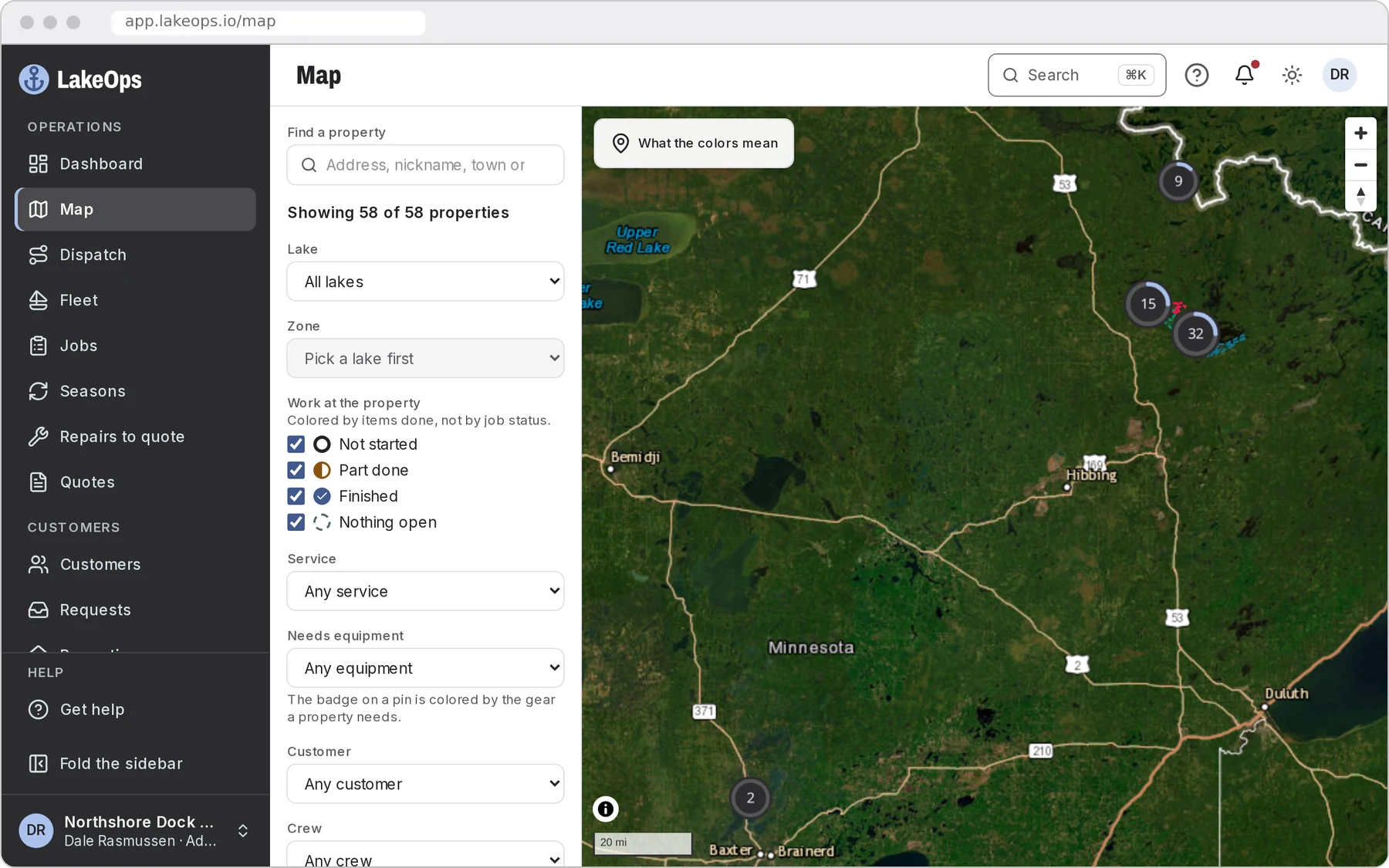
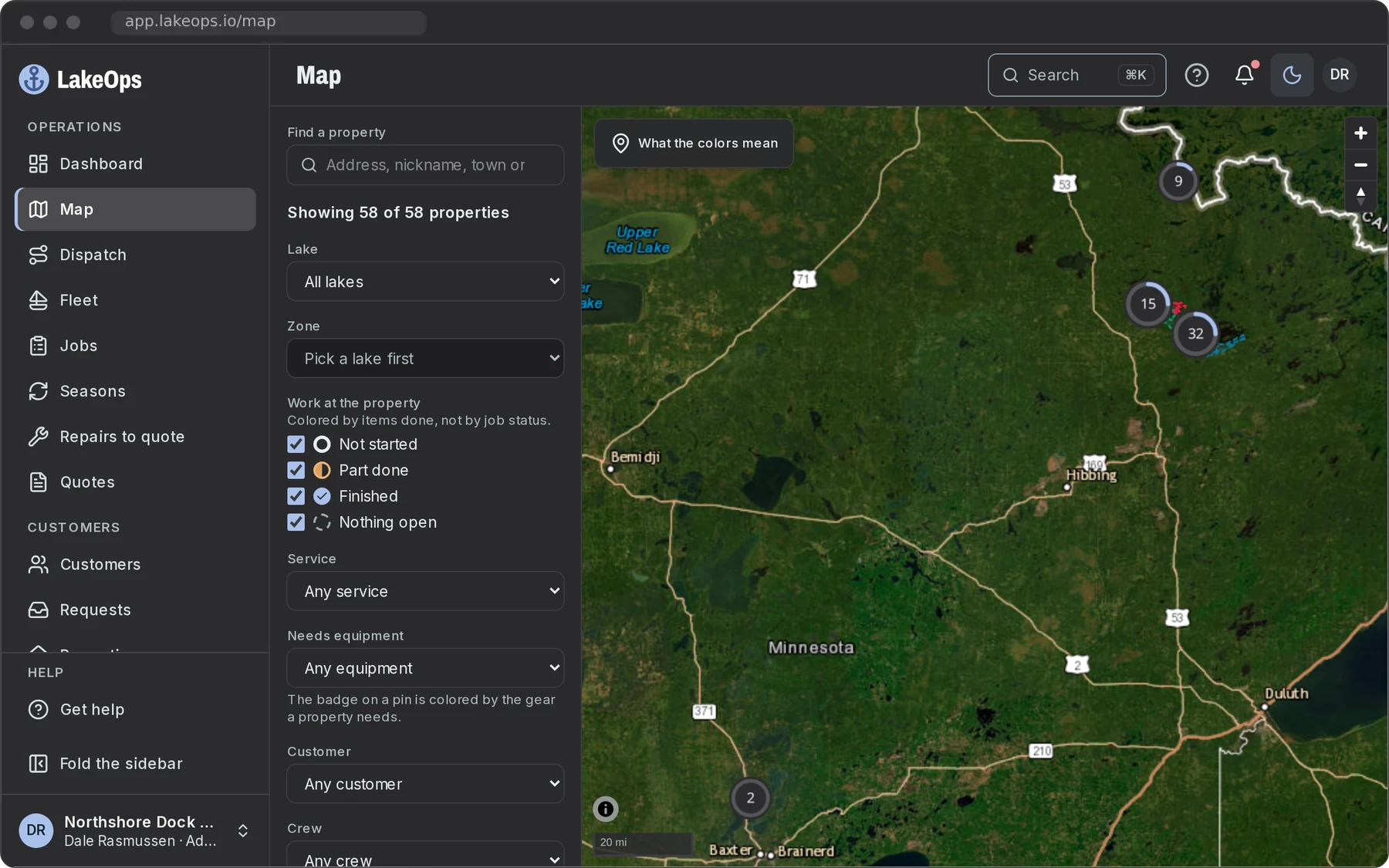
LakeOps is the core product for a dock and boat lift company, and POS, Inventory and Storefront are products a shop adds to its LakeOps account, with LakeOps Payments and the accounting export alongside.
LakeOps runs your season: the map, the crew, the quotes and the bill. If you also sell parts, lifts and boats, add the products that do that, to the same account and the same customer list.
Add to LakeOps
Products you add
Each one is added to your LakeOps account, priced as a line of its own on your bill, and switched on or off by you in Settings › Products. They share your customers, your catalog and your branding, so nothing is typed twice.
Add to LakeOps
POS
$39 a month
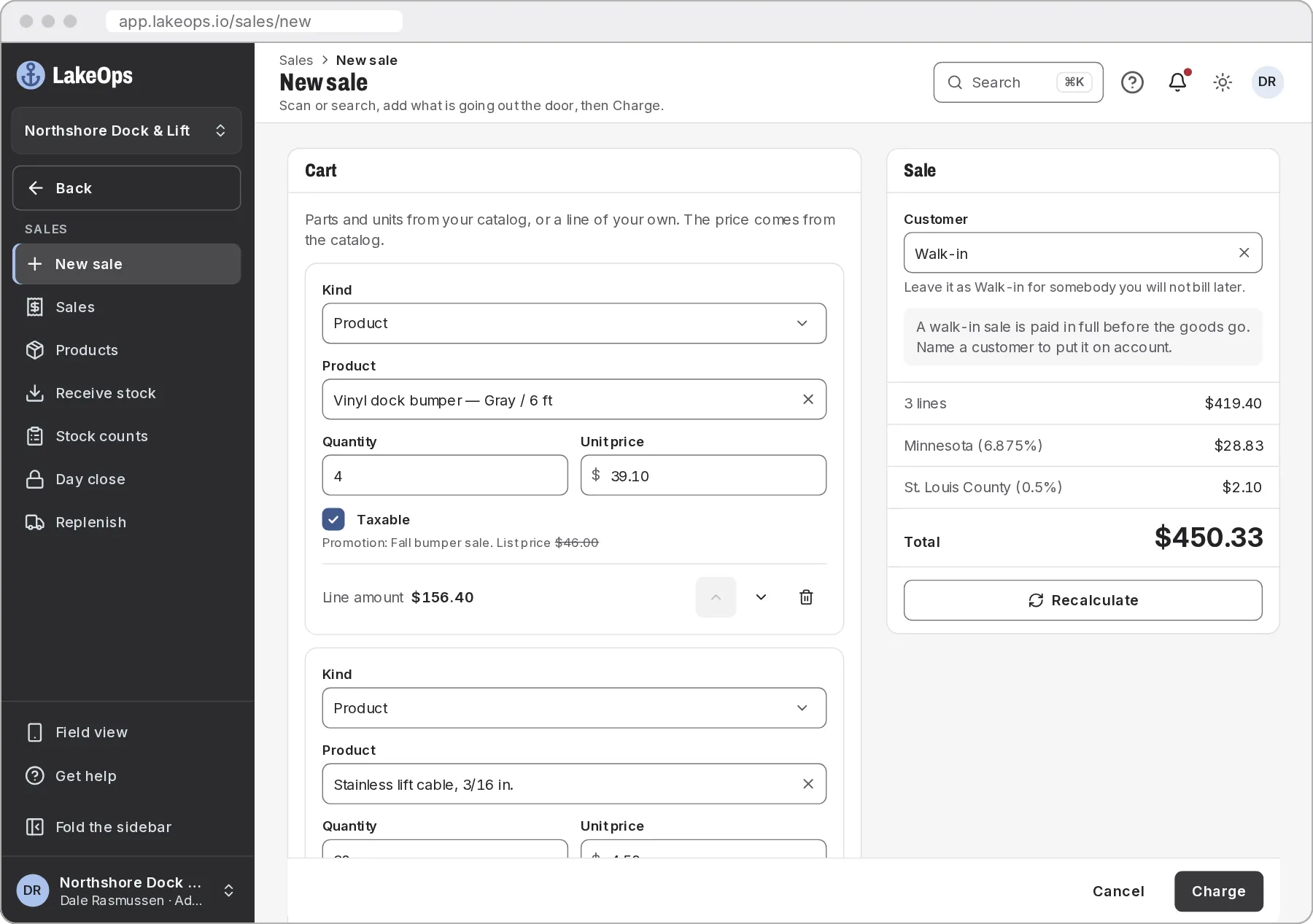
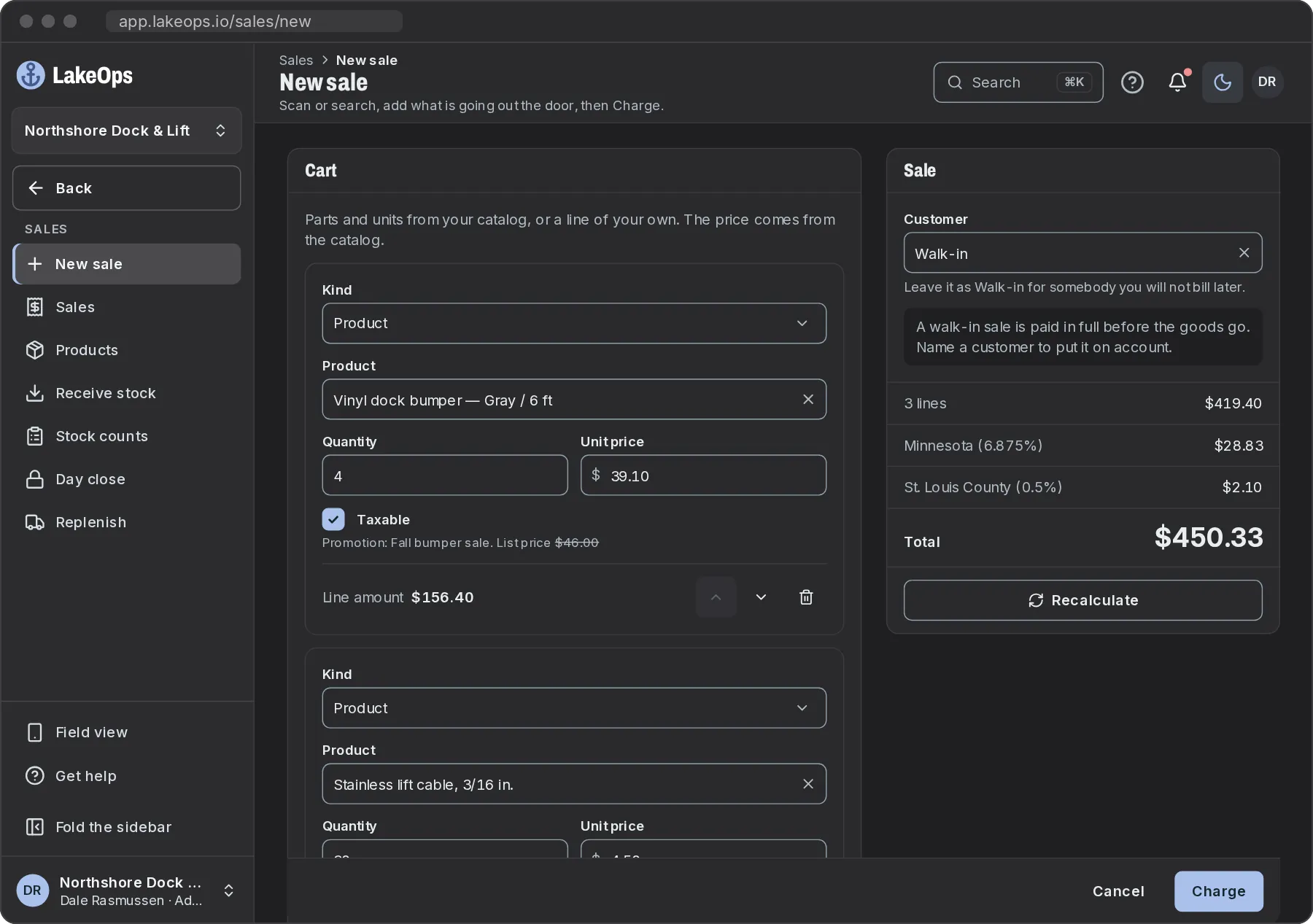
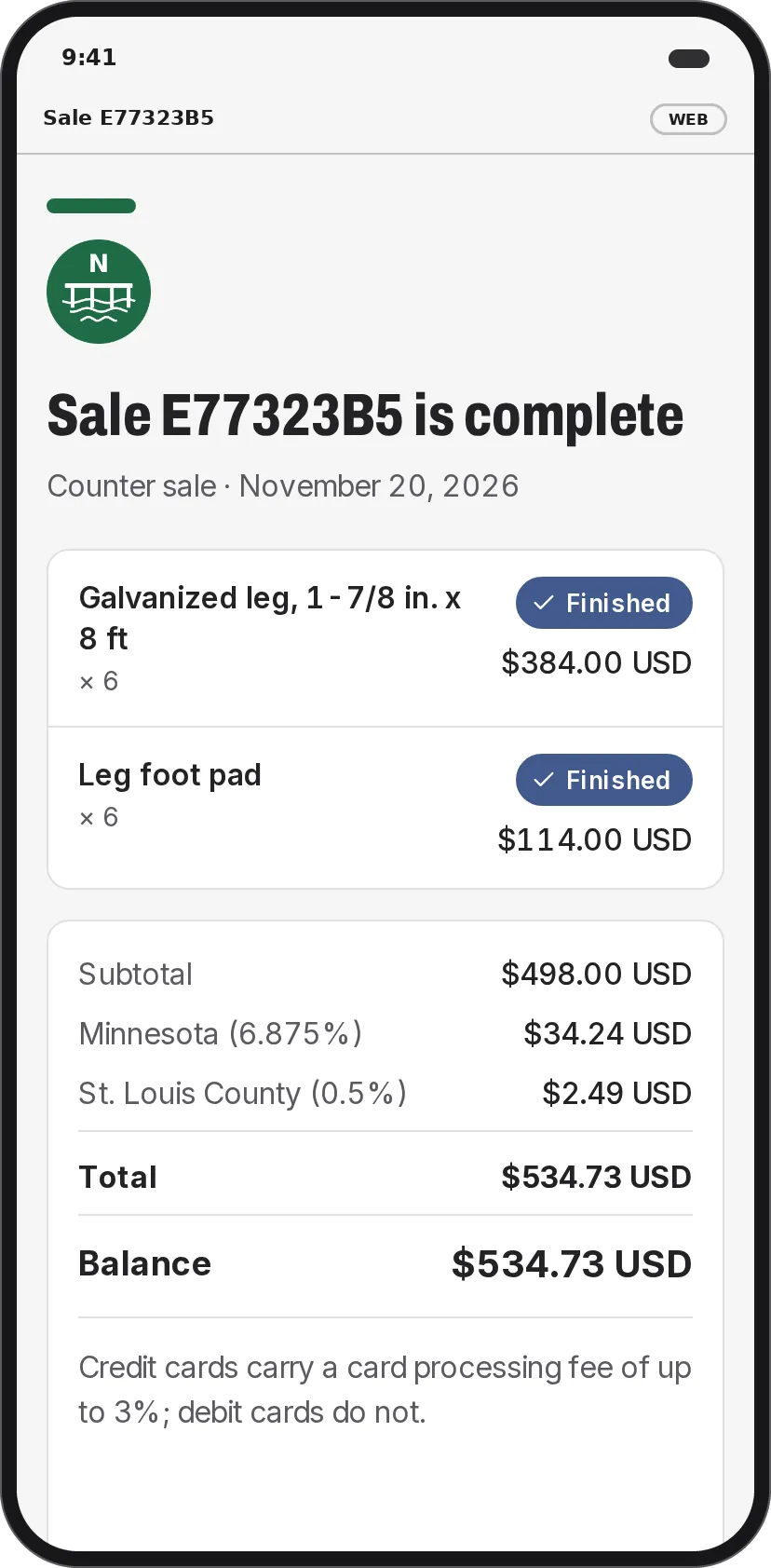
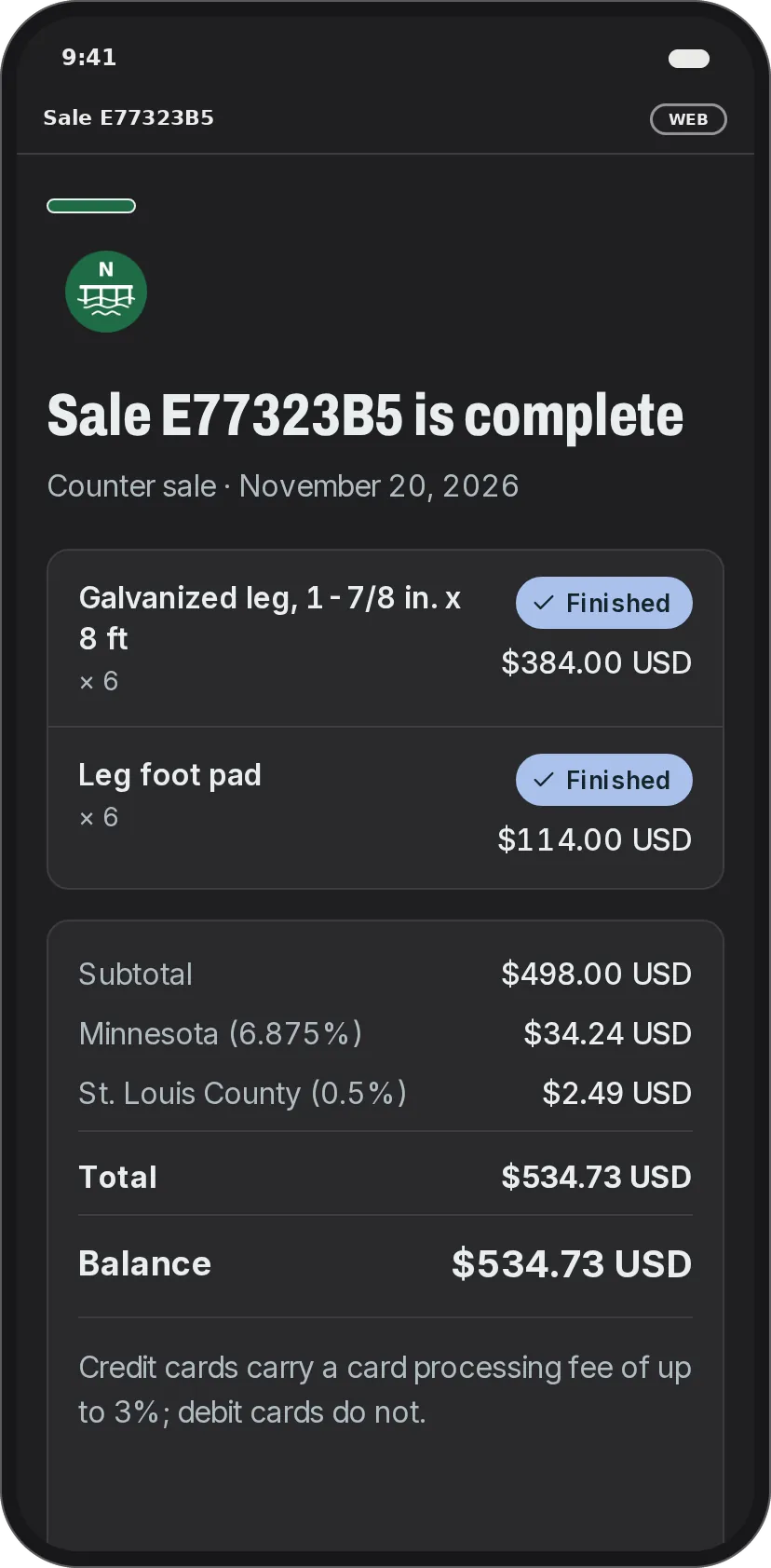
Ring up counter sales for parts, lifts and units from your catalog, and take cash, check, a card or put it on account. Added to LakeOps.
See POS
Add to LakeOps
Inventory
$29 a month
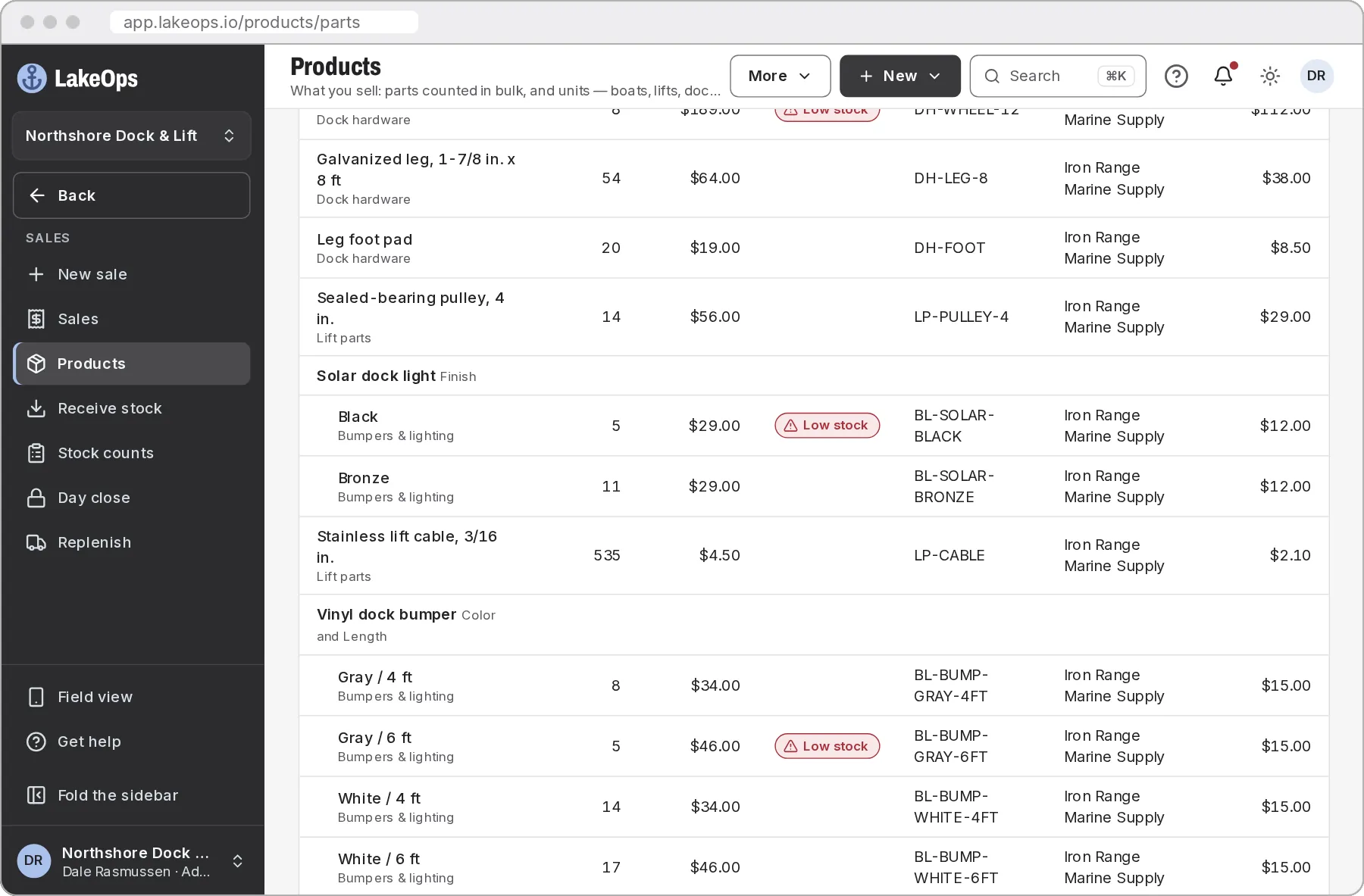
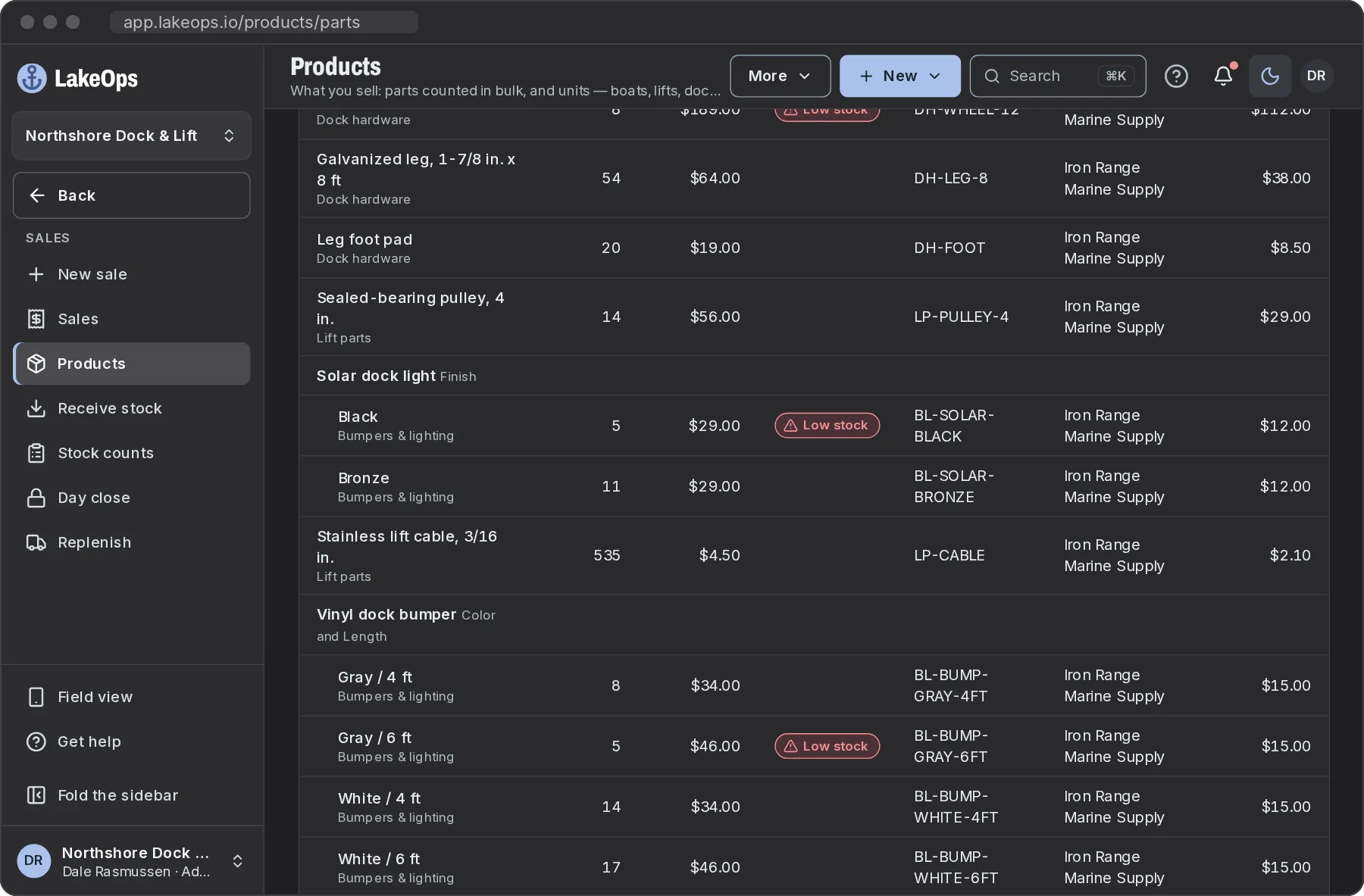
Know what you have on the shelf and in each warehouse, what it cost, and every movement in and out. Added to LakeOps.
See Inventory
Add to LakeOps
Storefront
$19 a month
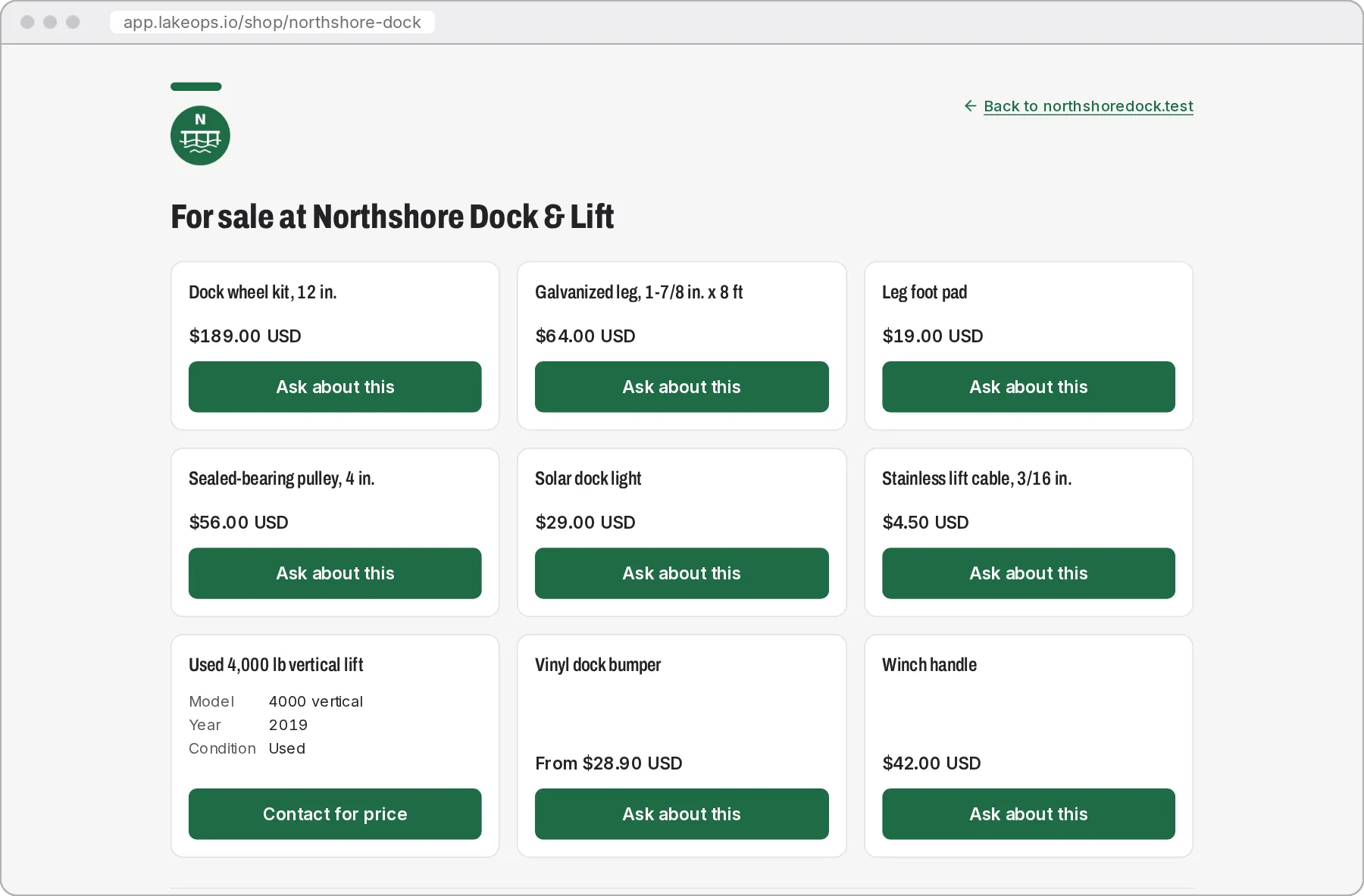
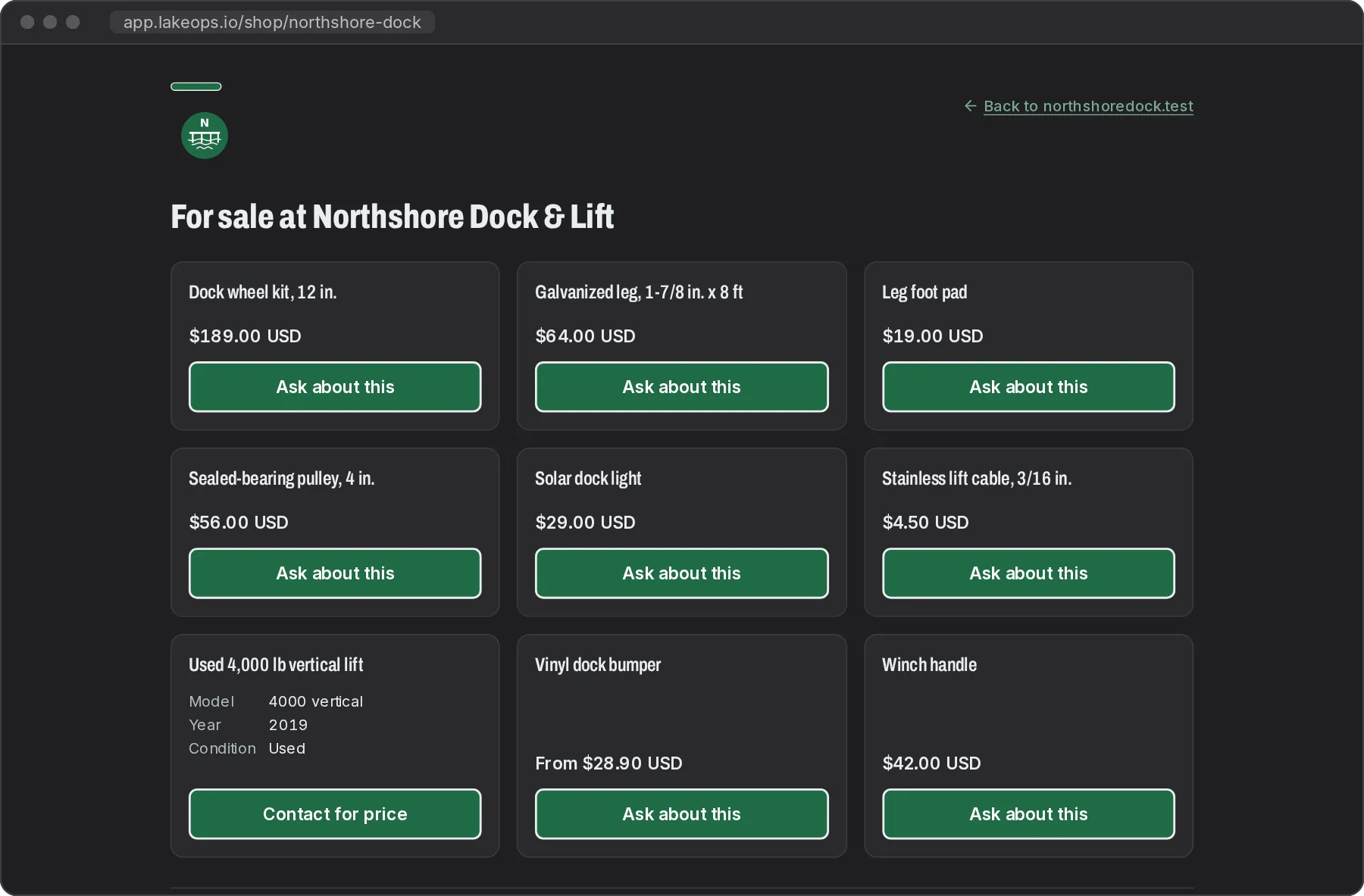
What you have for sale, on a page in your colors or on your own website, with questions landing in your inbox. Added to LakeOps.
See Storefront
Part of LakeOps
Payments and accounting
Two things every account has. You turn LakeOps Payments on when you want to be paid online, and the accounting export is included.
Part of LakeOps
LakeOps Payments
A 1% service fee
Let customers pay online. Payments go to your own Stripe account, and LakeOps takes a 1% service fee.
See LakeOps Payments
Included
Accounting export
Included
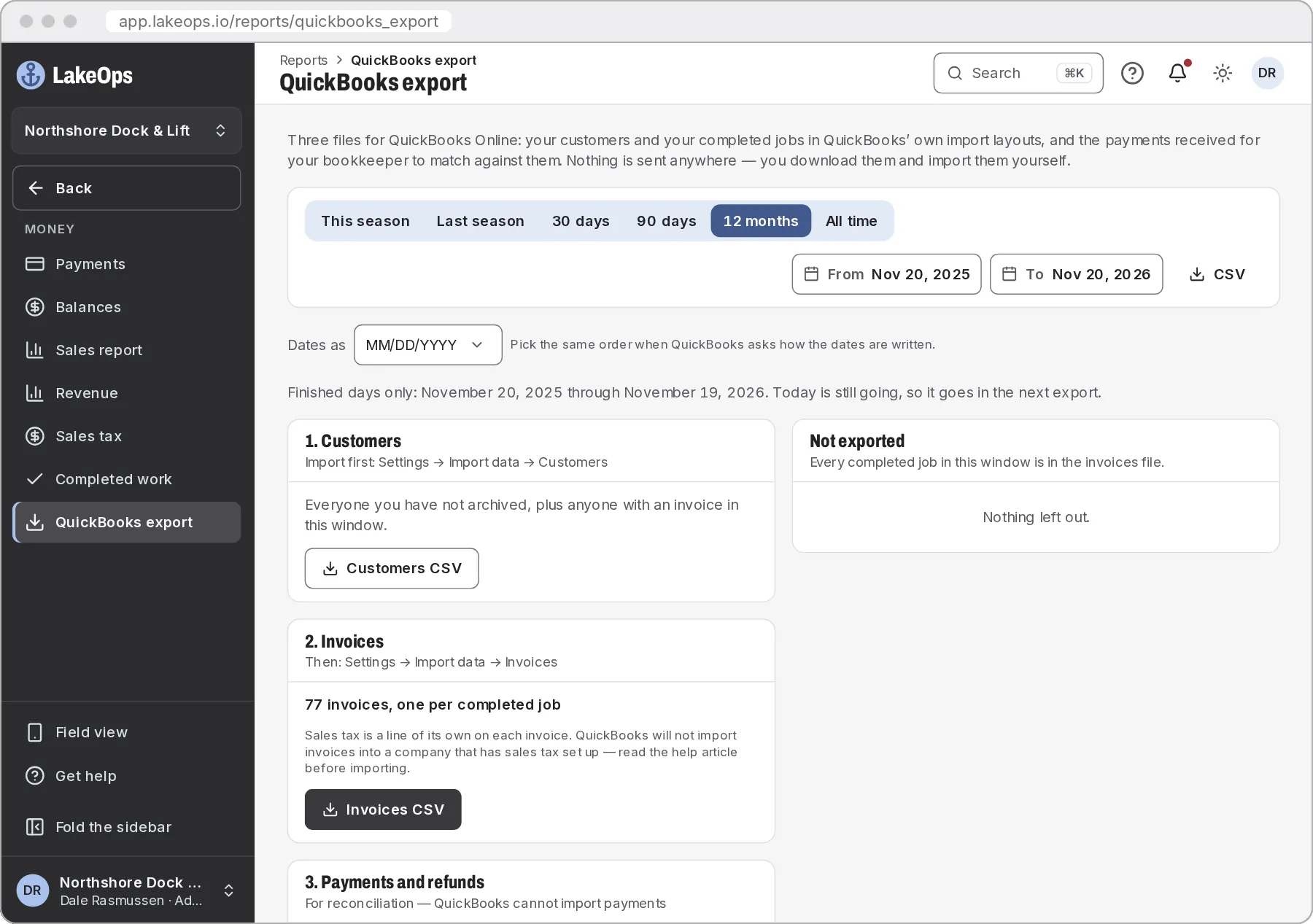
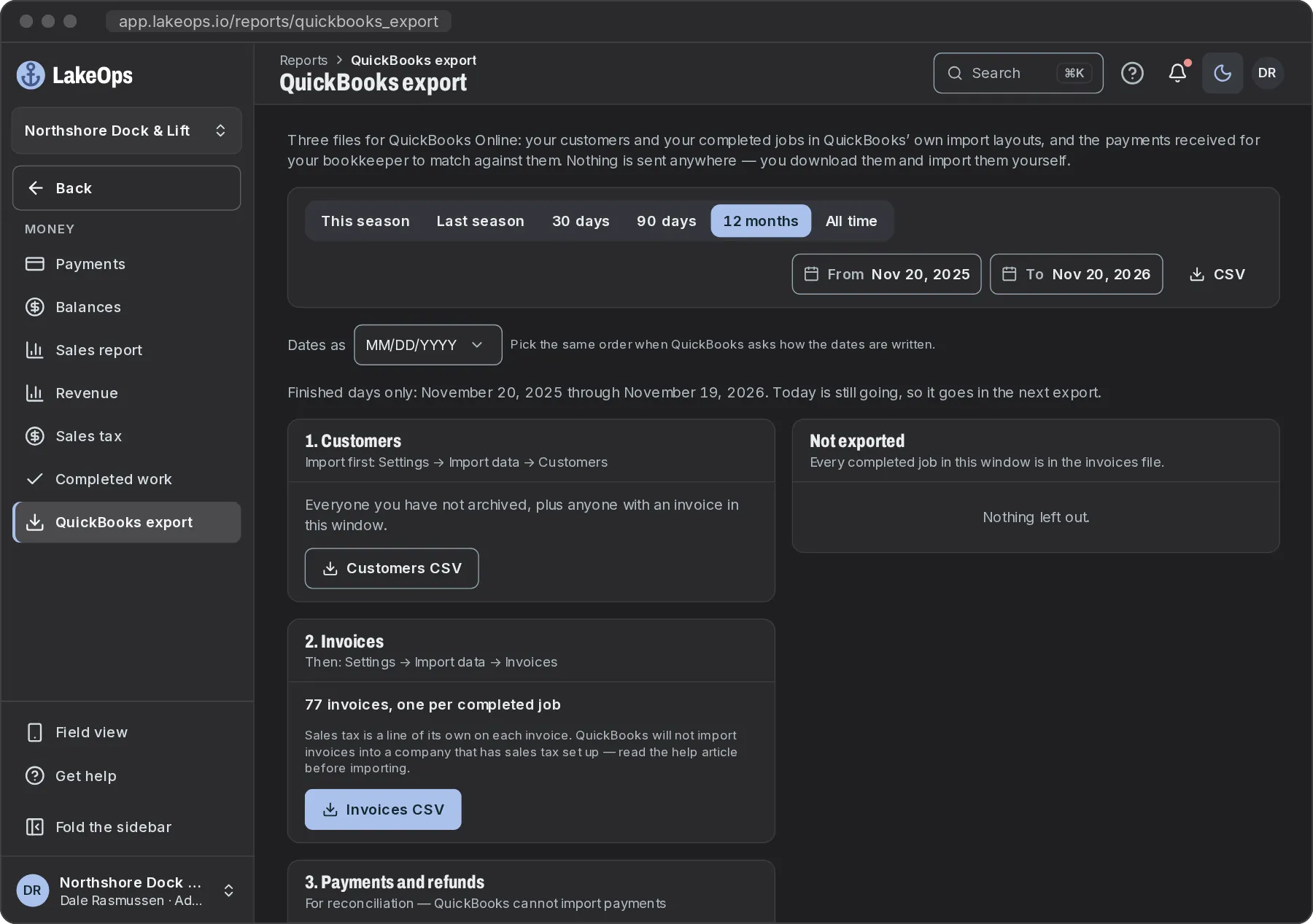
Included with LakeOps. Hand your bookkeeper a file QuickBooks Online imports, with the jobs and payments for any dates.
See Accounting export
Better together
What gets better when you add more than one
Each product can be added to LakeOps individually and is priced separately. These are the things that get better when they sit beside each other.
POS and Inventory
A sale at the counter takes the part or unit out of stock as it is sold, so the count you see in the office is the count on the shelf.
Storefront and Inventory
Your listing shows what is actually in stock, and an item that sells at the counter or to an online buyer comes off the listing for the next one.
POS and Storefront
A question that arrives from your listing and a customer standing at the counter are the same customer in the same book, with the same catalog behind both.
All three: the Sales Suite
Sell it at the counter or online, see it come off the shelf, and have it show up on the customer’s record next to the service plan on the dock they bought it for.
The Sales Suite
POS, Inventory and Storefront together are the Sales Suite: $69 a month instead of $87, a saving of $18. It is added to your LakeOps account the same way, and a shop with all three is switched to it for you.
Every product carries your name
Your logo and brand color go on what your customers see: quotes, statements and receipts, the pay pages, your Storefront listing and its embed, and Stripe checkout. The office and crew apps stay LakeOps.