What LakeOps does for a dock and lift company
LakeOps runs a dock and lift season from the first pin to the last payment: the property map, sending crews out, the crew app that works with no signal, charge-on-completion billing, and the reports. Nothing gets rebuilt each spring. The plan for each property carries forward, so a new season opens with the work already there. Each of those parts is shaped by something specific about putting shoreline equipment in the water and taking it back out — the seasons, the weather, the signal, and the fact that a property is never one thing. Every dock company we have talked to has run the same three steps — a spreadsheet, then a general field-service tool, then the spreadsheet again alongside it, because the tool had nowhere to put what the spreadsheet was for. Each of these pages is about the place it goes.
The map
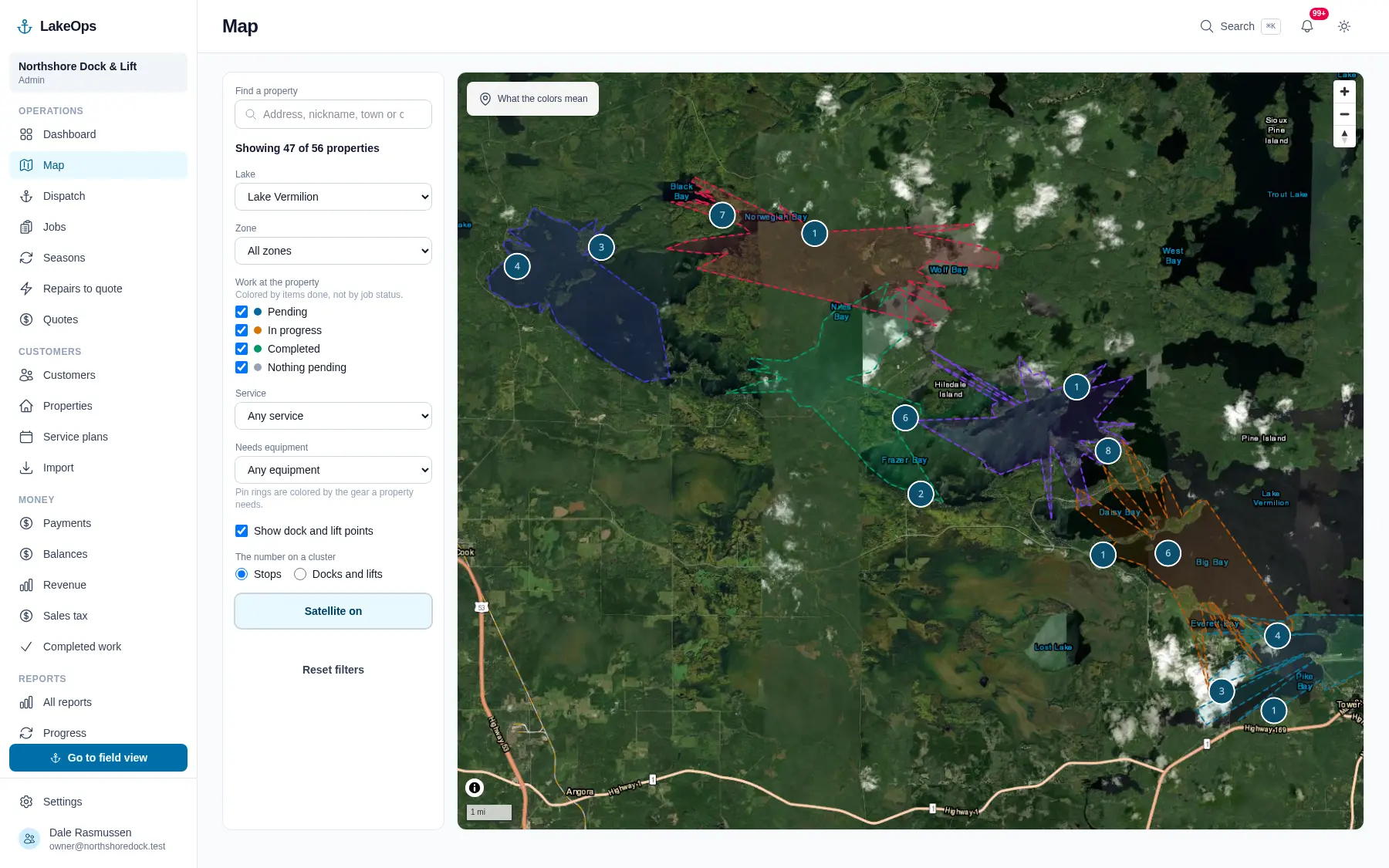
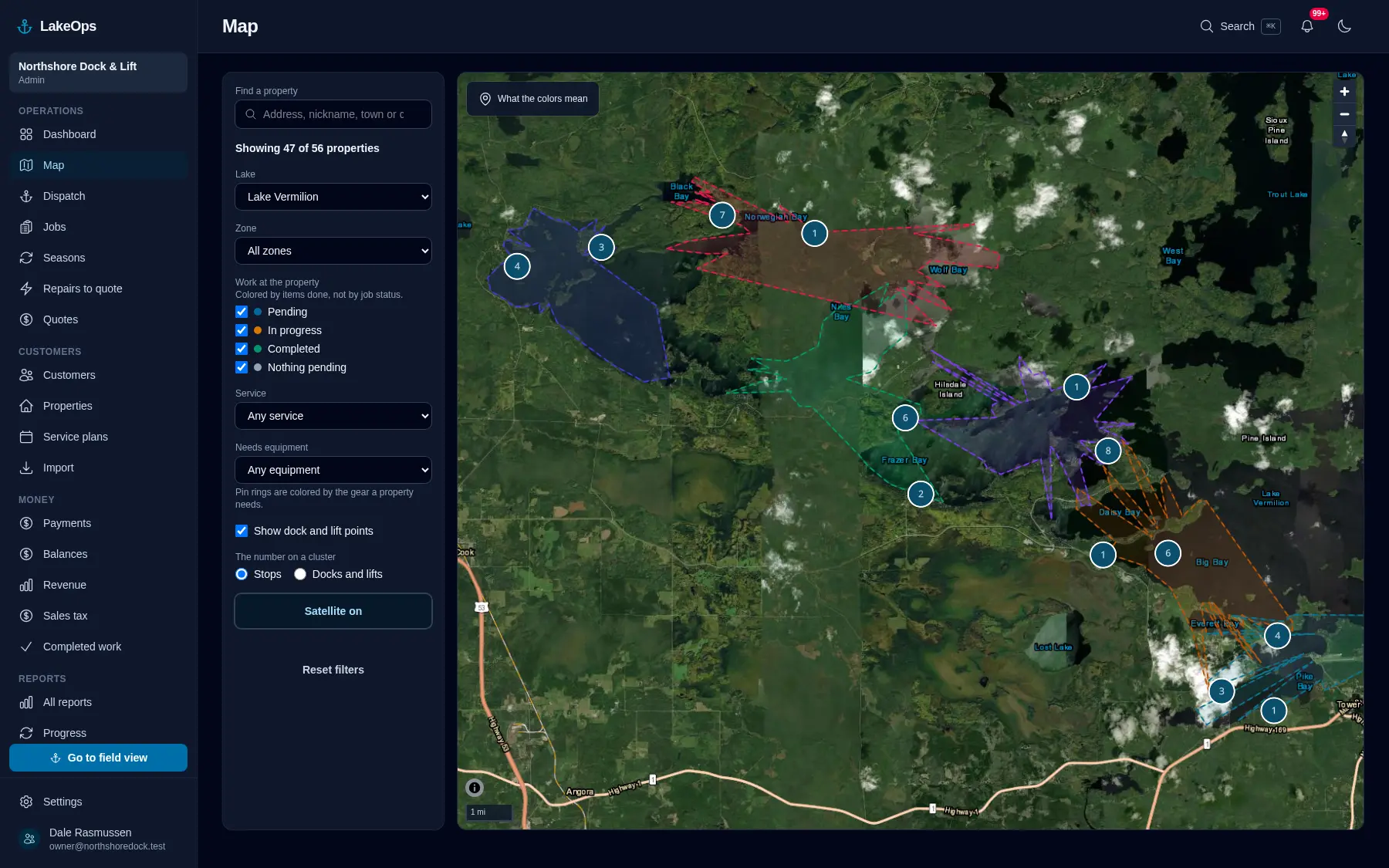
Every dock section, lift and canopy pinned where it sits in the water and where it stacks for the winter. Pins colored by how much of the property is actually finished, filtered by lake, bay, service, or the gear a shoreline needs.
Read more →
Sending crews out
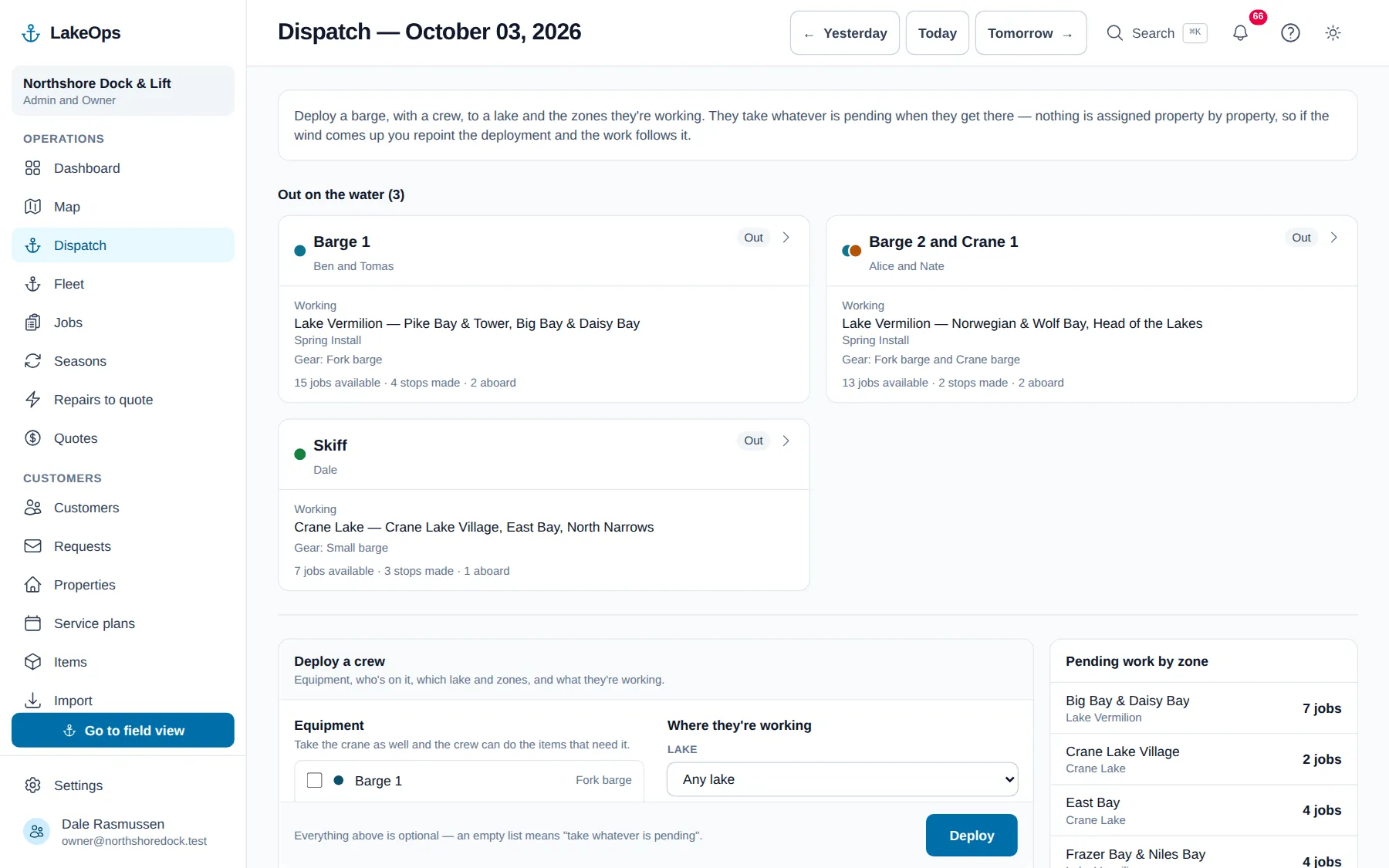
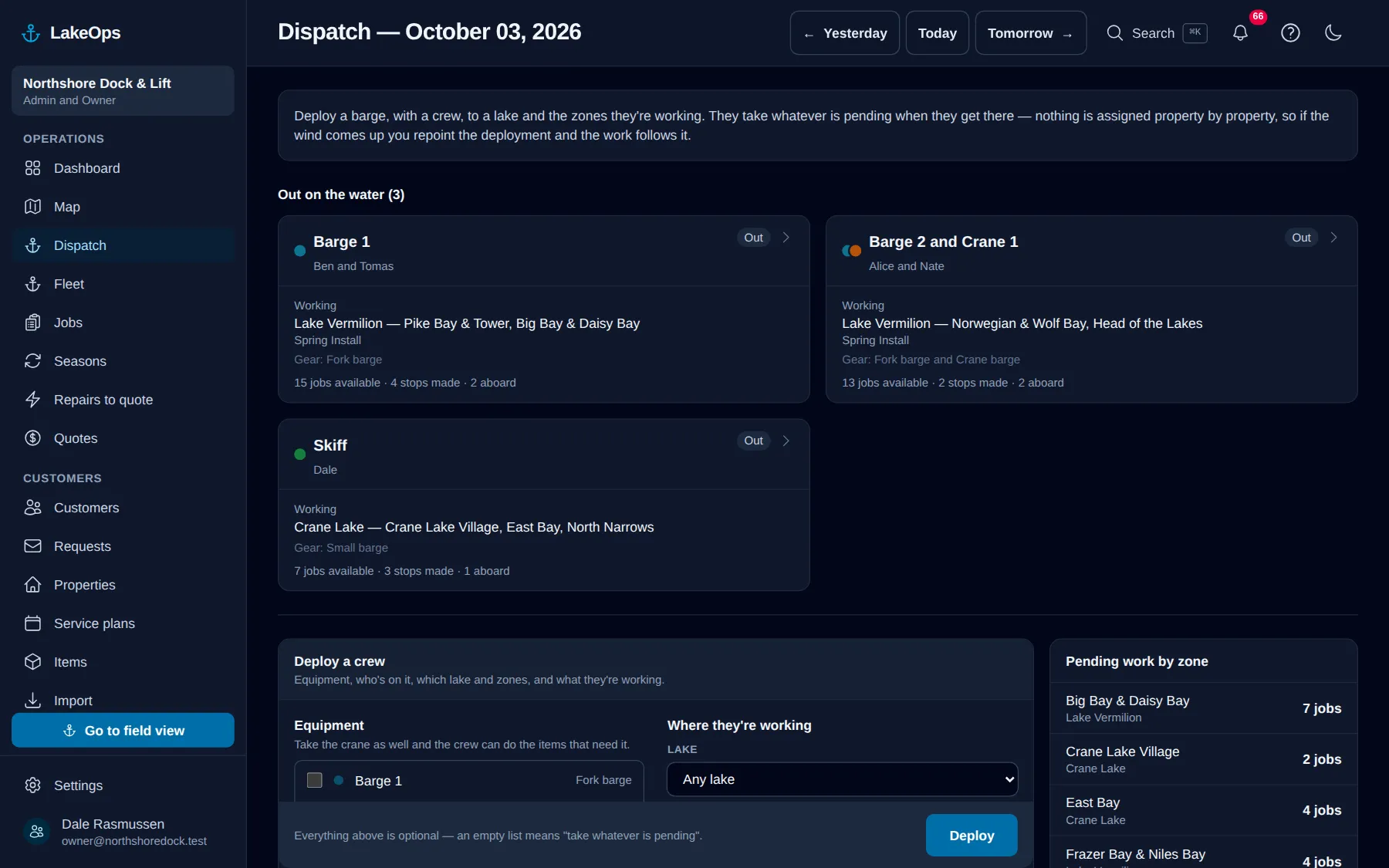
A boat, a crew and a stretch of shoreline. No calendar, no route, nothing to unassign when the wind turns. The gear aboard decides what work they can take.
Read more →
Where the boats are
Which boats are out, where each one is, and how far through the day — so you can answer a customer without radioing the crew. The latest position only, never a trail.
Read more →
The crew app
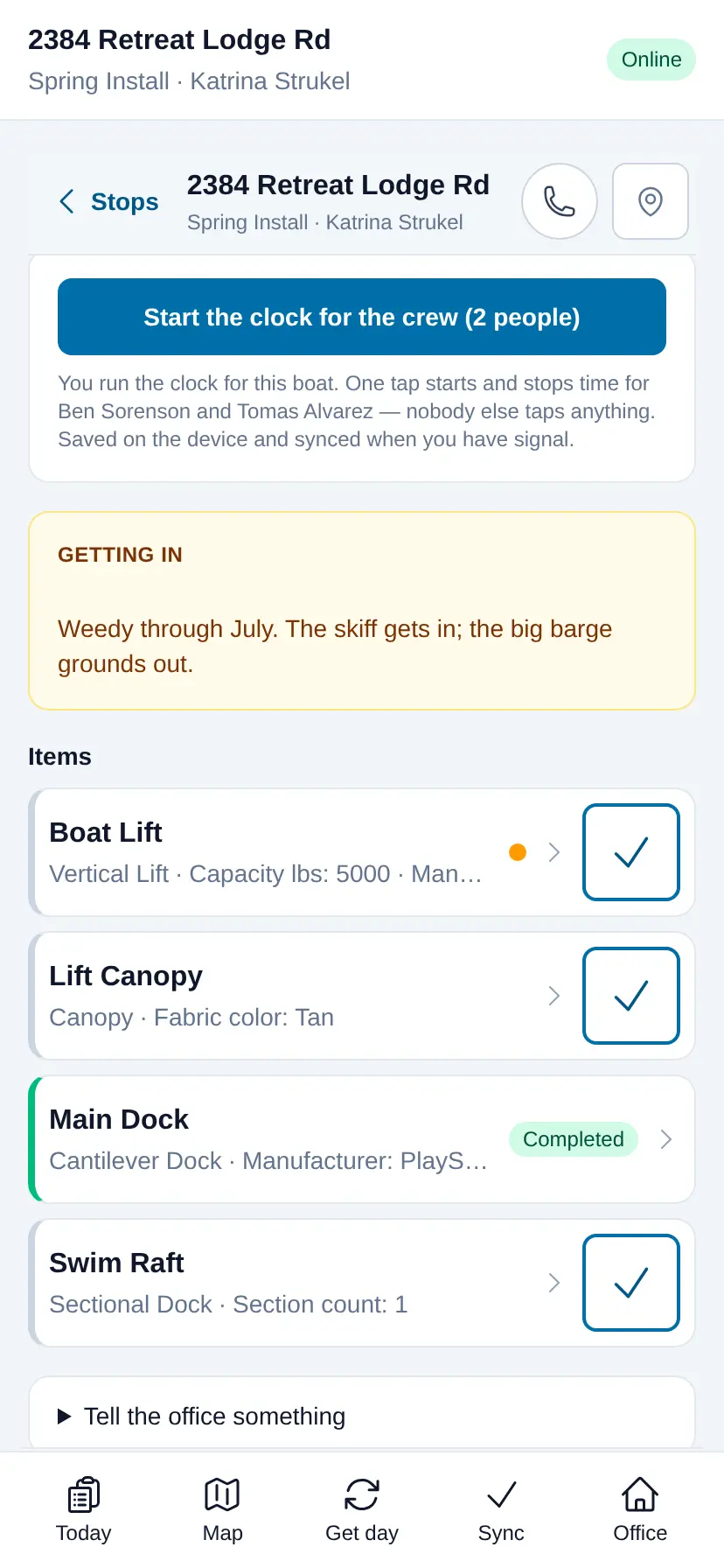
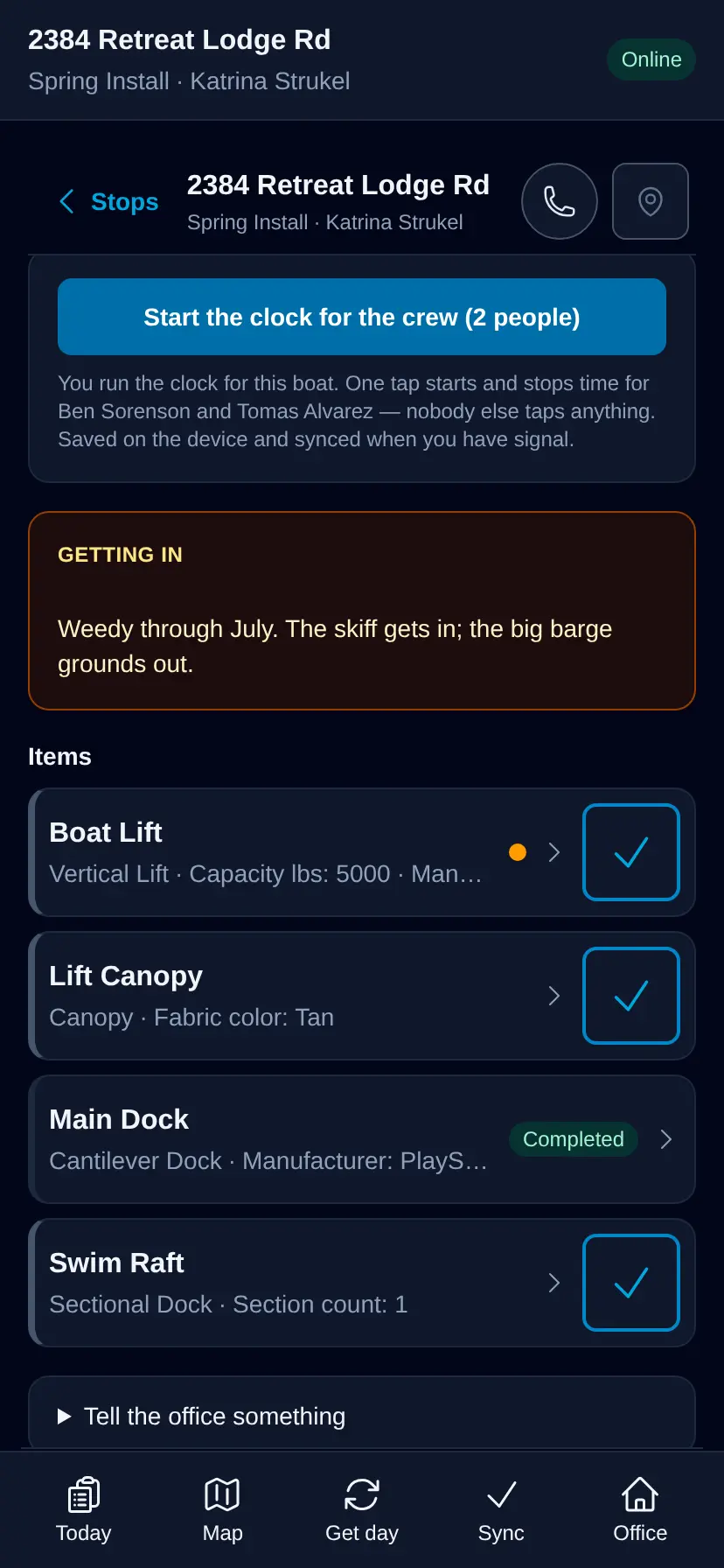
Big buttons, reference photos, a clock that survives a dead zone, and a piece-by-piece record the crew keeps themselves. The day loads onto the phone before they leave the landing.
Read more →
Getting paid
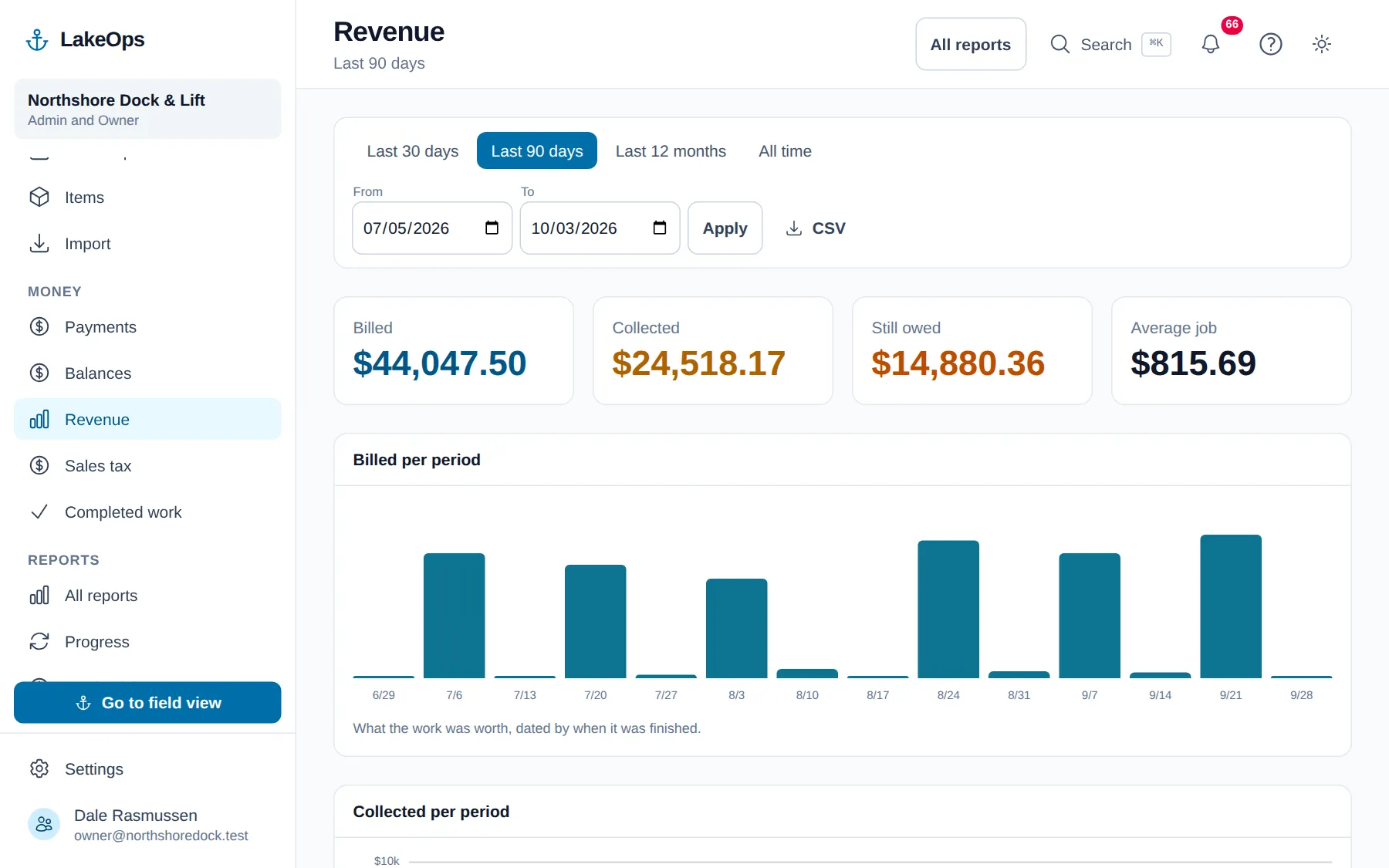
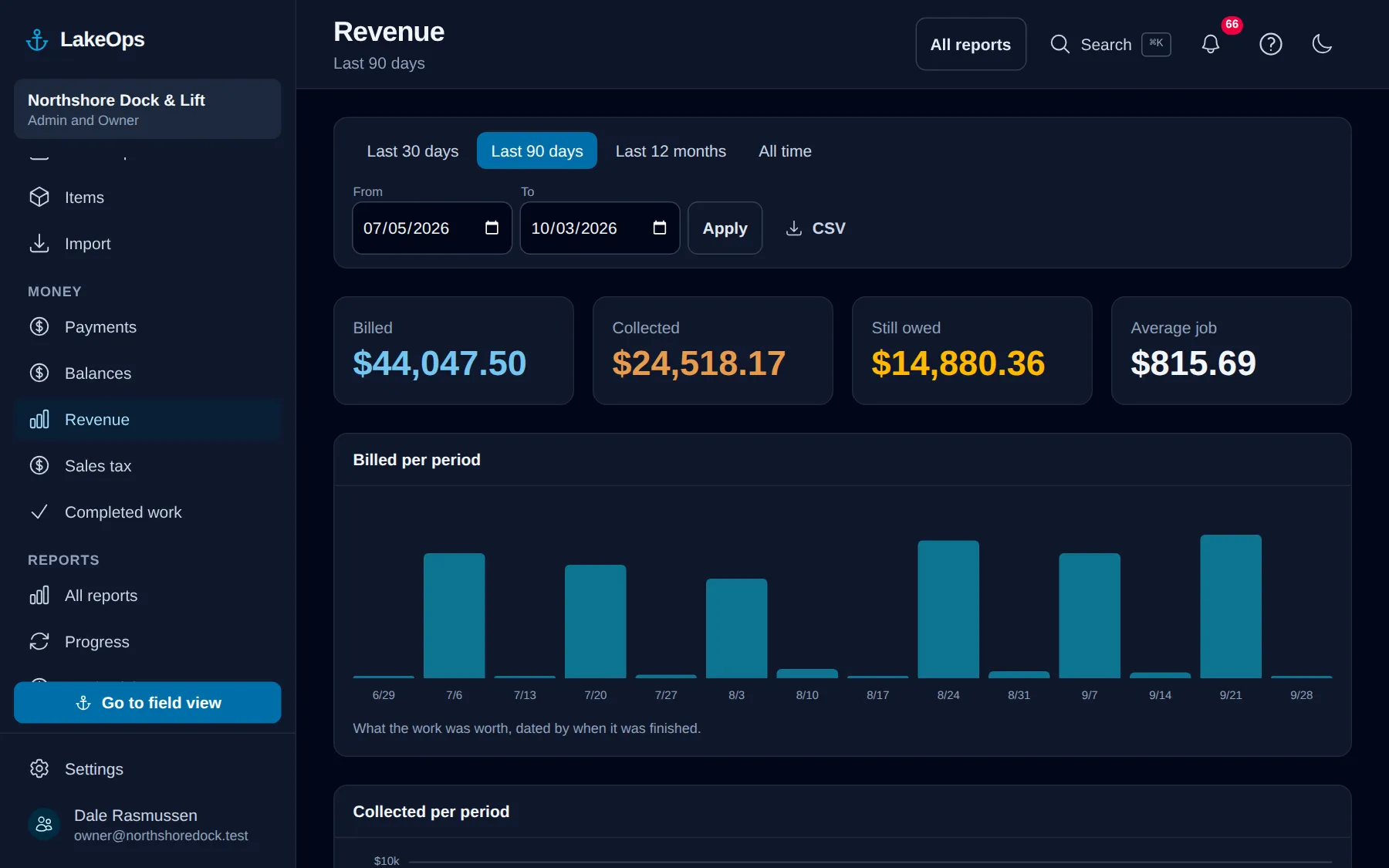
The job closes, the customer gets an itemized email with the crew’s photos and a link to pay, and the money lands in your bank. No invoice numbers, no accounting sync — and a balances report that ages what is still owed.
Read more →
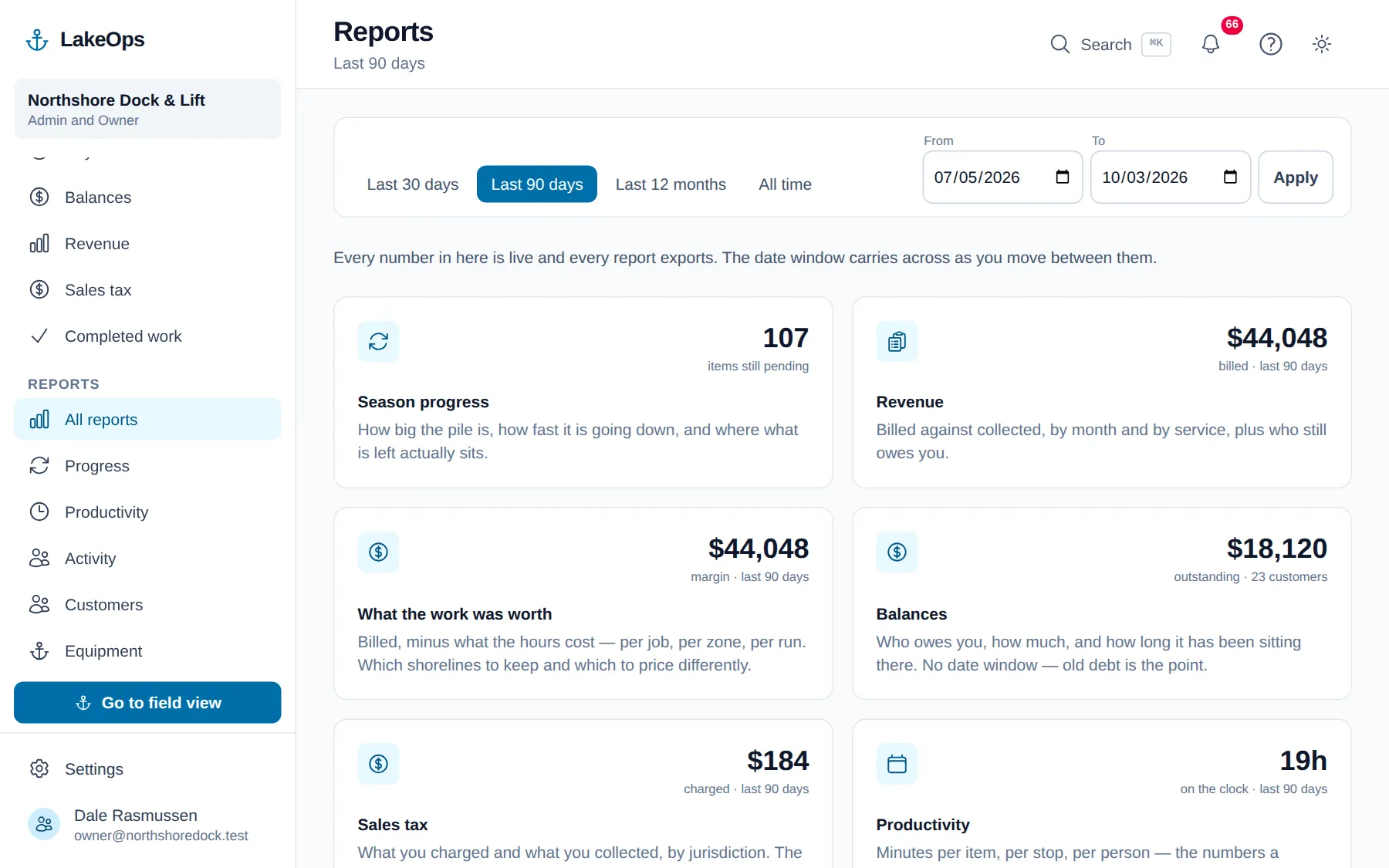
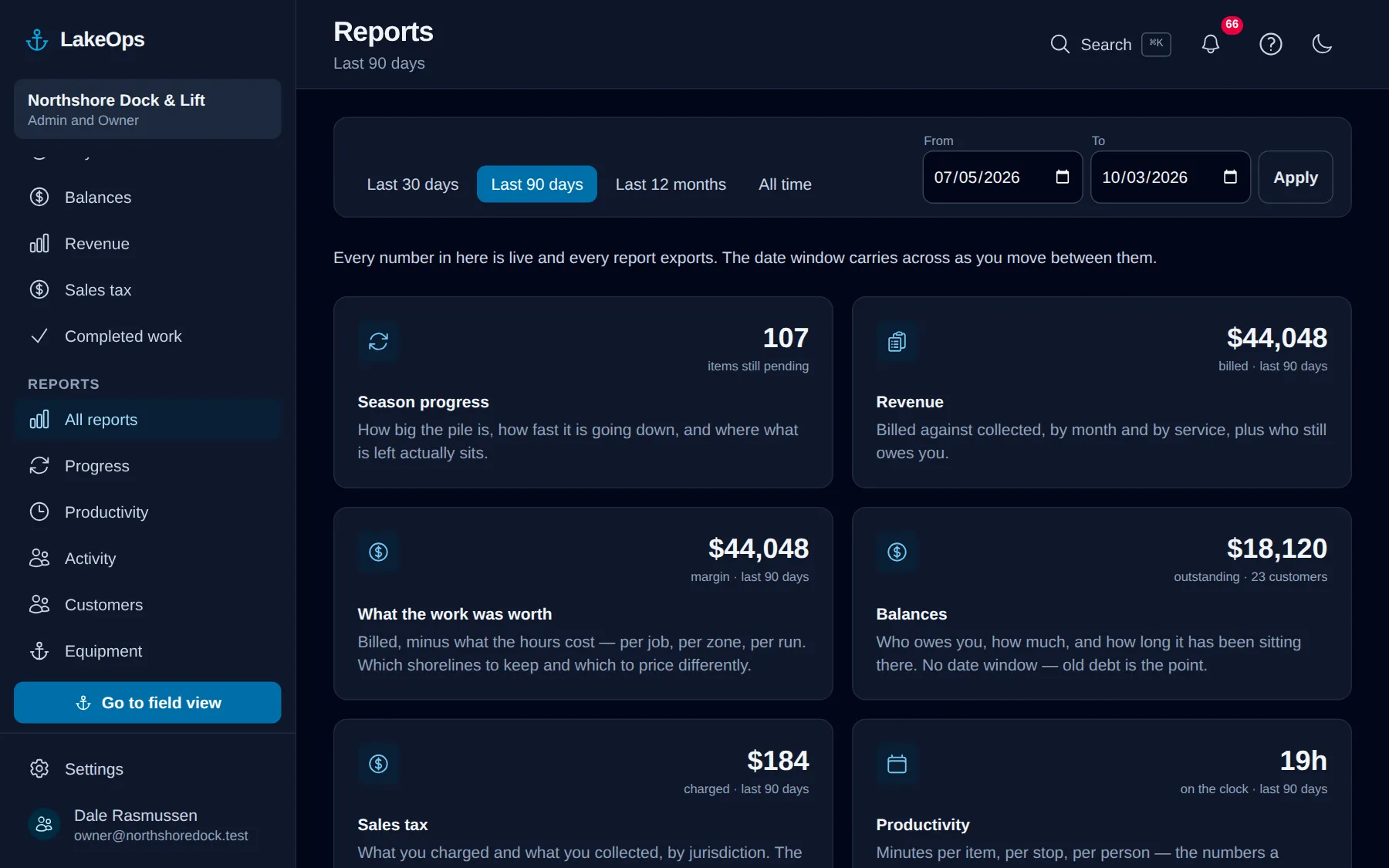
Reports
Season progress, revenue, balances, sales tax, productivity, activity, customers, equipment and completed work. All exportable, all built out of what your crews recorded on the water.
Read more →
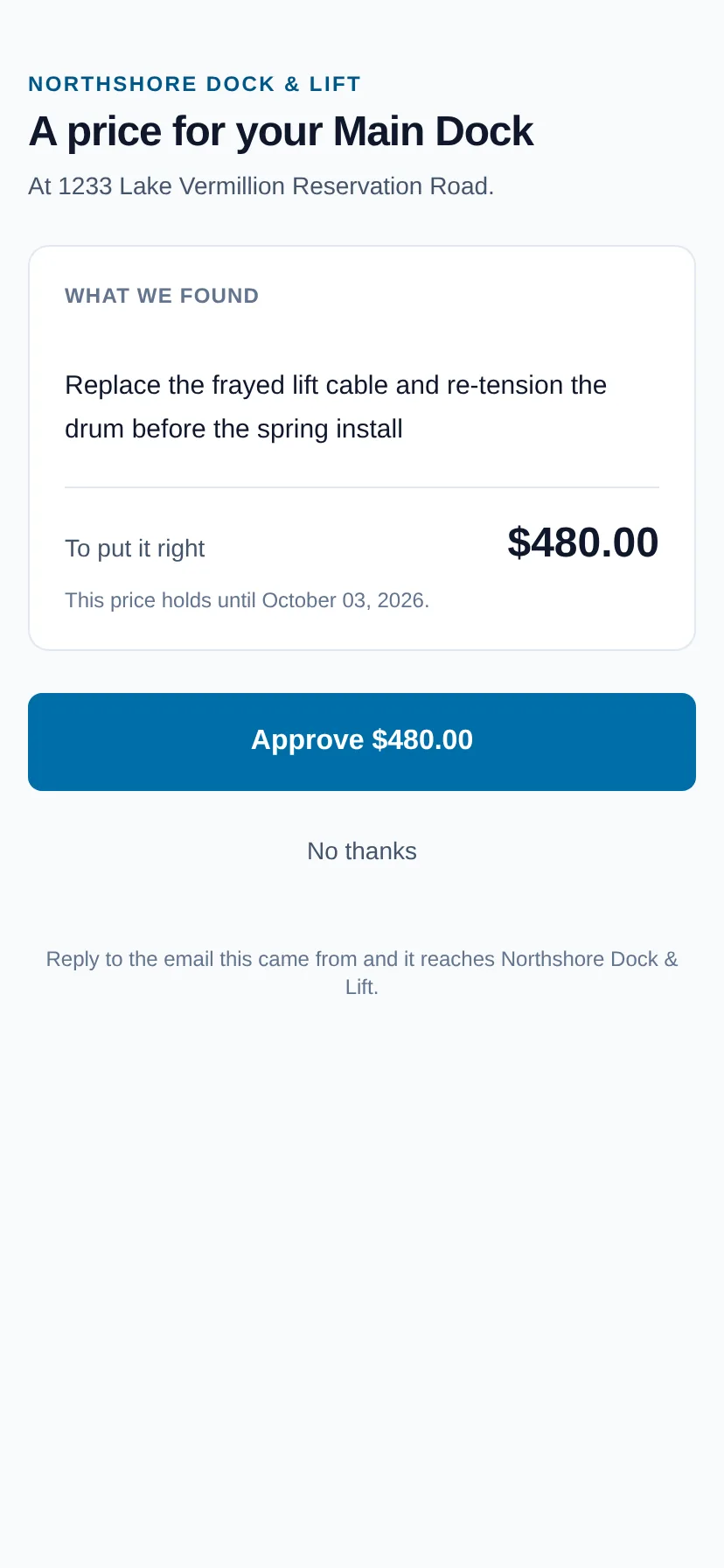
Repairs the crew spotted
Damage flagged on the piece coming out in October is priced by the office and approved by the customer from one email — no login, no estimate document — and it is on the spring list before the ice is off.
Read more →
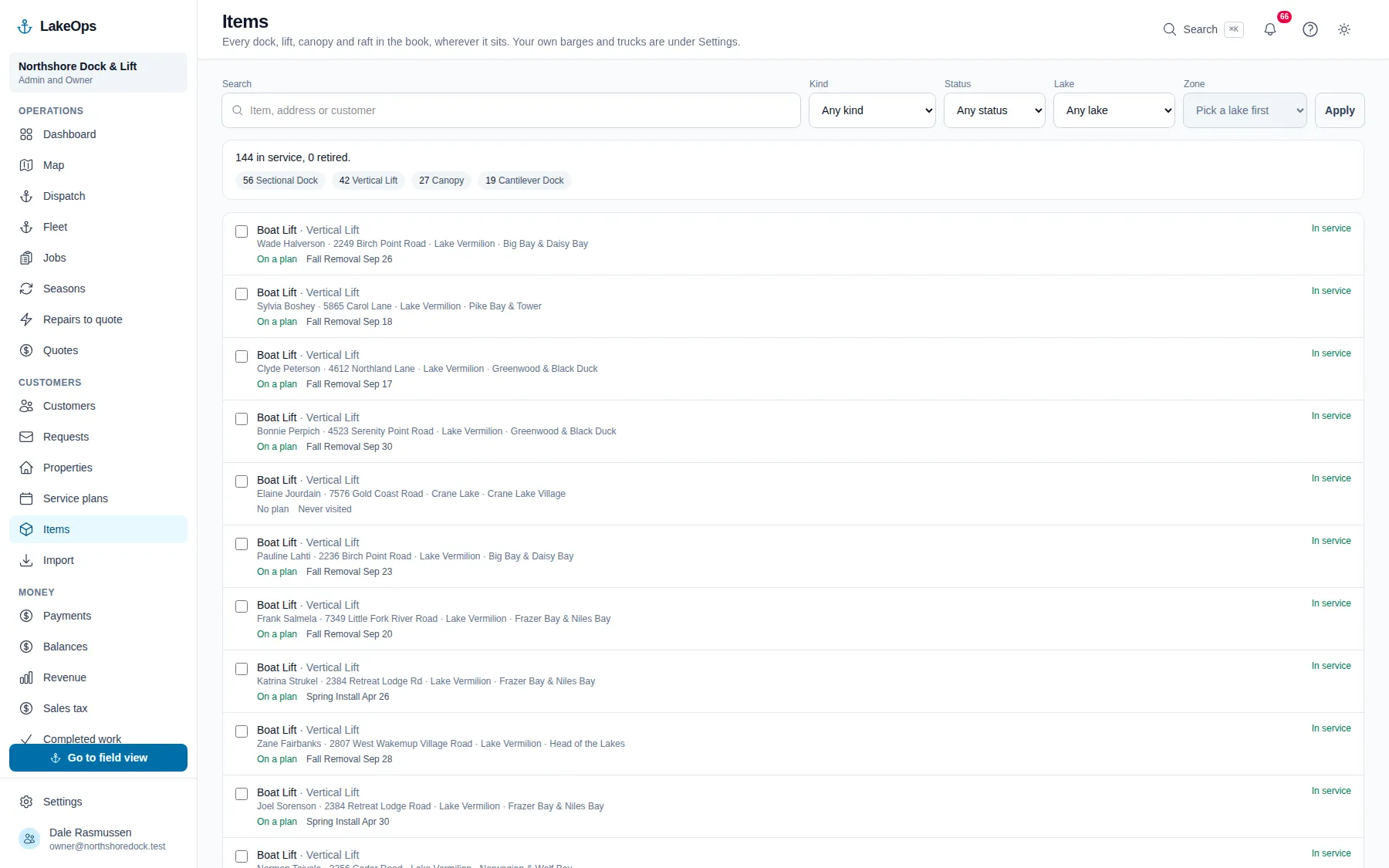
Your book
Every customer, property and piece in one place, fixed forty at a time, never deleted, and yours to take out as a zip whenever you like.
Read more →
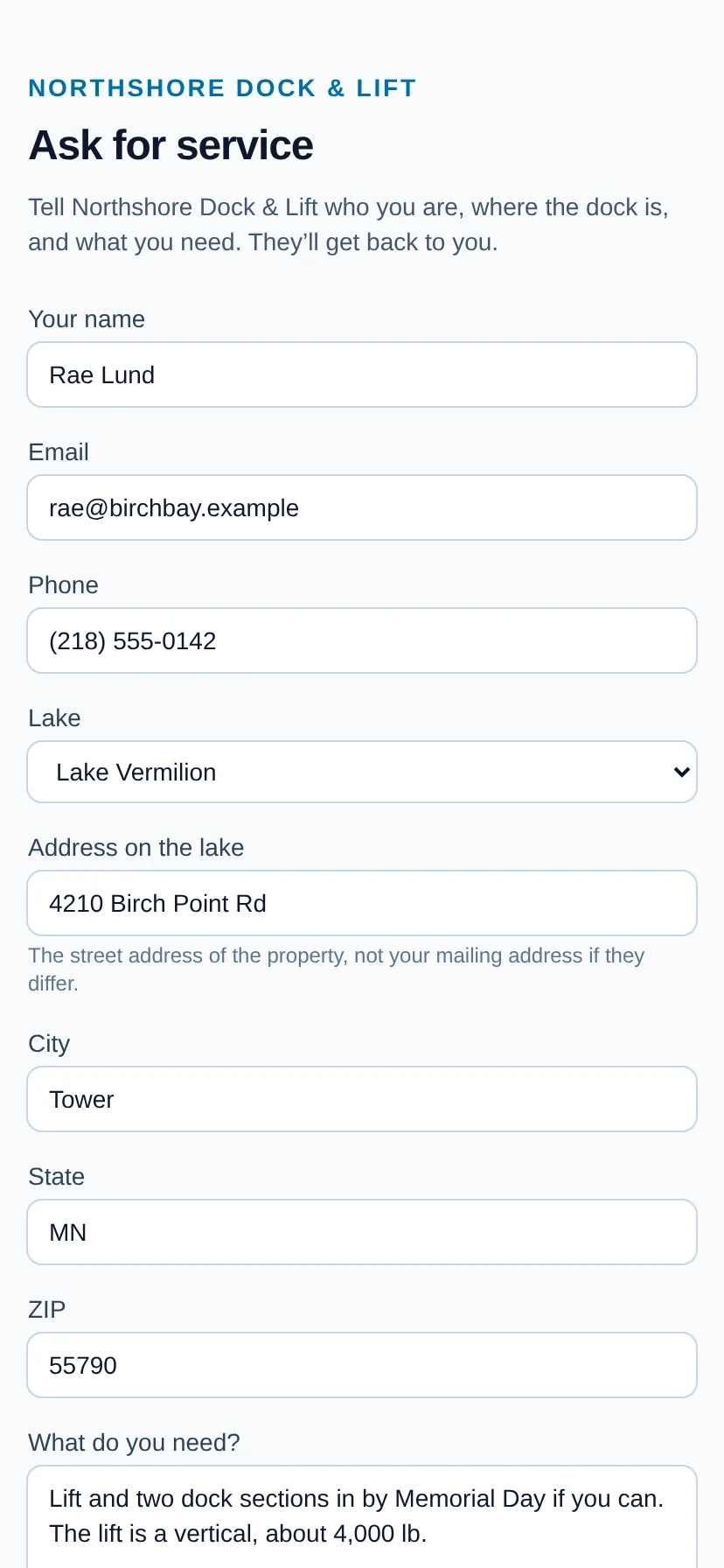
What your customers get
A request form on a link, a QR code or your website; a bill with a pay button; their own page of everything you keep on the water; and a review ask when the job is done. No login, ever.
Read more →
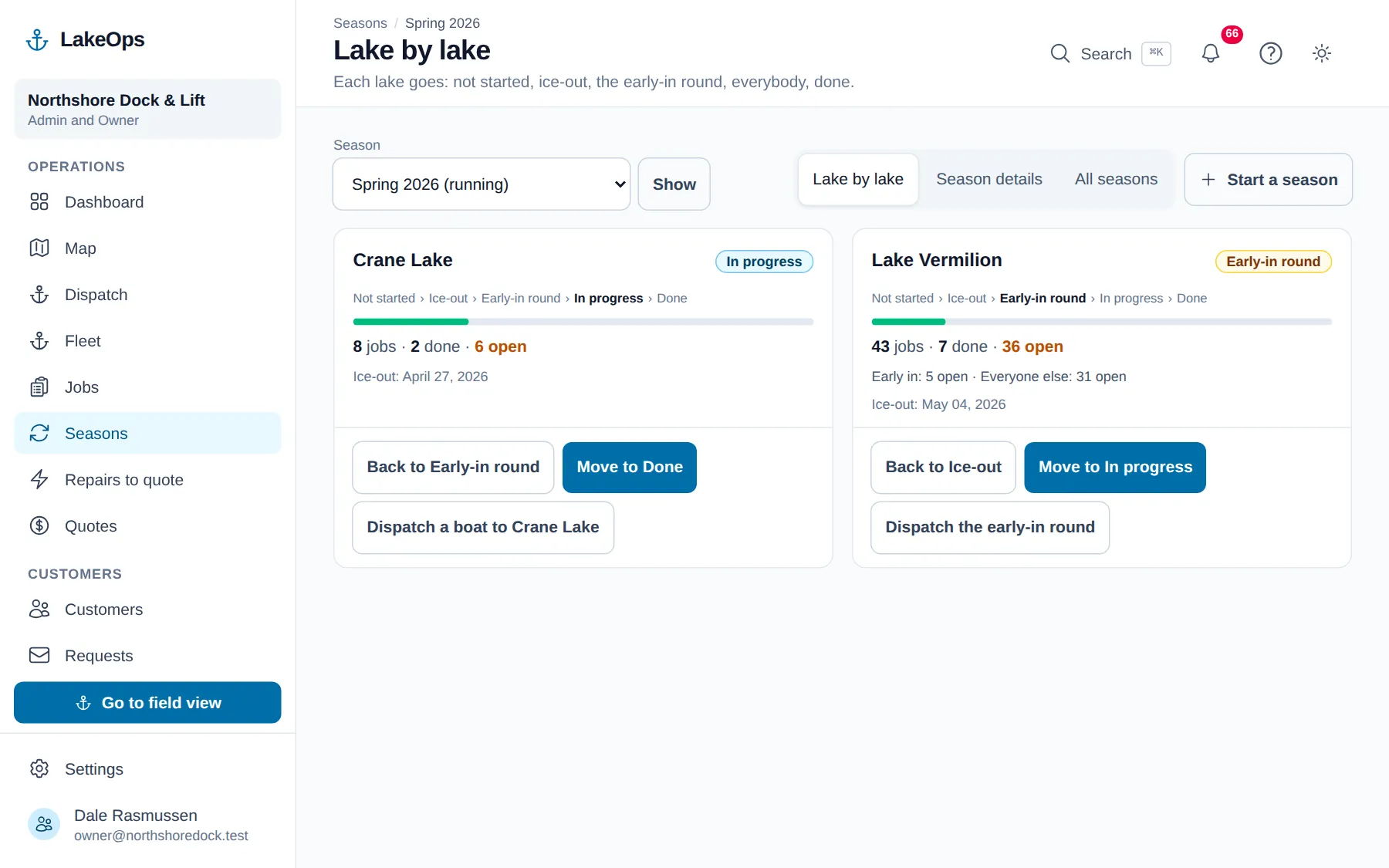
Lake by lake
Every lake is at its own point in the season.
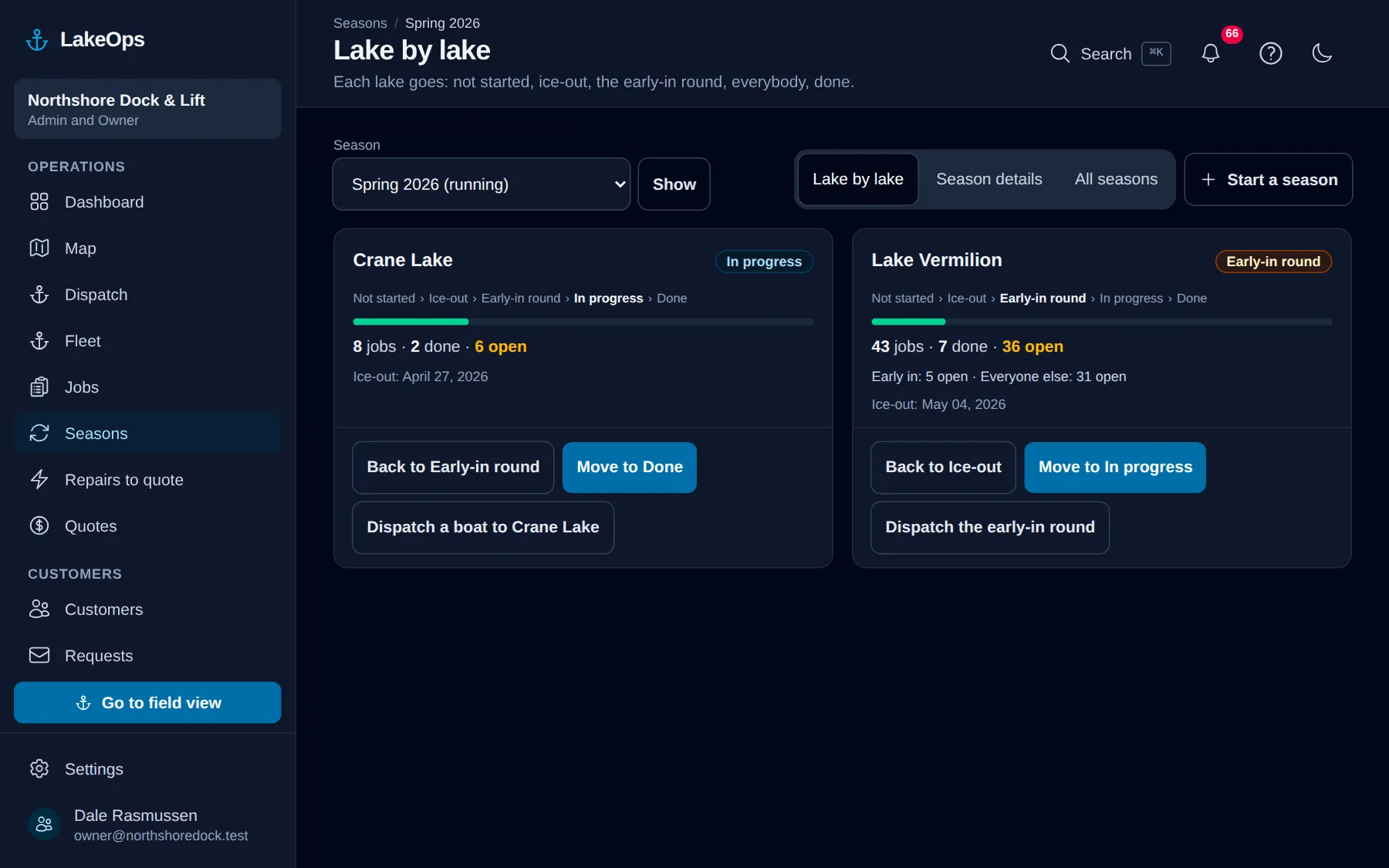
The shallow lake is half in while the big one is still iced over. Choose Seasons in the sidebar and the running season opens lake by lake: each lake shows its stage, how many jobs are done, how many are still open, and how many of the open ones are customers who pay to go in first or come out last. You move a lake one stage at a time as the water allows. It is the office’s board — nothing on it reaches a customer.
- Spring goes Not started, Ice-out, Early-in round, In progress, Done
- Fall goes Not started, In progress, Late-out round, Closed for winter
- Open a lake for everybody still waiting on it, with a phone number and email for each, and download the list
- Dispatch a boat from the lake with the lake already chosen — and while its early-in or late-out round is on and those customers are still waiting, aimed at just them
- Calling a lake done never closes or cancels a job, and new work there still goes in, with a warning
Put your own shoreline on the screen
Create the account yourself, import your customer list, drop a few pins, and you’re looking at your own water this afternoon. No sales call, no setup fee, and nothing charged until your first season generates work.
No card, no sales call, nothing to book — you're in within a minute. Send us a question if you'd rather ask a person first.