Add to LakeOps
Inventory
Stock on hand, what it cost you and where it is kept, with every movement on the ledger. The parts you use on a job and the lifts you sell come out of the same count.
$29 a month
Start with LakeOps, then switch Inventory on yourself in Settings › Products. It is added to your LakeOps bill.
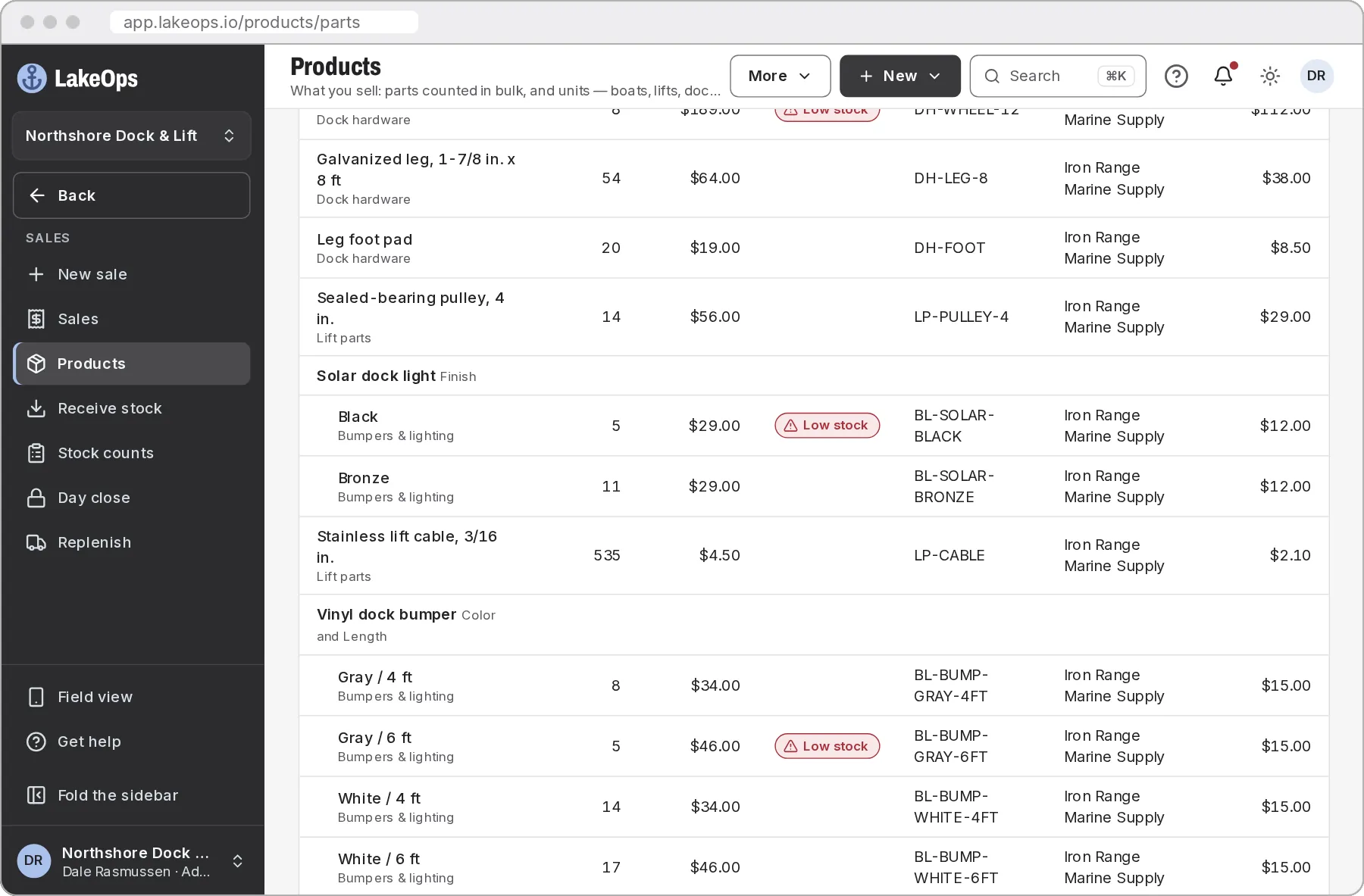
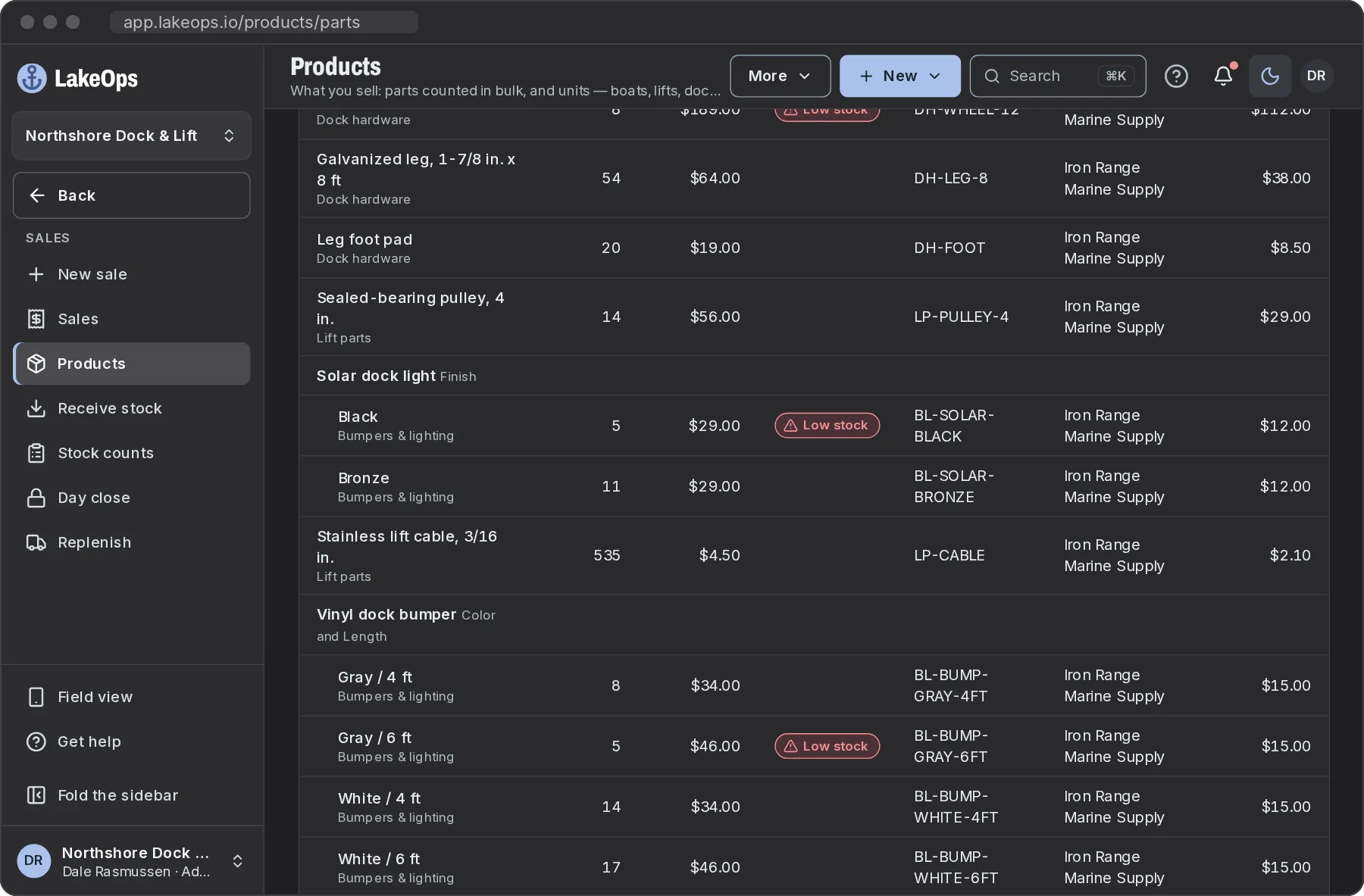
LakeOps is the core. Inventory is added to your LakeOps account and works from its customers, its catalog and its branding.
LakeOpsWho it is for
- Shops that keep parts, lifts, hardware and units on a shelf, in a yard or on a truck and are tired of finding out a part is gone when a crew needs it.
- Owners who want to know what their stock is worth, at the year-end and on any other day.
What it does
Know what you have
One count, kept honestly.
-
Warehouses and bins
Keep stock in one place or several, a shop, a yard and a truck, each with bins if you want them. Warehouses and bins: where your stock is kept
-
Variants
One product in several sizes or colors, each with its own SKU, price, photos and stock. Variants: one product in several sizes or colors
-
Nothing sold twice
A unit held for an accepted quote cannot go to anybody else, and a job takes its parts out of stock when it is completed. Parts on a job
Bring stock in
Record what arrived and what it cost.
-
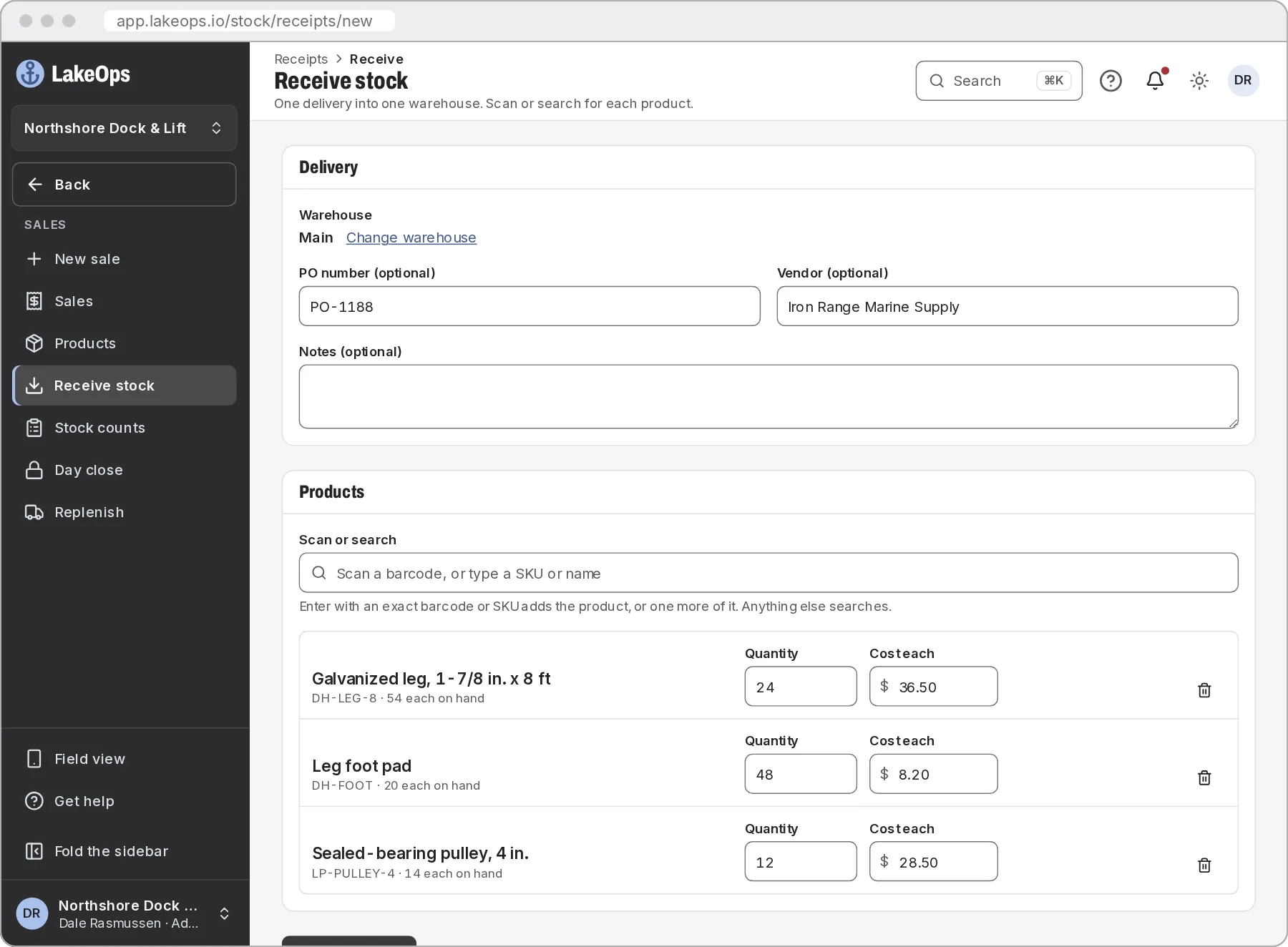
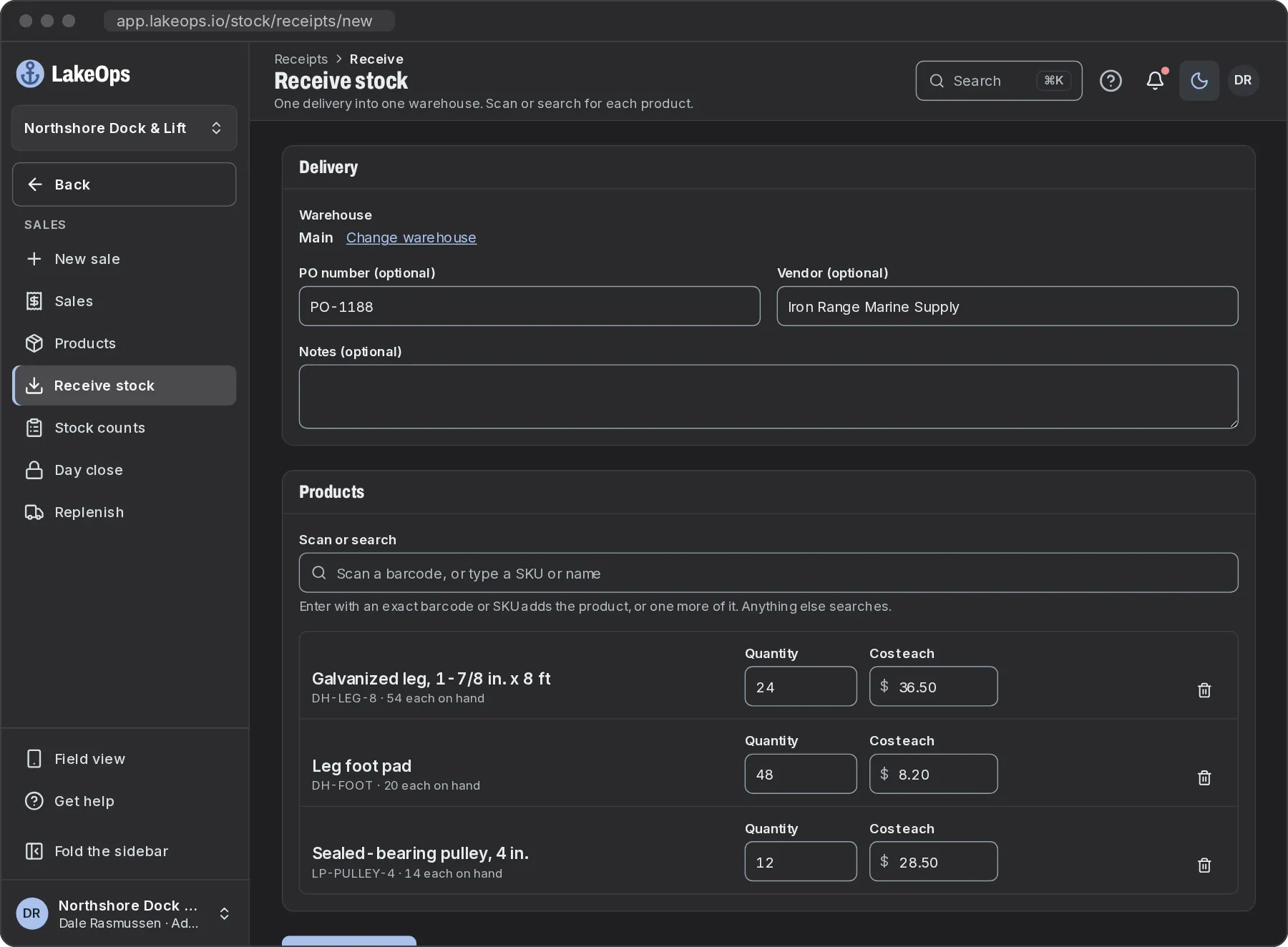
Receive a delivery
Scan or type each product in, with the PO number, the vendor and what each one cost you. The cost updates the product’s average cost. Receiving stock
-
Import your product list
Bring in the products you already have from a spreadsheet, with the columns matched for you. Importing a product list
Check it against the shelf
Count what is really there.
-
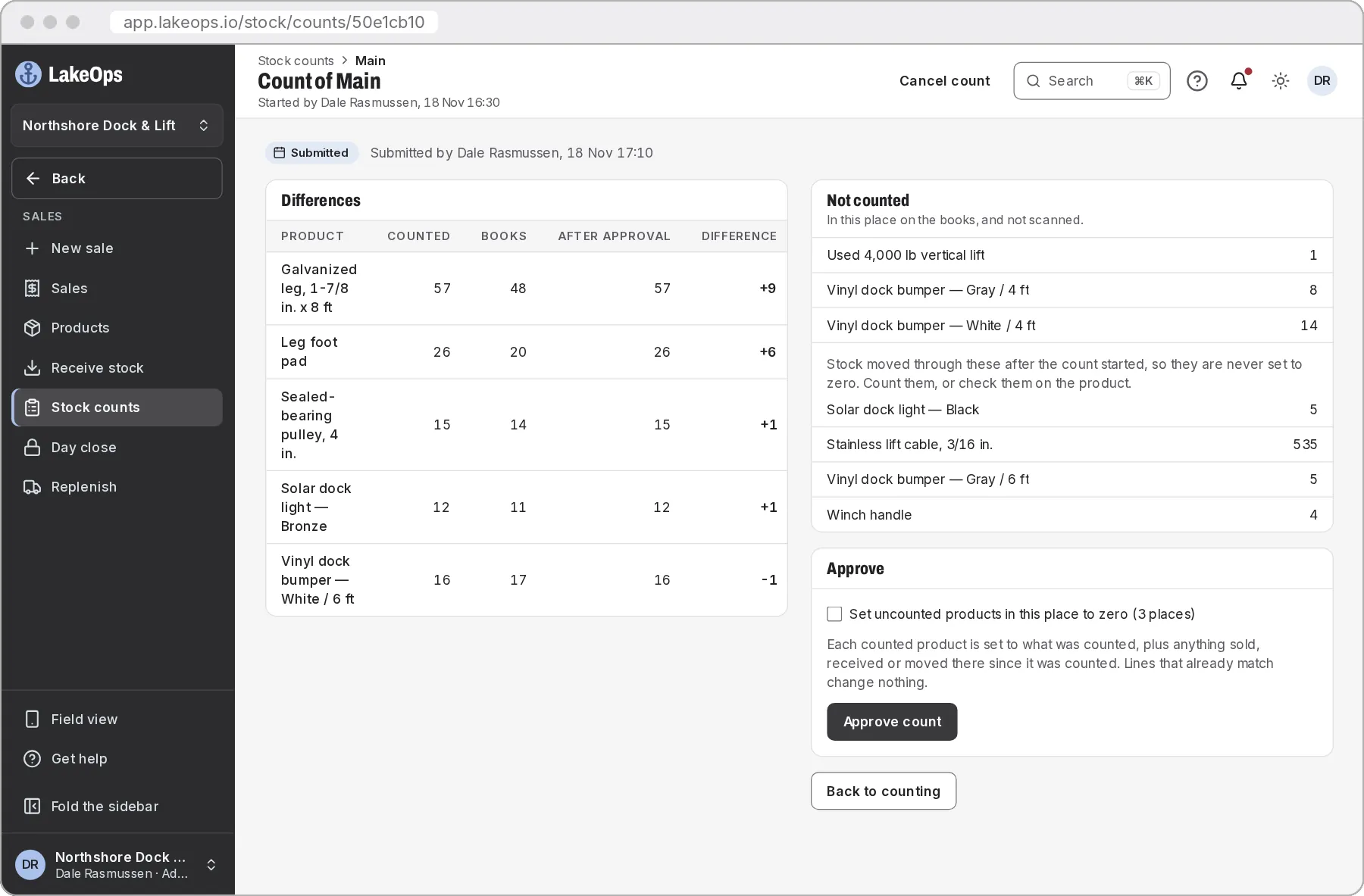
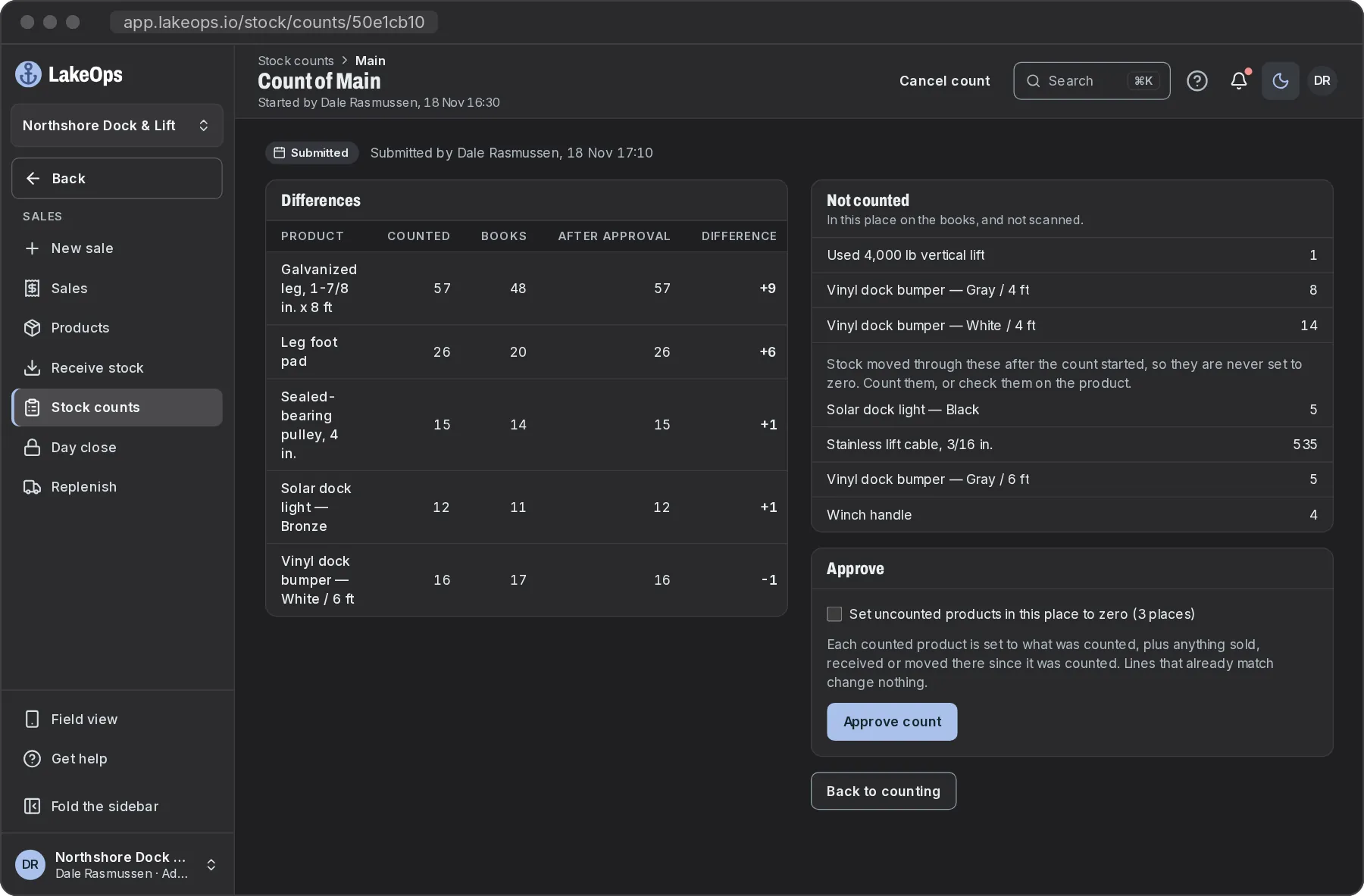
Scan a count
Count a warehouse or one bin by scanning, see the difference from the books, and approve it to put the books right. Counting stock
-
Barcodes and labels
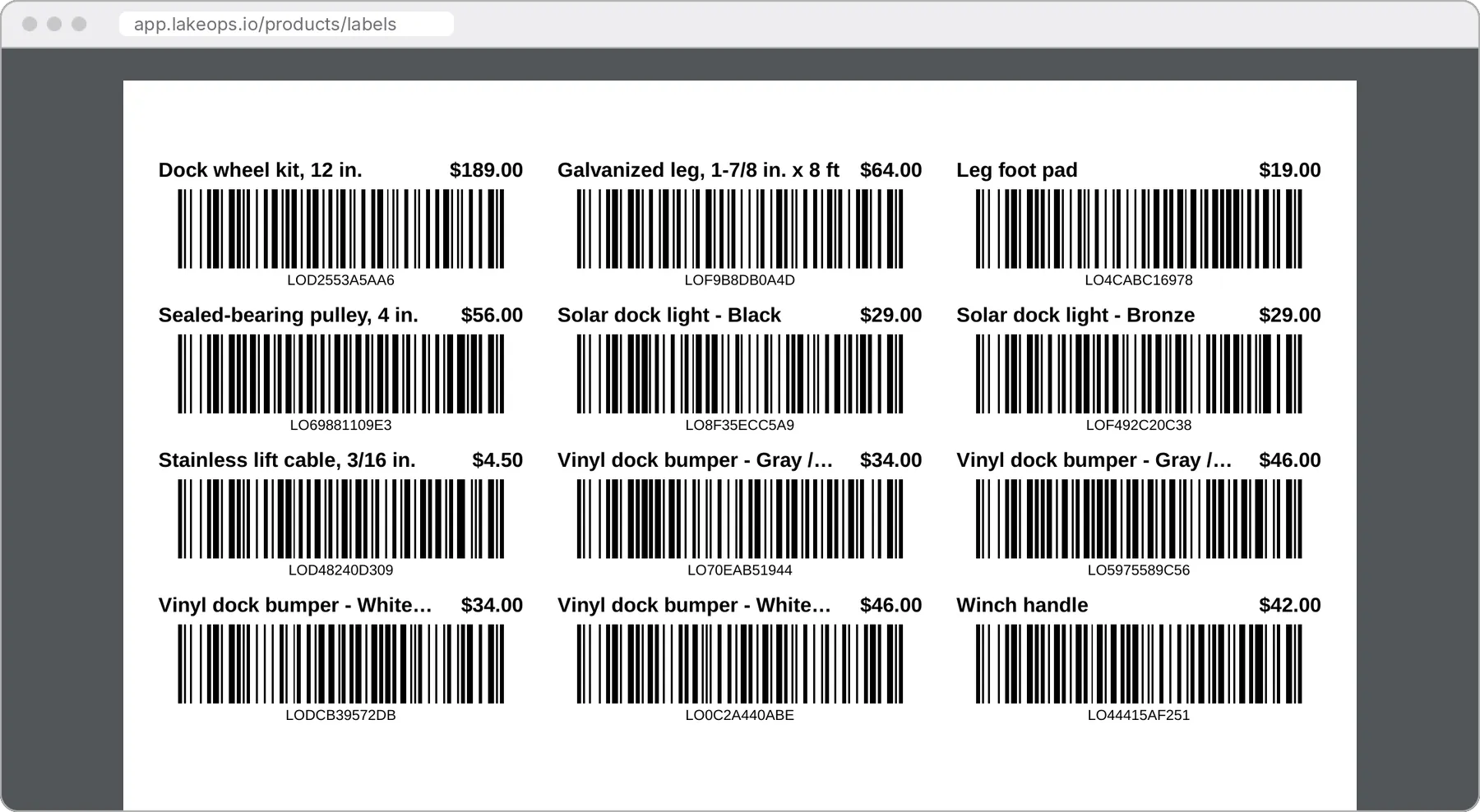
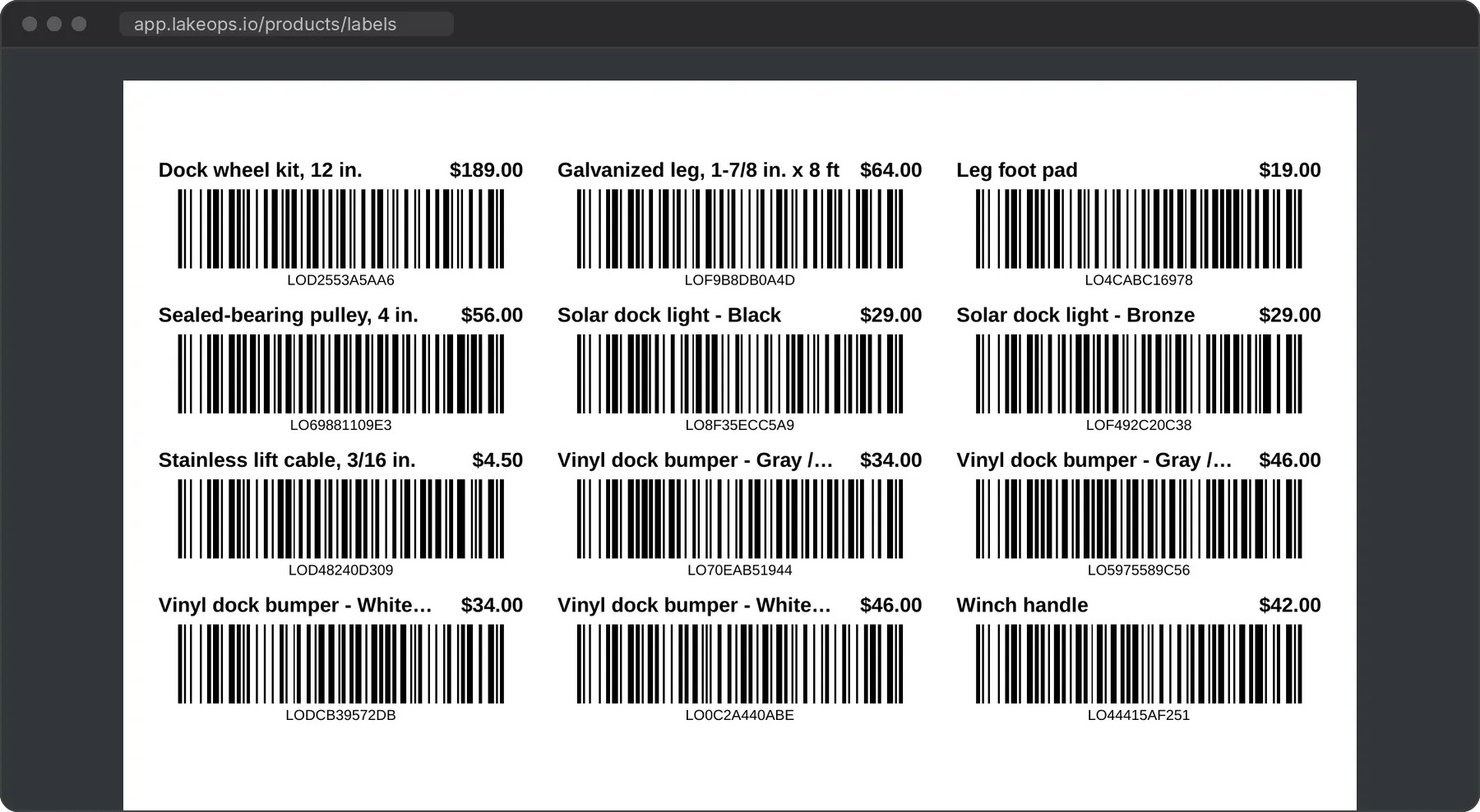
Print barcode and price labels on a thermal printer or a sheet, and find a product by scanning it. Printing barcode labels
Know what it is worth, and what to order
The figures your accountant and your buyer both ask for.
-
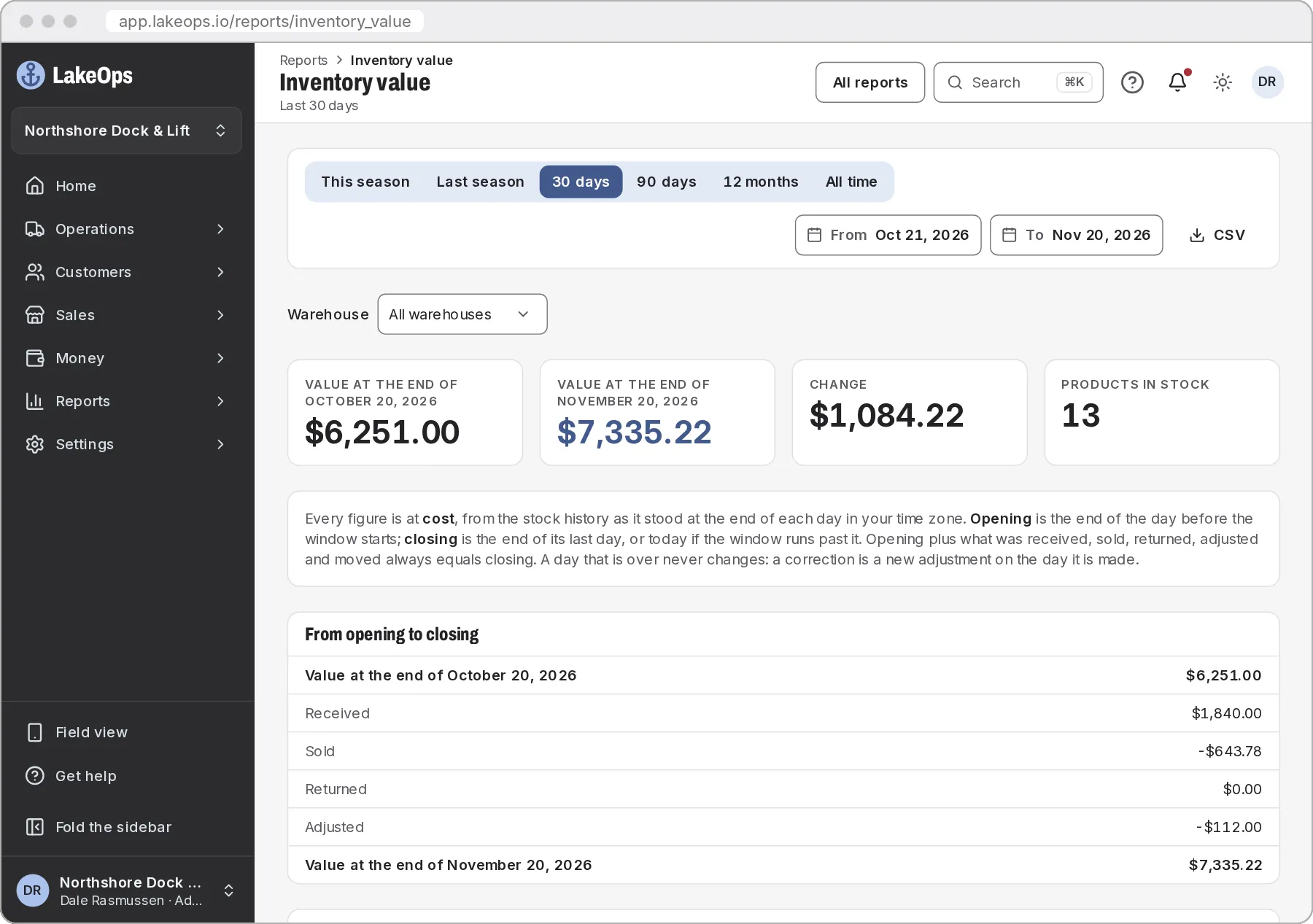
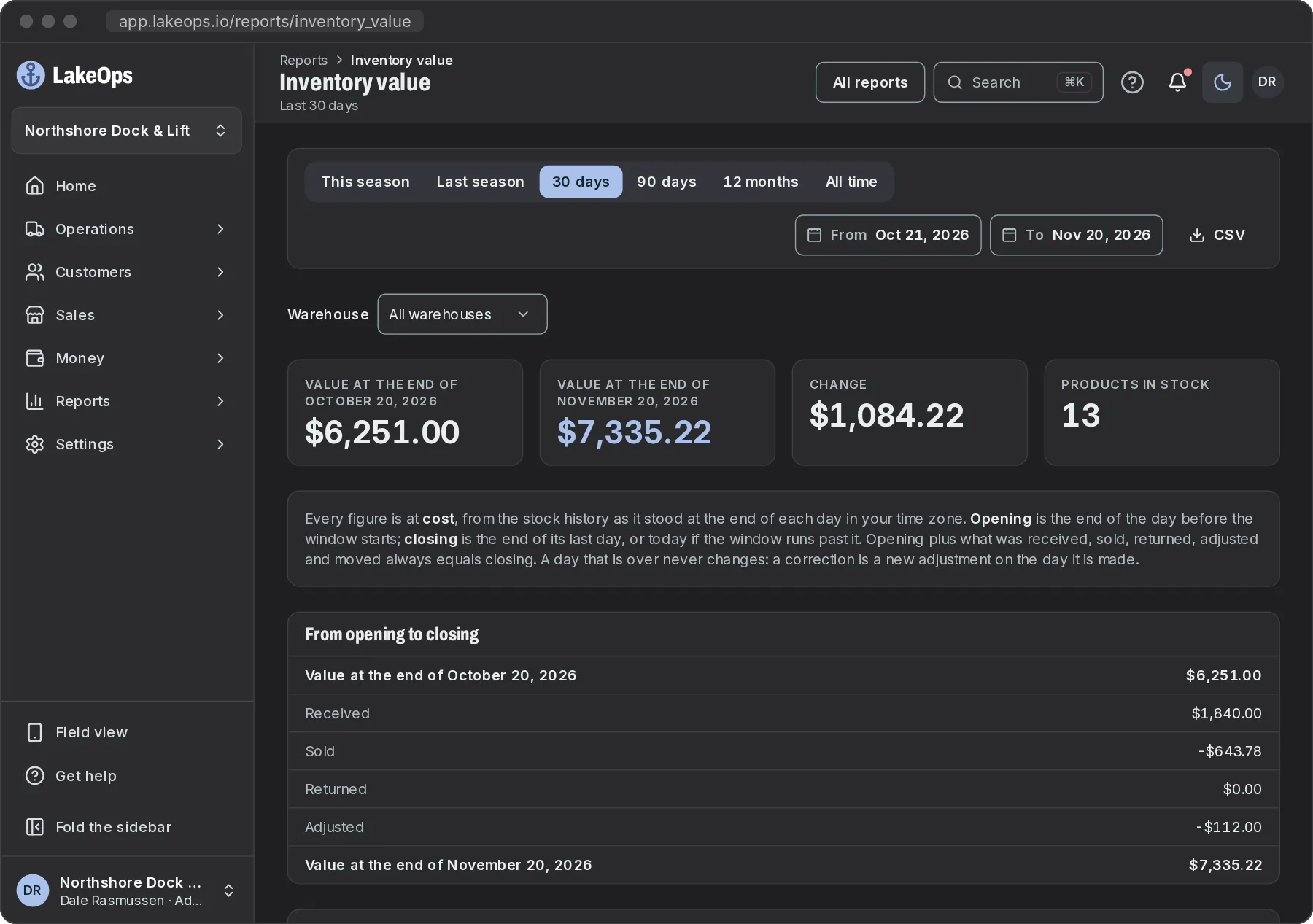
What your stock is worth
The inventory value report: what your stock was worth on any day, and how it got from the last figure to this one. Inventory value: what your stock was worth
-
Trade-ins come into stock
Put a trade-in line on a quote with its allowance. When the old lift comes in, Trade-in received puts it in stock at that allowance and retires it from the customer’s property. Trade-ins: taking a used unit in part exchange
-
Replenish
A list of what is at or below its reorder point, with what is on hold, so you know what to order.
-
Change many prices at once
Change prices across a set of products in one step, see the old and new price first, and undo the batch if you need to. Changing many prices at once
Works with the rest of LakeOps
What it costs
$29 a month
Added to your LakeOps plan, per account, whatever you stock. There is no fee per item or per movement. Inventory is also in the Sales Suite at $69 a month with POS and Storefront.
Already in every LakeOps account
At no extra charge: your product list with prices, multi-line quotes with parts and units on them, a deposit when the customer accepts a quote (with LakeOps Payments on), products added to a job, and customer credit kept from an overpayment.
Only the account owner can remove a product, from Settings › Products. It stops at the end of the month you have paid for, and your records are kept.
Questions people ask
- Do I need LakeOps to use Inventory?
- Yes. Inventory is added to a LakeOps account, and counts the products in its catalog.
- What happens to my product list if I remove Inventory?
- The catalog stays. Removing Inventory drops stock tracking, not the products themselves, and you can download a copy first.
- Can I scan with my phone?
- Yes. A count works from a phone camera or a Bluetooth scanner, and a USB scanner works at a desk.
- Is there a fee per item?
- No. Inventory is $29 a month whatever you stock.
More from LakeOps
The core
LakeOps
Starts at $199 a month
The season, the map, the crew’s phone and the bill, for a company that installs and removes docks and lifts. The core that every other product is added to.
See LakeOps
Add to LakeOps
POS
$39 a month
Ring up counter sales for parts, lifts and units from your catalog, and take cash, check, a card or put it on account. Added to LakeOps.
See POS
Add to LakeOps
Storefront
$19 a month
What you have for sale, on a page in your colors or on your own website, with questions landing in your inbox. Added to LakeOps.
See Storefront