Where the boats are
See where every boat is. Without becoming a shop that tracks people.
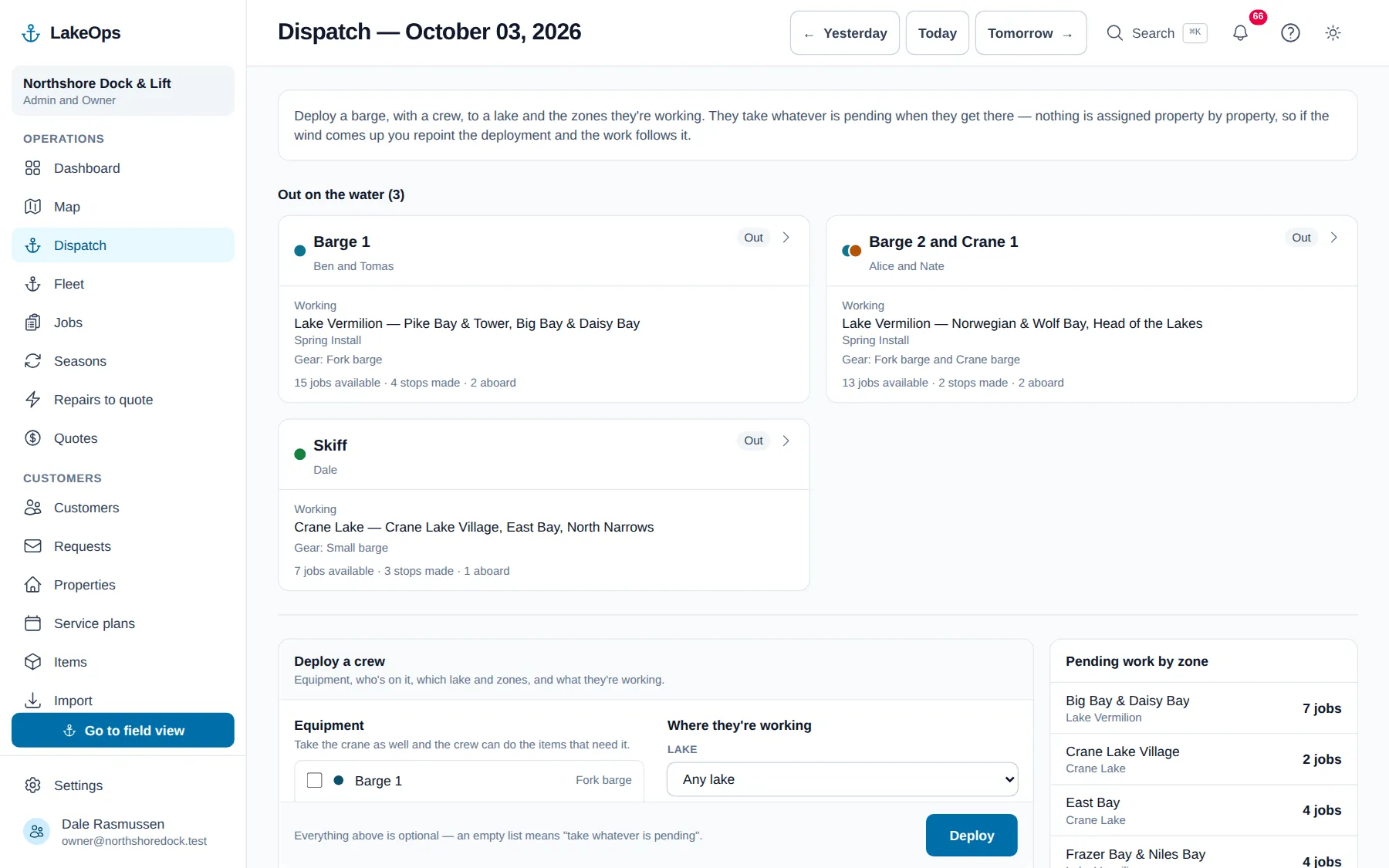
Somebody rings at eleven wanting to know when you’ll get to their dock. Right now you either guess, or you call a crew with their hands full of cable. Open Fleet instead: the north boat is three bays away with four stops left, so you tell them early afternoon and get off the phone.
Answer the phone without guessing
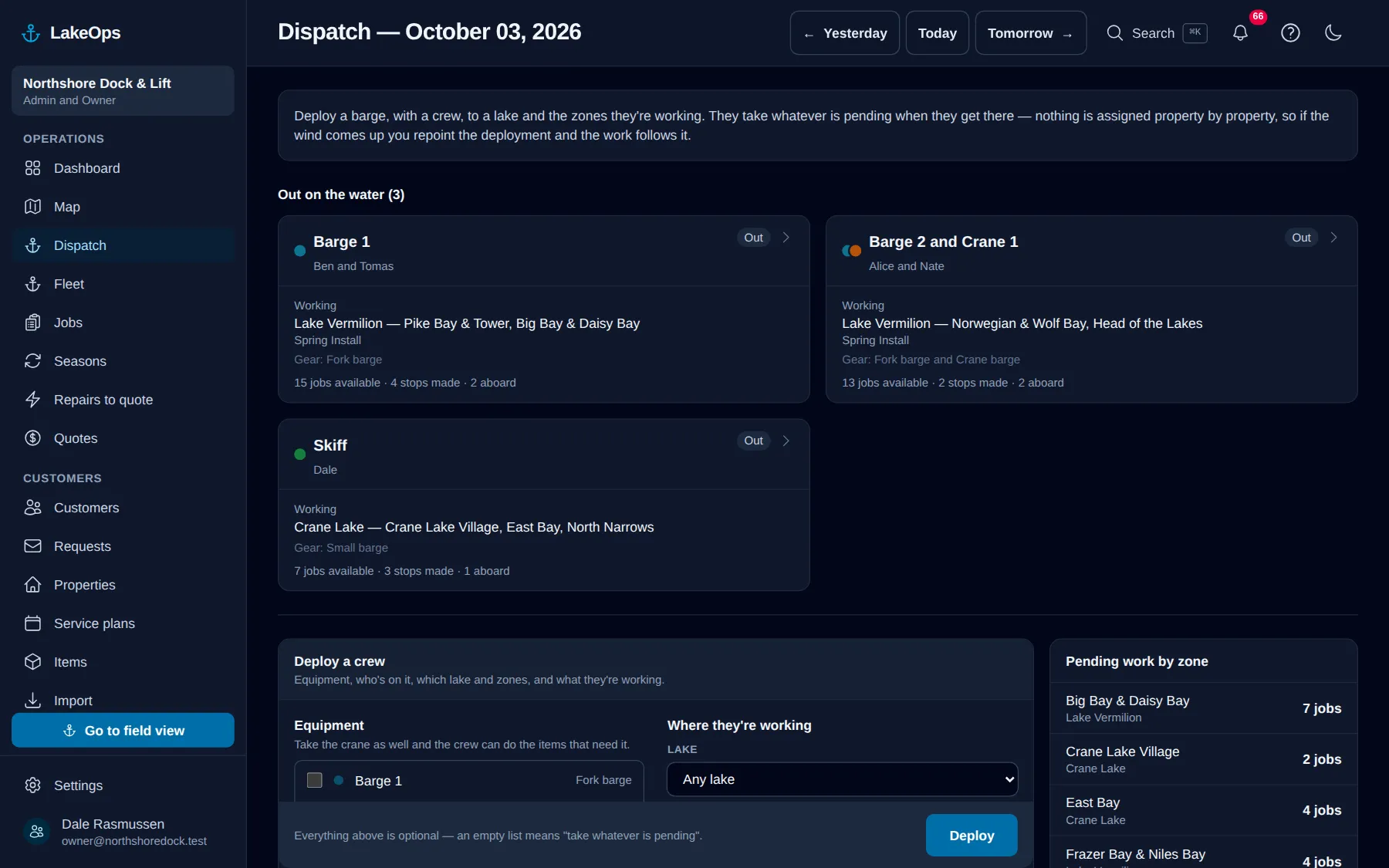
Every boat that went out this morning, on one screen — the gear aboard, who’s on it, the water they’re working, and where they are. You stop being the person who says “let me find out and ring you back”, and the crew stop being interrupted to answer it.
Know who needs the third pair of hands
Stops done and stops left, next to each boat. When the south crew is nearly finished and the north crew has eleven to go, you can see it at a glance instead of working it out from what people told you at seven this morning — and move somebody before the day gets away from you.
Every position is stamped with a time
“Just now.” “Twelve minutes ago.” It’s written next to the boat in plain words, so you always know whether you’re looking at where they are or where they were. That’s the difference between telling a customer “they’re at your dock now” and finding out they left twenty minutes back.
It isn’t a tracker, and your crew can see that
LakeOps keeps one position per person per day and writes over it each time a new one arrives. There’s no trail, no history, nothing to play back and nothing to export — it only reports while somebody is out working with the app open, and it stops when the day does. That’s how the software is built, not a promise about how you’ll use it, so you can tell your crew exactly that and have it be true.
Quiet spells are normal, and you’ll know they’re quiet
A phone in a pocket while somebody wrestles a lift isn’t reporting, and no app on any phone can change that. So when a boat goes quiet, the screen keeps the last fix it has — marked as ageing, not current — for up to two hours, then falls back to where that crew last clocked on, when there is one. You’re never looking at an old dot pretending to be current.
Questions about this
- Are you tracking my crew?
- No, and it’s built so we can’t. LakeOps holds one position per person for the day they’re out and overwrites it every time a new one lands — there’s no trail to play back, nothing to export, and no report of where anyone has been. It only reports while they’re out on a boat with the app open, and it stops when the day ends. Tell your crew that; it’s a fact about the software, not a policy.
- What happens out of signal?
- Nothing is sent, and nothing is saved to send later — a position that turned up after a reconnect would tell you where the boat used to be, which is how an office sends help to the wrong bay. The screen falls back to where that crew last started a timer and says that’s what you’re looking at.
- Will it flatten their phone batteries?
- It asks for a rough position every minute and a half, and only while the app is on screen — it doesn’t hold the GPS awake. Knowing a boat is at the north end of the lake is the whole job; knowing it to the metre would cost you the battery that has to last until the last lift is out.
- Why does a boat sometimes show nothing for twenty minutes?
- Because the phone is in a pocket, or a dry bag, and phones don’t let an app report its location from the background. That’s a limit of phones rather than of LakeOps, and the screen treats it honestly: it shows the gap and how long it’s been, instead of leaving an old dot looking fresh.
- Who in the shop can see it?
- Anyone who can already open the dispatch board — the office, admins and your boat operators. It uses the same permission you’ve already set up, so there’s nothing new to configure and nothing new to forget.
Put your own shoreline on the screen
Create the account yourself, import your customer list, drop a few pins, and you’re looking at your own water this afternoon. No sales call, no setup fee, and nothing charged until your first season generates work.
No card, no sales call, nothing to book — you're in within a minute. Send us a question if you'd rather ask a person first.