Sending crews out
Send a boat at a shoreline. There’s no calendar in this.
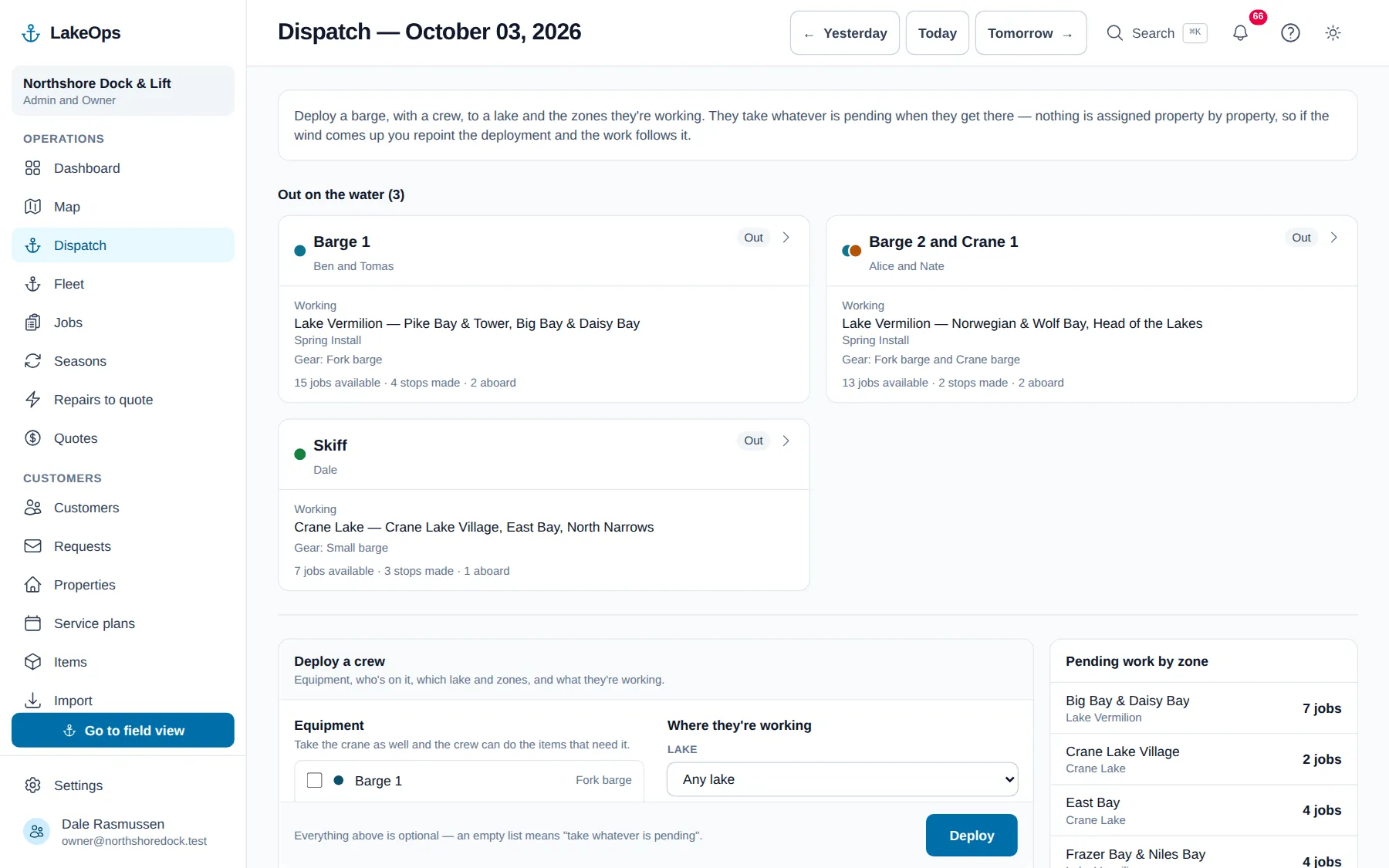
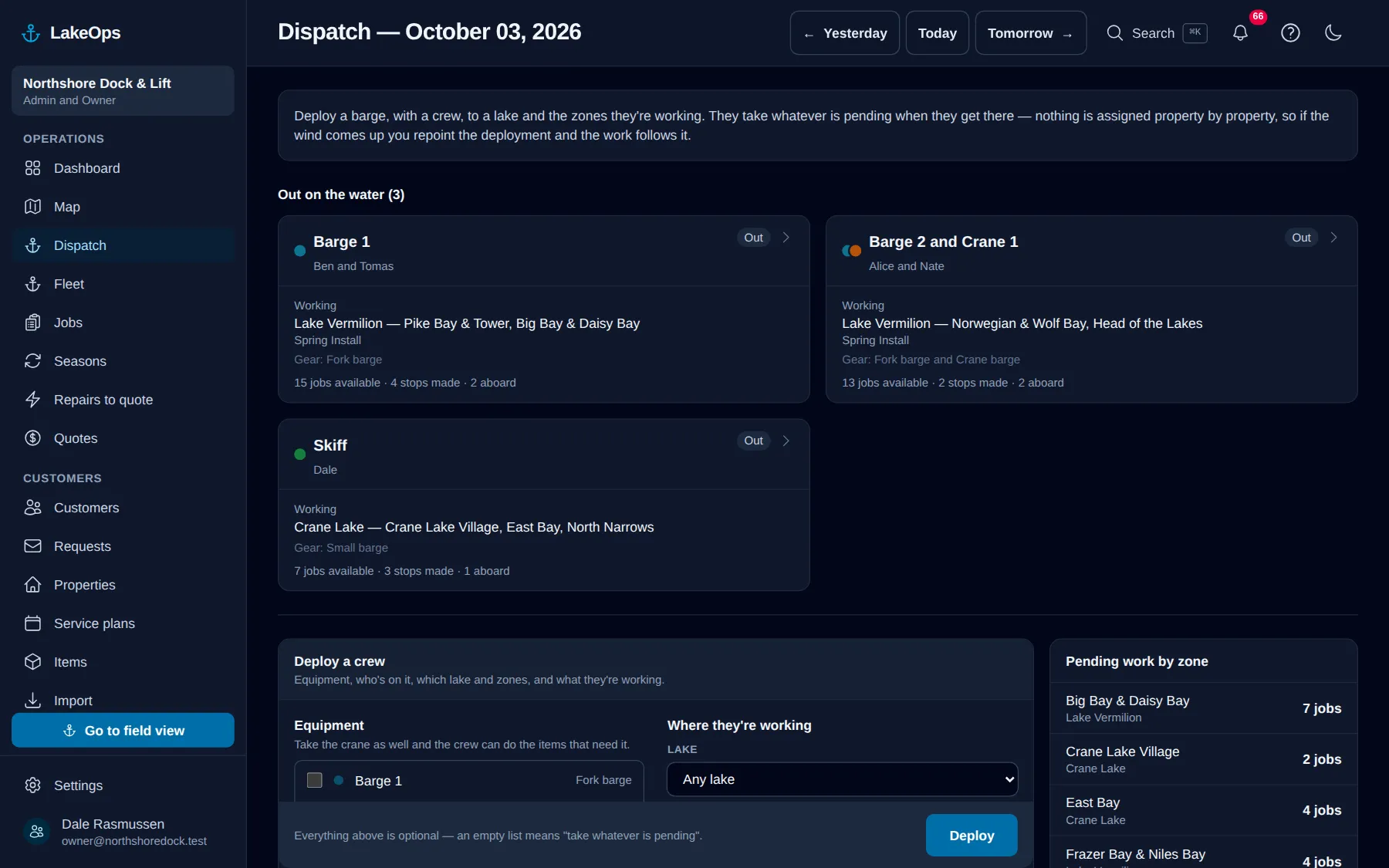
LakeOps has no calendar scheduling. A crew goes out with a boat, a set of gear, a lake and the bays they’re working, and they take whatever’s still waiting there. You already run it this way — the weather doesn’t leave you a choice — so the software runs it that way too.
You can’t schedule wind
Ice-out moves three weeks year to year. A north wind can shut the exposed shore by mid-morning and leave the protected side workable all day. Half your customers call the week they arrive. A route built in March is wrong by the second week of May, and rebuilding it every morning is a job nobody in your shop has time for. So there’s nothing to rebuild. Everything still waiting sits on one list, sorted by the zone it’s in — however you split your lakes — and a crew takes whatever’s waiting where they are.
- Barge 1, two crew, the north arm, installs. That’s the setup, and it takes a minute.
- The crew gets handed the open work in those zones that their boat can actually take
- Move them to the calm side and the work follows — nothing has to be unassigned, because nothing was assigned
- Add a stop by hand and it stays on their list even when you move them
The first wave, and only the first wave
Ice goes out on a Thursday and everybody wants to be first. Some of them will pay for it, and some will pay to leave the lift in past the normal pull date. Mark those customers on their service plan, and you can send a boat at exactly them — nothing else in the zone, nothing two bays over.
- One setting on the customer’s service plan, with whatever premium you charge for it
- The premium rides the ordinary bill: taxed with the work, inside the total, nothing separate to send
- It rolls forward with the plan, so they stay early-in next year without anyone re-ticking
- A normal run still sees those customers, so an early-in dock nobody got to reads as overdue work rather than vanishing off every list
- The crew card says which stop was paid for, because a mixed run is normal
The gear decides what a crew can take
Some shorelines you can’t reach without the crane barge. Some lifts need it. Some pieces take four hands rather than two. You set that on the property or on the piece itself, not in somebody’s head at the landing — so a crew going out with a given boat sees plainly what they can and can’t do today.
- Fork barge, crane barge, small barge, truck and trailer — name them whatever you call them
- Take the crane along and the work that needs it opens up on their list
- Each boat carries a color, and that color is the ring on the map pin
- “Needs the crane barge” sits on the lift, so nobody finds out at the shoreline
Two boats, one property, no argument
It happens constantly. The fork barge sets the dock in the morning and the crane barge sets the lift on Thursday, or both are on that shore at once. Each crew marks what it set. Neither one wipes out the other’s work, and neither one has to wait for the other to finish first.
- Each crew marks its own pieces; the property doesn’t get locked by whoever got there first
- The clock says who was on the property and when
- Closing out the day clears a stop somebody forgot to leave, so tomorrow’s map has no ghost boat sitting at a dock
- One boat can’t be out with two crews, and one person can’t be aboard two boats
Questions about this
- How do you assign jobs to crews?
- You don’t. A crew is sent to a lake and a set of zones and takes whatever is still pending there. On a lake, the weather reassigns your crews for you, so any property-by-property plan is wrong inside a day.
- What happens when the wind comes up?
- You move the boat to different bays, and the open work on that water is immediately what the crew sees. Nothing has to be released or unassigned, because nothing was assigned in the first place.
- Can I still send a crew to one specific place?
- Yes. Add a stop to their list by hand — “look at that lift while you’re out there” — and it stays on their list even if you send them somewhere else.
Put your own shoreline on the screen
Create the account yourself, import your customer list, drop a few pins, and you’re looking at your own water this afternoon. No sales call, no setup fee, and nothing charged until your first season generates work.
No card, no sales call, nothing to book — you're in within a minute. Send us a question if you'd rather ask a person first.