Included with LakeOps
Accounting export
LakeOps bills and collects; your bookkeeper keeps the books. The export is what connects the two, at no extra charge.
Included
Included with LakeOps. There is nothing to switch on.
Accounting export is part of LakeOps and is used from your LakeOps account.
LakeOpsWho it is for
- Any LakeOps shop with a bookkeeper or an accounting system that needs the season’s jobs and payments.
What it does
Hand it to your bookkeeper
The same record the office already works from.
-
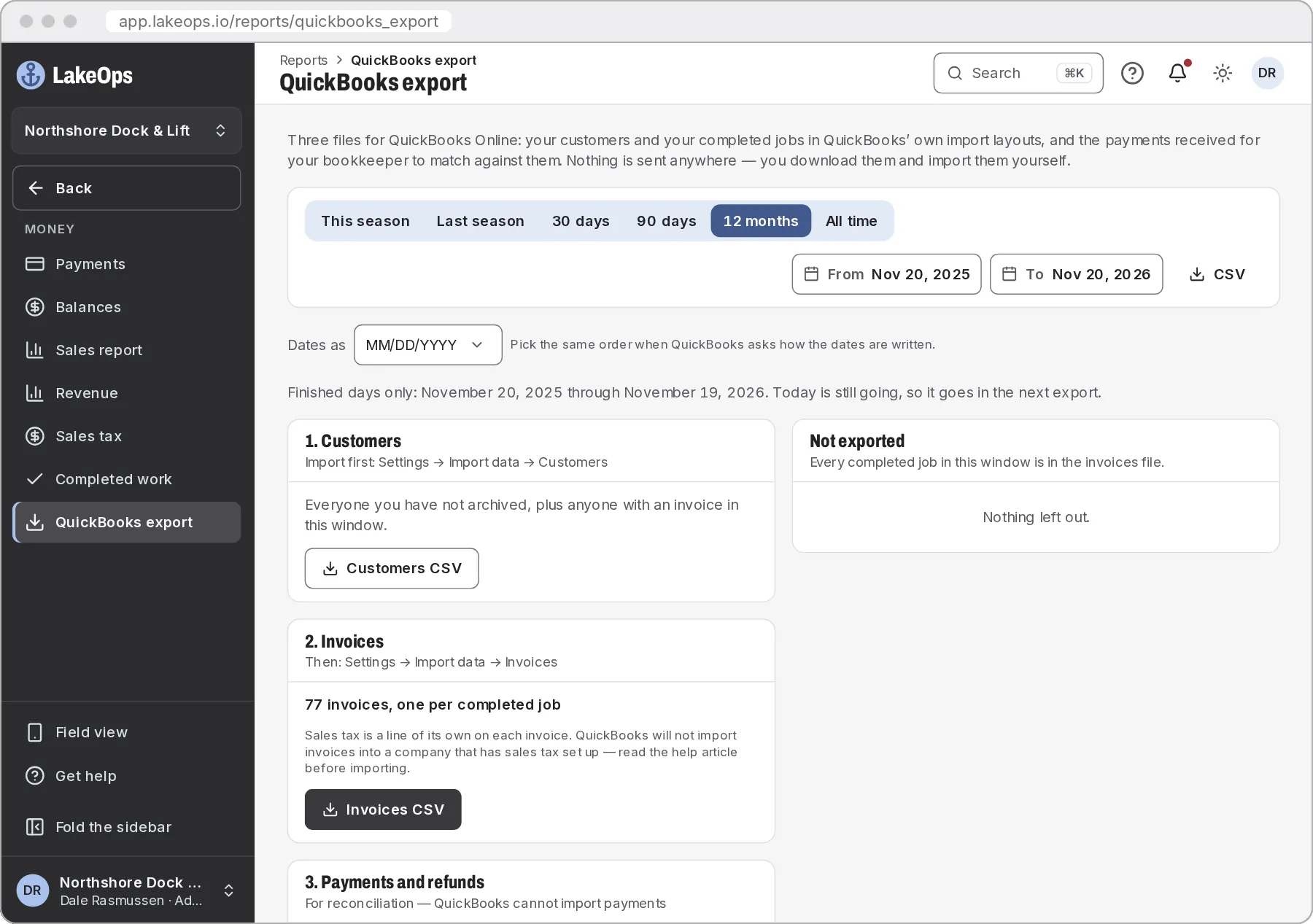
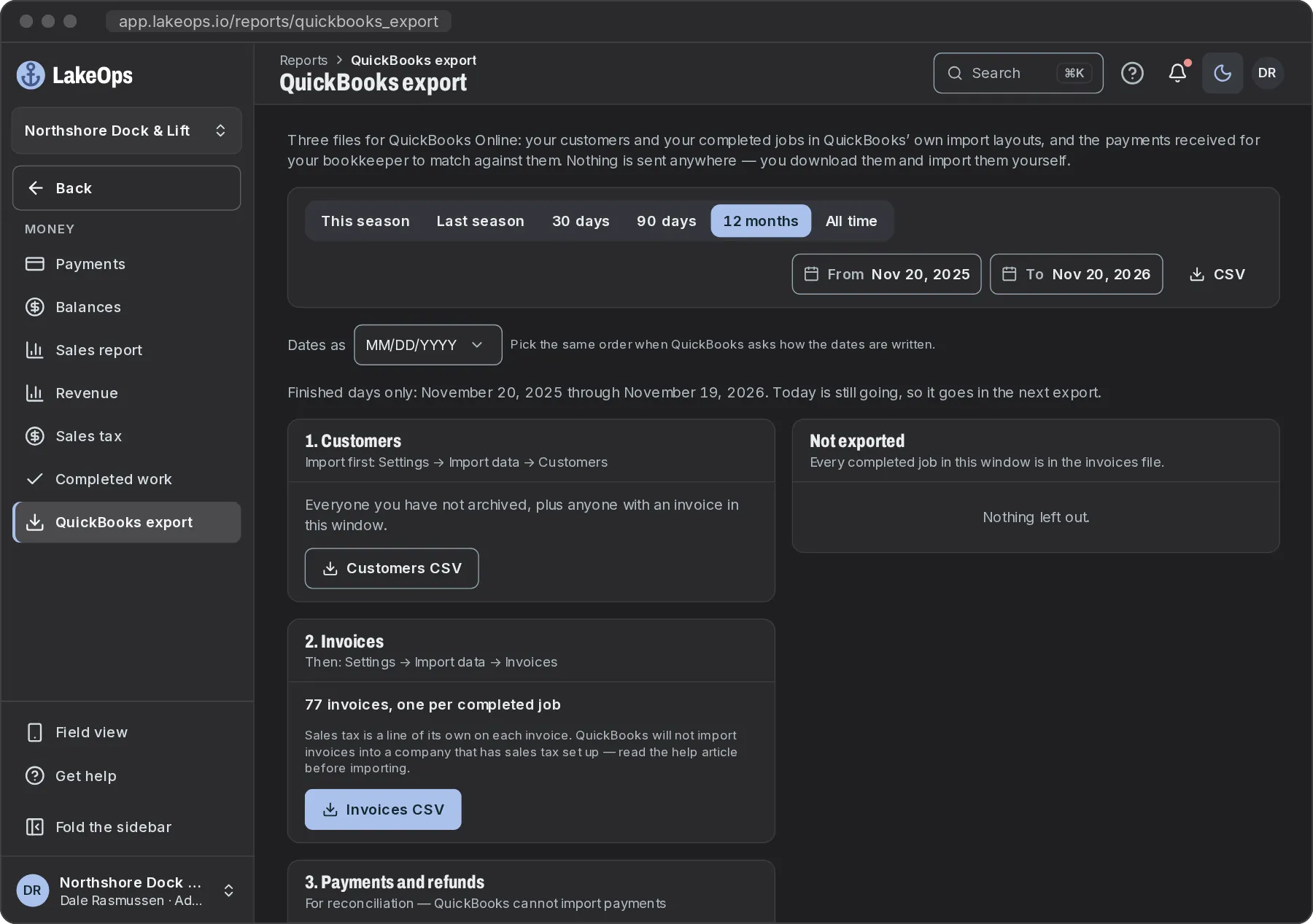
A QuickBooks Online export
Export completed jobs and what was collected for any date range as a file QuickBooks Online imports. Exporting to QuickBooks Online
Already in every LakeOps account
At no extra charge: your product list with prices, multi-line quotes with parts and units on them, a deposit when the customer accepts a quote (with LakeOps Payments on), products added to a job, and customer credit kept from an overpayment.
Questions people ask
- Does LakeOps replace QuickBooks?
- No. LakeOps bills and collects. QuickBooks stays your books, and a payment recorded in QuickBooks never changes what LakeOps says is owed.
More from LakeOps
The core
LakeOps
Starts at $199 a month
The season, the map, the crew’s phone and the bill, for a company that installs and removes docks and lifts. The core that every other product is added to.
See LakeOps
Add to LakeOps
POS
$39 a month
Ring up counter sales for parts, lifts and units from your catalog, and take cash, check, a card or put it on account. Added to LakeOps.
See POS
Add to LakeOps
Inventory
$29 a month
Know what you have on the shelf and in each warehouse, what it cost, and every movement in and out. Added to LakeOps.
See Inventory