Getting paid
Charge when the work’s done. That’s the whole billing system.
LakeOps produces no invoices. The job closes, the customer gets an email listing exactly what was done at their property with the crew’s photos and a link to pay, and the money goes to your bank. There are no invoice numbers and no QuickBooks or Xero sync to keep alive — but there is a balances report that ages what is owed, statements you can send, and an optional reminder schedule and late fee for the customers who need one.
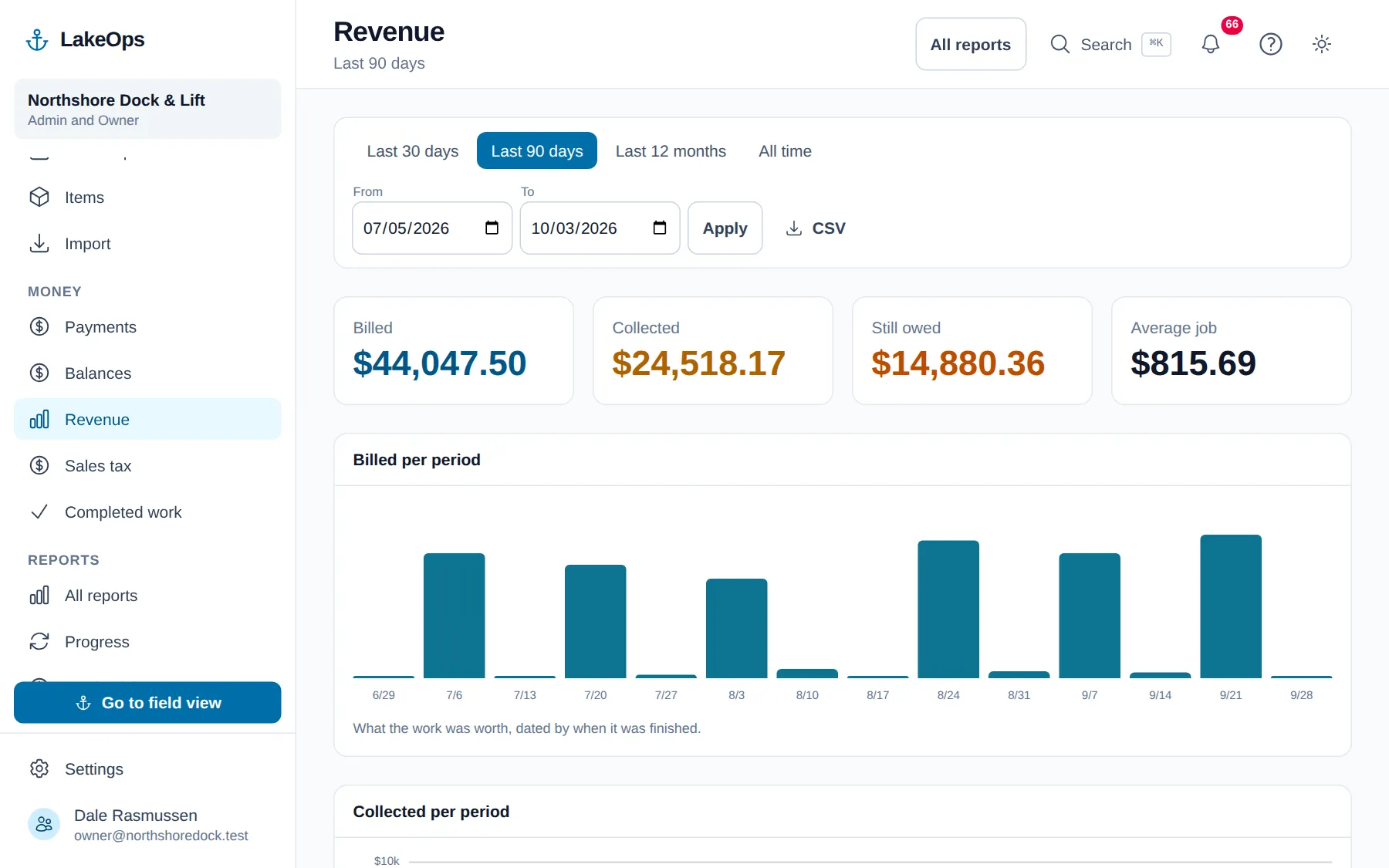
Priced off your price list, the minute it’s finished
Rates are per dock section, per item, or per hour, and the price gets locked onto the job when the job closes. Raise your rates next season and nothing you already delivered gets quietly rewritten underneath you.
- Per section for docks, per item for lifts and canopies, hourly for repairs
- Only what the crew actually finished is on the bill. A skipped piece isn’t.
- Adjust the job when a shoreline turns out harder than the price list assumed
- On-site minutes came off the crew’s own clock, so hourly work holds up
The bill waits for the last piece
The fork barge sets the dock; the crane barge is not coming until Thursday. LakeOps will not let that job close while a piece is still open, because closing it prices the work and mails the customer a total — and half a dock is not a bill. A piece that genuinely will not be done gets skipped with a reason, which is not billed and leaves the reason on the record.
- Nothing is billed until the last piece is either done or skipped
- The customer still hears what went in: a short note at the end of the day saying what is in the water and what is still to come
- That note carries no figure at all — a number in a progress email becomes a bill in the reader’s head
- Sent only when something new was finished, so a job sitting part-done for three weeks doesn’t mail the same news three times
Two ways to get paid, and you pick
Turn on LakeOps Payments and the customer pays straight from the completion email — one button, bank transfer offered first, card if they’d rather. Or leave it off entirely, keep billing exactly the way you bill today, and use the completed-work report as the handoff to whoever does your books.
- Paid the day the work is done, not at the end of the month after a statement
- The receipt goes out on its own the moment the payment clears
- Whoever does your books sees who has paid, what is outstanding and against which job
- Cash or a check goes in the same place as a card payment, so the balance is always right
- Taking cards does not stop anybody writing you a check: your remit-to sits under the pay button, on the page and in the email
- Money goes to your bank, not ours
- A 1% service fee on payments taken through it, shown as its own line. Bill your customers your own way and there is none.
And for the ones who don’t pay
You get paid without running an invoicing department. Not issuing invoices was never meant to mean not collecting: every unpaid job is aged from the day the crew finished it — there is no invoice date to age from — and you can put the whole position in front of a customer on one page whenever you want to. Chasing on a schedule and charging a late fee are both there, both off until you switch them on.
- Balances aged 0–30, 31–60, 61–90 and over 90 days, oldest money first
- A statement is one page of everything they owe, with one link that pays the lot
- Reminders at 14, 30 and 45 days by default, once each, and only ever forward
- A late fee as its own line, with your policy printed on the statement before it is ever charged
- Nobody is chased for money a saved card is already collecting
The customer can see what they’re paying for
Most billing arguments in this trade aren’t about the amount. They’re about what got done — the customer wasn’t there, they showed up at the weekend and saw a dock. A bill that says “Spring Install — $1,240” invites a phone call. A bill that lists six dock sections, a 4,000-pound lift and a canopy, with the crew’s photographs of each, doesn’t.
- Line by line: six sections in, lift and canopy set
- The crew’s own photos of the finished work
- One link, no account, no password, and it expires on its own
- Sent the day the work is done, while the dock is the freshest thing in their mind
Questions about this
- Does LakeOps do invoicing?
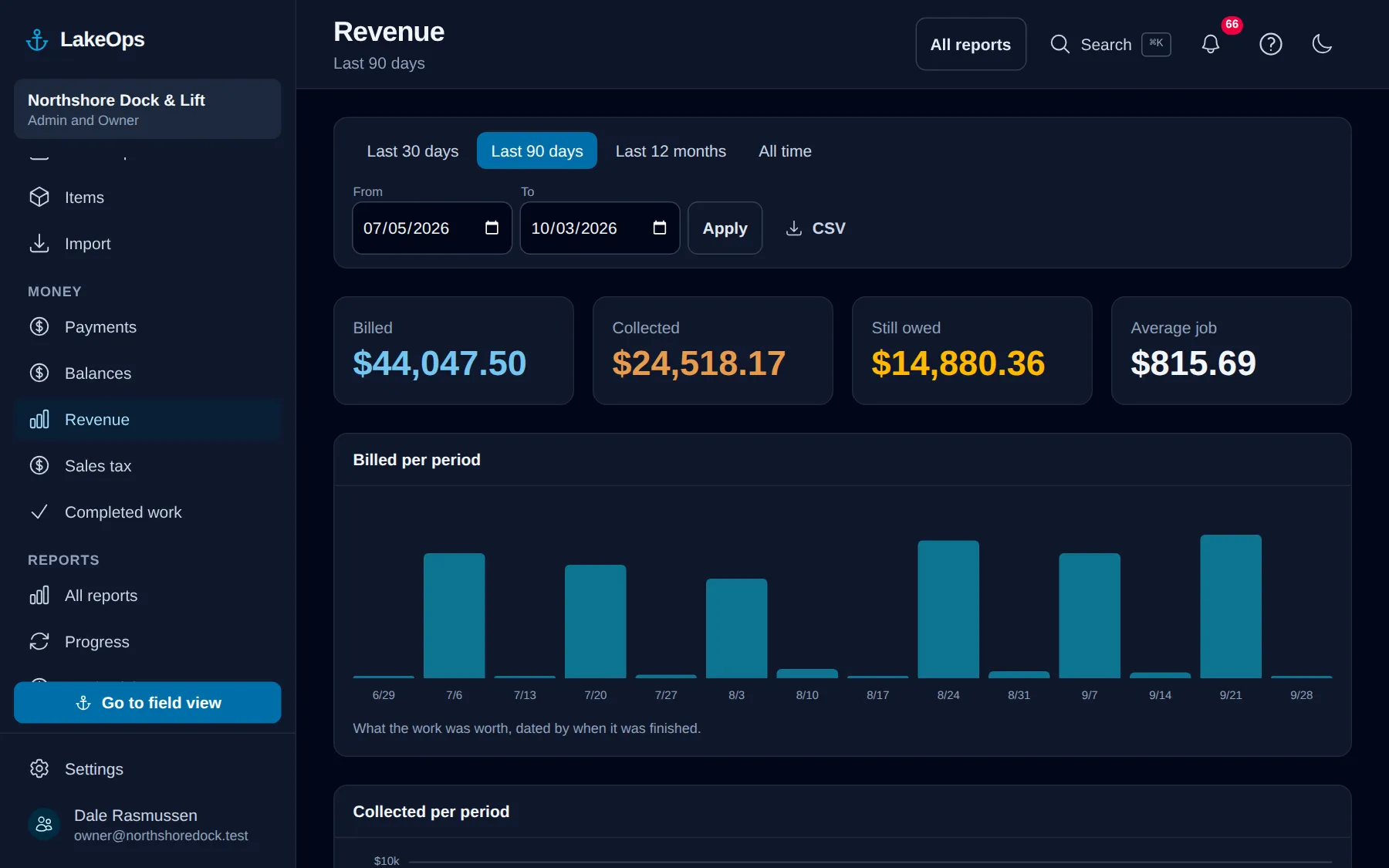
- No. LakeOps charges on completion instead: the job closes, the customer gets an itemized email with photos and a pay link, and the completed-work report is the handoff to your accountant. There are no invoice numbers and no QuickBooks or Xero sync. There is a balances report that ages what is owed, statements, and optional reminders and late fees — what you do not get is a document with a number on it. For the books, the revenue report exports one row per completed job with the tax on its own line, which your bookkeeper imports as sales receipts.
- What does it cost to take a payment?
- LakeOps Payments carries a 1% service fee on top of standard card and bank rates, and it’s shown as its own line so you always know what it was. If you bill your customers yourself, there’s no service fee at all.
- Can I keep billing the way I bill now?
- Yes. Leave LakeOps Payments off and no pay links go out at all. You take the completed-work report — one row per piece, with the customer, property, service, quantity, price and on-site minutes — and bill from it however you already do.
Put your own shoreline on the screen
Create the account yourself, import your customer list, drop a few pins, and you’re looking at your own water this afternoon. No sales call, no setup fee, and nothing charged until your first season generates work.
No card, no sales call, nothing to book — you're in within a minute. Send us a question if you'd rather ask a person first.