The job the price list cannot price
A one-off job nothing on your list resembles should wait for a person, not send a bill for $0. How Ready to bill and a typed price handle it.
· 4 min read
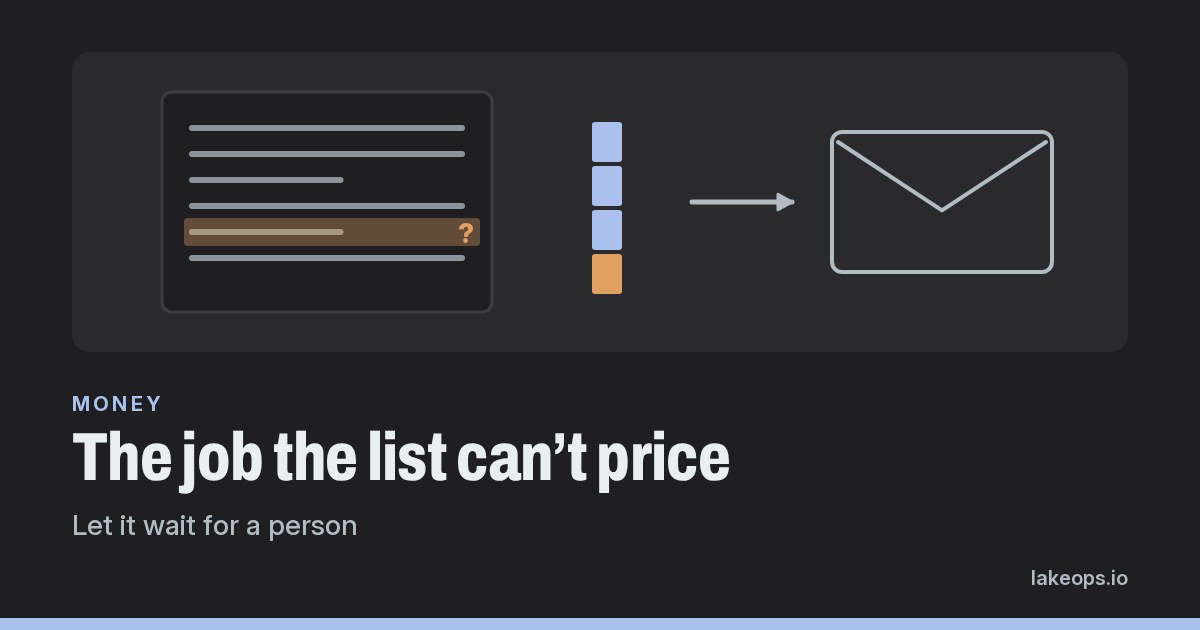
Every dock company has a price list that covers ninety percent of the work: a section in, a section out, a lift by its size, a canopy by its frame. Then there is the rest. A neighbor’s crib that needed rebuilding. A lift you moved forty feet down the shore because the bottom changed. A favor for the customer who has been with you since your father ran the boat. None of those is on the list, and every one of them still has to be billed.
The usual way that goes wrong is quiet. The crew finishes, the software prices what it can, and a bill for $0.00 — or for the one line it recognized — lands in the customer’s inbox before anybody in the office has looked at it. Now you are calling to explain that the real bill is coming, which is a worse call than sending the right one late.
Let the odd job wait for a person
In LakeOps, a one-off job your price list cannot price does not send anything. It finishes as Ready to bill: done, recorded, photographed, and waiting for you. The customer gets no email and is not charged, and the job is not counted as owed, so it does not appear on a statement or set off a reminder. The Jobs list has a filter for them and the Operations dashboard counts them, in red once one has waited a week, because a job that waits forever is its own kind of problem.
When you open one, the money panel says what is missing. Add the rate and price it again, or type the price, and it shows the total. Then one button bills it, doing whichever fits the customer: charge the card on file, email the bill, mark it billed for a customer with no email and no card, or close it when there is nothing to pay.
Type the price when that is the honest answer
Some jobs should not be priced by a rate at all. You quoted the rebuild on the phone at $1,800, and that is the price whatever the minutes say. For those, open Type the price on the job, enter the work before tax, and add a note for the record if you want one. LakeOps adds the tax, puts any parts on top, and bills it when the job is done. Typed after the work on a job not yet billed, it reprices the job and sends nothing, so you can look at it once more first.
Typing a price is a permission of its own, and the activity log records who typed one and who took one off. That matters the first time a customer asks why their neighbor paid less.
It ages from the day you billed it
A job that waited on your desk for a week is not a week overdue. Receivables in LakeOps age from the day the bill went, and the statement shows that date, so the reminder schedule does not chase a customer for the time you took.
If you would rather the customer heard something in the meantime, there is a setting for that: a short note when such a job is finished, saying the work is done and the bill will follow. No amount, no link. It is off until you turn it on.
The details are in Ready to bill and typing a job’s price.